EasyManua.ls Logo

XPower XM 1000 - User Manual

XPower XM 1000
81 pages
Print Icon
To Next Page IconTo Next Page
Loading...
by
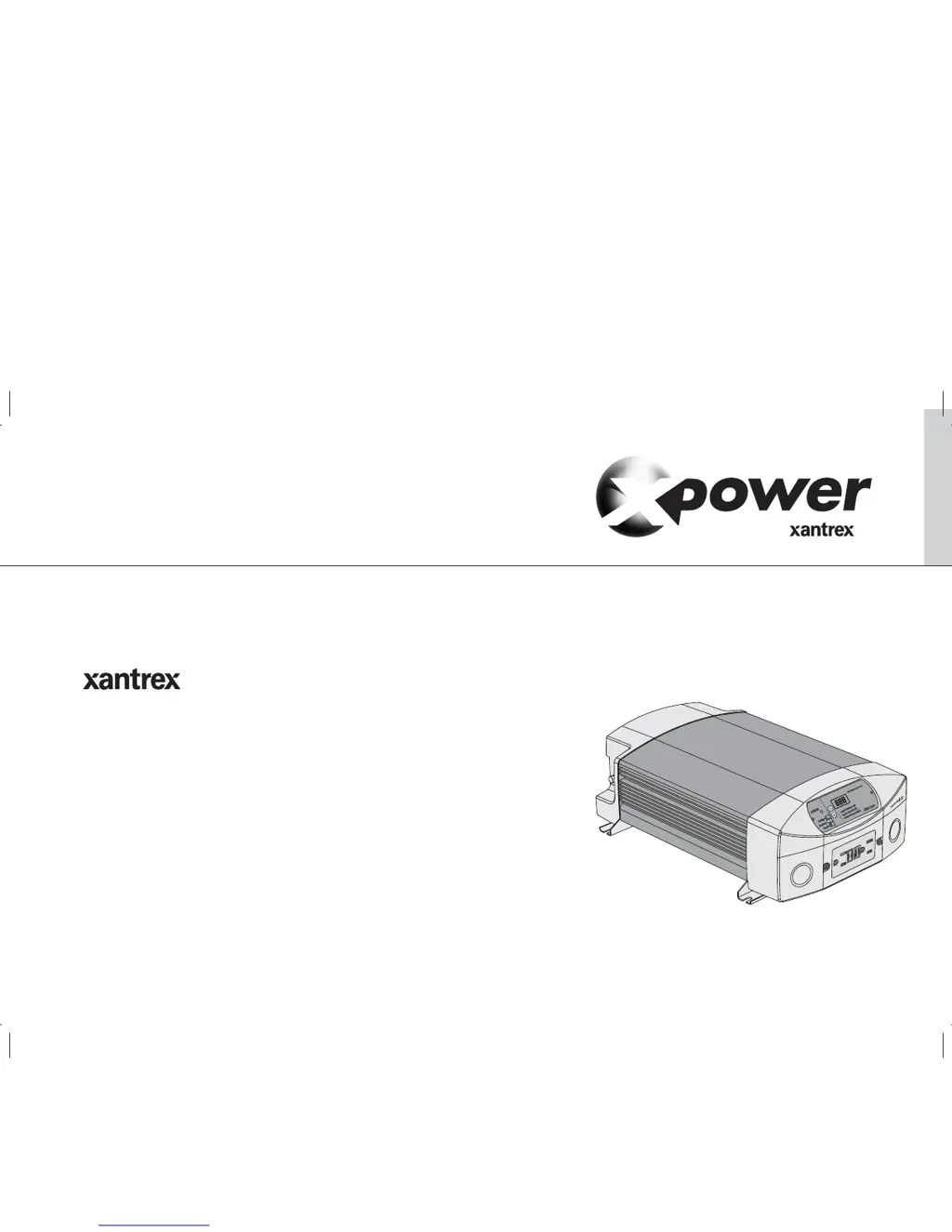
Xantrex PRO Inverter
XM 1000 and XM 1800
Owner's Guide
975-0263-01-01 REV. C Printed in China
t 1-800-670-0707 (toll-free in North America)
1-360-925-5097 (direct)
f 1-360-925-5143 (direct)
e CustomerService@xantrex.com
www.xantrex.com

Table of Contents

Questions and Answers

  • F
    francisscottJul 26, 2025
    What to do if the XPower XM 1000 has no output voltage and the status LED is red?
    • C
      chad92Jul 27, 2025
      If your XPower Inverter shows a red status LED and no output voltage, it could be due to several reasons: * Low input voltage (fault code E02): Recharge the battery and check connections. * High input voltage (fault code E03): Ensure the XM 1800 is connected to a 12 V battery and check the charging system's voltage regulation. * Thermal shutdown (fault code E08): Allow the unit to cool off, reduce the load, and improve ventilation. Ensure the inverter’s ventilation openings are not obstructed and reduce the ambient temperature. * Unit overload or short-circuited output (fault code E05): Reduce the load, ensuring it doesn't exceed the XM 1800’s output rating. Remove any short circuits.
  • T
    Teresa WilsonJul 31, 2025
    What to do if XPower XM 1000 has no output voltage, the status LED and the display are off?
    • S
      Steven HuffmanJul 31, 2025
      If your XPower Inverter has no output voltage, and both the Status LED and display are off, it could be due to several reasons: * The inverter is off: Turn the inverter on. * No power to the inverter: Check the wiring to the inverter and to the disconnect/battery selector switch. * Reverse DC input polarity: The inverter has probably been damaged and needs to be returned. * No AC and DC power: Connect or apply AC shore power and turn the XM 1800 on. * Tripped 15 A supplementary circuit breaker: Reset supplementary circuit breaker and turn the XM 1800 on.
  • M
    Melissa PollardAug 5, 2025
    What to do if XPower XM 1000 Inverter has no output voltage with shore power connected?
    • C
      Courtney WrightAug 5, 2025
      If your XPower Inverter has no output voltage when shore power is connected, it could be due to the following reasons: * Shore power has dropped below 90 V: Check shore power voltage. * GFCI has tripped: Check the load and reset the GFCI. Turn inverter on. * 15 A supplementary circuit breaker has tripped: Reset the supplementary circuit breaker.
  • K
    kellycrawfordAug 10, 2025
    How to improve television reception when using an XPower XM 1000 Inverter?
    • E
      Edward OconnellAug 10, 2025
      To improve television reception with your XPower Inverter, try the following: * Ensure the chassis ground stud on the XM 1800 is solidly connected to the ground system of your vehicle or home. * Make sure the television antenna provides an adequate (“snow-free”) signal and that you are using good quality cable between the antenna and the television. * Keep the cables between the battery and the XM 1800 as short as possible, and twist them together with two to three twists per foot. * Move the television as far away from the XM 1800 as possible. * Do not operate high power loads with the XM 1800 while the television is on.
  • J
    Jeremiah TorresAug 15, 2025
    Why is the output voltage of my XPower Inverter low (96 VAC–104 VAC)?
    • W
      williamsjenniferAug 15, 2025
      A low output voltage (96 VAC–104 VAC) on your XPower Inverter might be because you are using a voltmeter that cannot accurately read the RMS voltage of a modified sine wave. Use a true RMS reading voltmeter such as the Fluke 87.
  • Z
    zcostaAug 20, 2025
    How to eliminate buzz in audio equipment when using an XPower Inverter?
    • A
      Adam WilliamsAug 20, 2025
      If you're experiencing a buzz in your audio equipment when using the XPower Inverter, it's likely because the power supply in the audio system doesn't adequately filter the modified sine wave produced by the inverter. The only solution is to use a sound system that has a higher quality power supply.

Summary

Xantrex PRO Inverter Owners Guide

Important Safety Instructions

Explosive Gas Precautions

Warns about hazards associated with lead-acid batteries and potential arcs/sparks.

Precautions When Working With Batteries

Provides essential safety guidelines for handling and working near batteries.

Precautions for Using Rechargeable Appliances

Advises on potential damage to certain appliances due to the inverter's output waveform.

Installation

Designing Your Installation

Guides users through planning the system setup for optimal performance.

Calculating Battery Requirements

Explains how to determine the necessary battery capacity based on load usage.

Installing the XM 1800

Provides an overview and steps for physically installing the inverter unit.

Connecting the Chassis Ground

Details the critical process of grounding the inverter chassis for safety.

Grounding Locations

Identifies suitable grounding points for connecting the inverter chassis.

AC Wiring

Covers the process of wiring the inverter's AC input and output connections.

Connecting AC Input

Provides step-by-step instructions for connecting the AC power input to the inverter.

Connecting AC Output to an Existing AC Circuit

Details how to connect the inverter's AC output to an existing AC circuit.

Connecting the DC Cables

Explains the procedure for connecting the DC power cables between the battery and inverter.

Testing Your Installation

Outlines the tests required to verify the correct installation and operation.

Operation

Front Panel Operation

Explains how to use the remote control panel for monitoring and control.

Operating Limits

Details the power output and input voltage limitations of the inverter.

Troubleshooting

Common Problems

Addresses common issues like audio buzzing and television interference.

Understanding Fault Codes

Explains the fault codes displayed by the inverter for diagnosing issues.

Troubleshooting Reference

Provides a table of problems, possible causes, and solutions for common issues.

Specifications

Electrical Performance

Lists detailed electrical specifications like output power, voltage, and input range.

Mounting Dimensions

Battery Types

Estimating Battery Requirements

Provides a method and worksheet to calculate the required battery capacity.

Alternators and Charging Systems

XPower XM 1000 Specifications

General IconGeneral
BrandXPower
ModelXM 1000
CategoryInverter
LanguageEnglish

Related product manuals