3 Setup
3.1 Setting Up the Printer
1. Place the printer on a flat, secure surface.
2. Make sure the power switch is off.
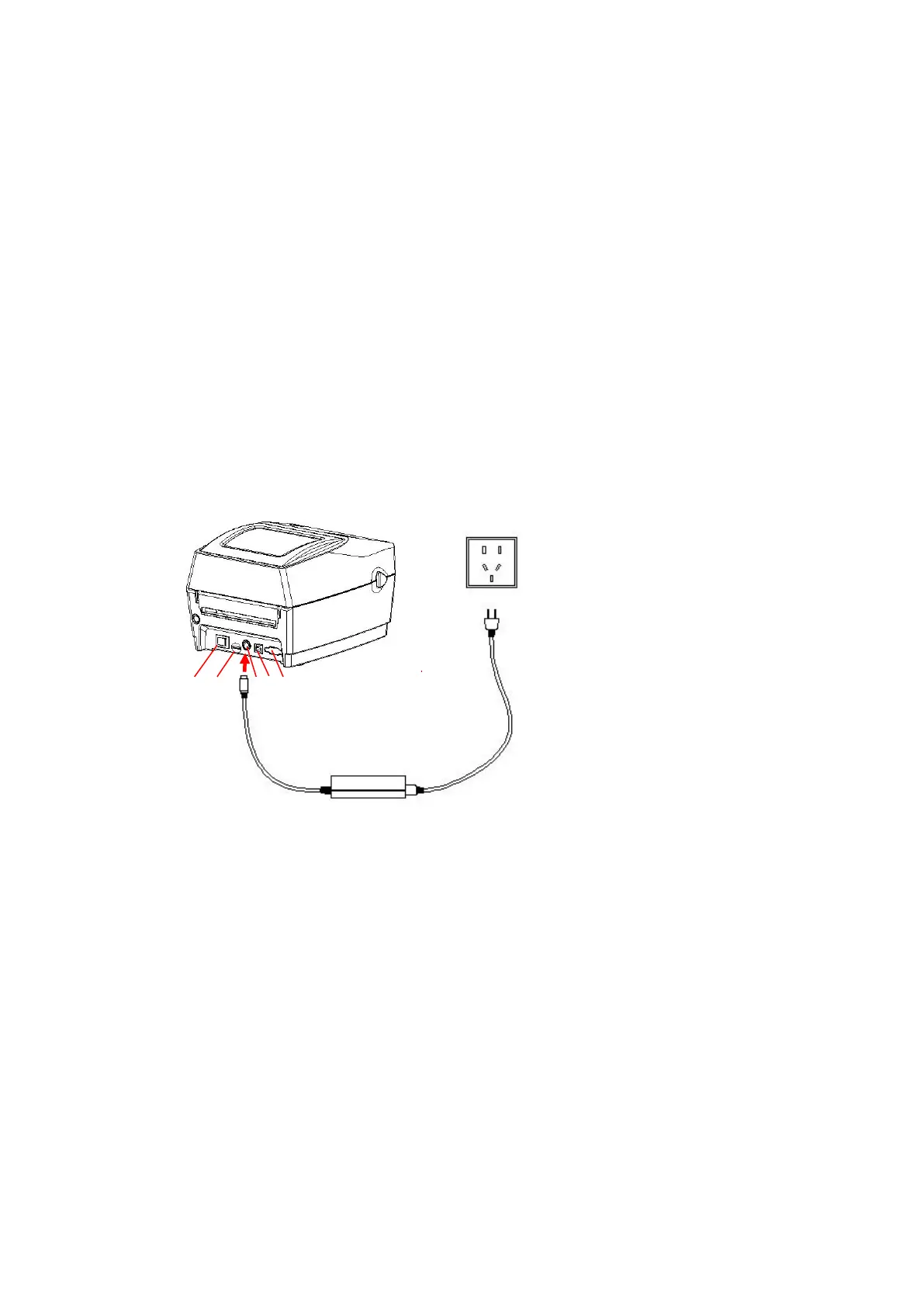
3. Connect the printer to the computer with the RS-232 or USB cable.
4. Plug the DC power cord into the power jack at the rear of the printer, and then
plug the AC power cord into a properly grounded receptacle.
Note: When plug power code into the rear of printer please make sure the printer power switch is off.
6
1. Power Switch
2. SD Card
3. Power Jack
4. USB Interface
5. RS-232C DB-9 Interface



 To Next Page