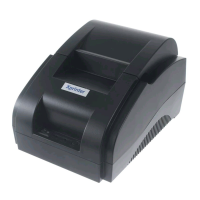
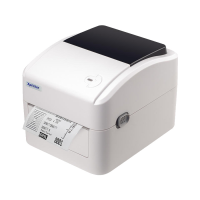
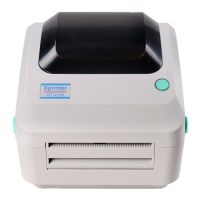
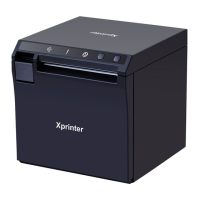
the printer enters the working state,and the power green indicator is on.
Printer 1PC
Data cable 1PC
Battery 1PC
User manual 1PC
Paper roll 1ROLL
Printer
Battery
User manual
Paper roll
Data cable
Button name,Indicator Light and Buzzer function:
Power button
a.Turn on: Press and hold the power button 2 seconds when the power is off,
b.Turn off: Press and hold the power button 3 seconds during the power-on
state,the printer power is off,and all the indicators are off.
Battery housing

 Need help?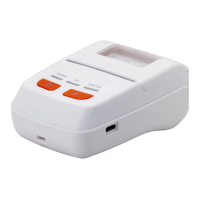

 To Next Page
 General