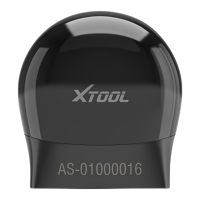
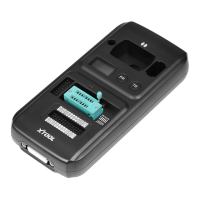
Connection steps:
1. First open the A30 Pro host;
2. Connect the host and VCI via Bluetooth;
3. Connect the VCI to the car with the main test line;
4. Start the test.
Chapter 3 Product usage
introduction
3.1 Product activation
First use Xtool A30 Pro need activate device
Steps:Connect WI-FI first, enter activation page, via
hints to input cell phone number to verify, after
receiving message authentication code, input the code
and finish the verification.
Caution:1. Only need activate system one time



 To Next Page