Xtralis VESDA
®
Xtralis VESDA LCD Programmer Product Guide
www.xtralis.com 9
Intentional Log Off
To log off the system:
1. Press the
ESC key until the Log Off warning screen is displayed
2. Confirm the Log Off with a
YES key
3. The LCD Programmer will display the LOGON screen
4. Press the
ESC key
5. The LCD Programmer will now be in the standby mode and display the VESDA logo.
7 The LCD Programmer Menu
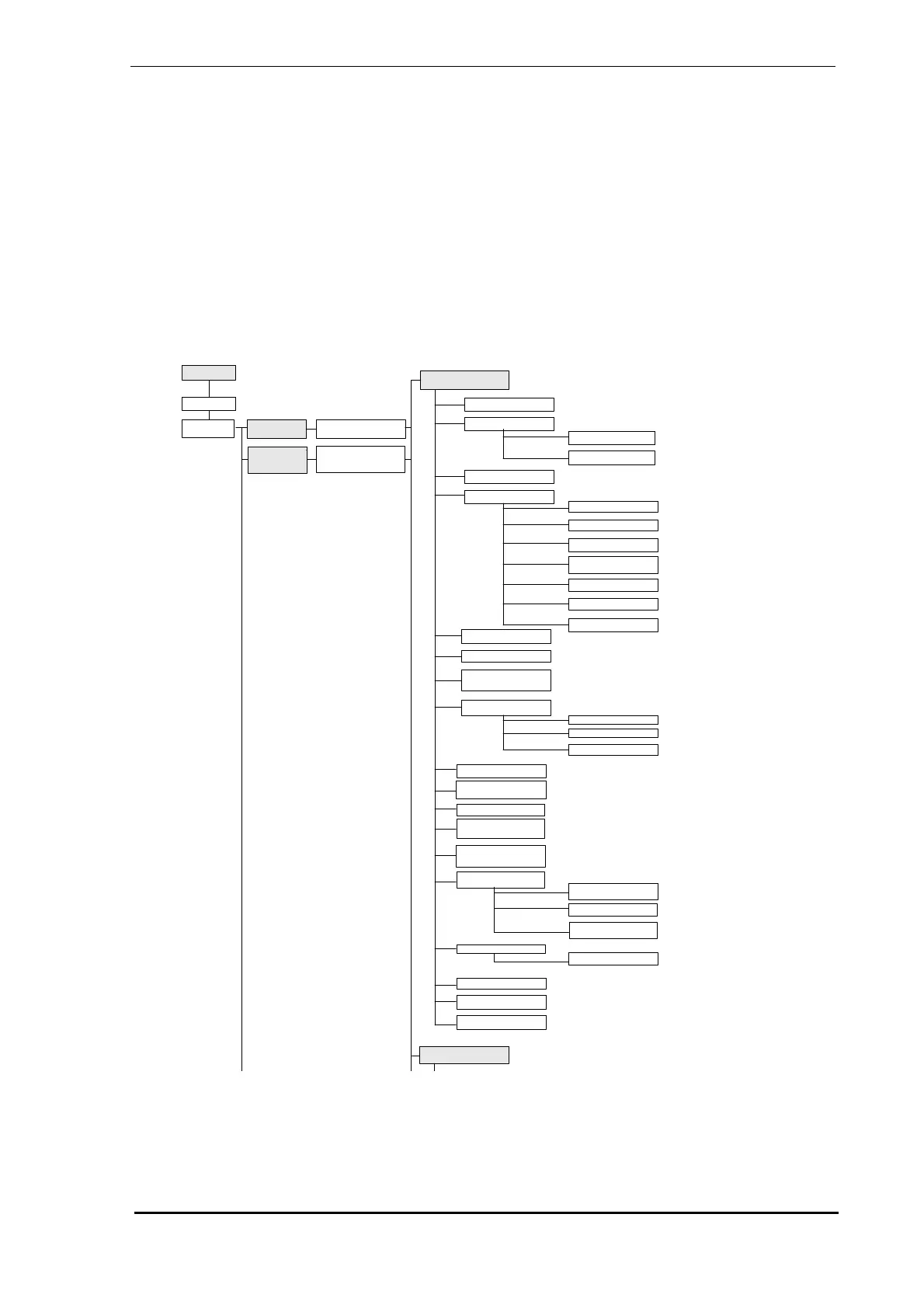
A Menu Tree is presented in below. The screen numbering in the Menu Tree corresponds to the
screen number in the LCD Programmer Screen Description on page 13.
Figure 4 - The programmer menu 1 of 4
34. Latching
1. Main Menu
2. Logon
3. VLP
Detector
4. Setup By
Zone
6. VLP Detector
138. Setup By
Type
5. Zone Number and
Name
7. Status
8. Event Log
9. View Events
10. Select Events
11. Zone Control
12. Smoke Thresholds
13. Day Thresholds
14. Night Thresholds
15. Alarm Delays
16. Change-Over
Times
17. Weekend
18. Holidays
19. Smoke Change
20. AutoLearn
21. Zone Number
22. Zone Name/
Location
23. Air Flow
26. Normalize
27. Filter
24. Flow Thresholds
25. Flow Control
28. Reference
Detector
29. Rebuild Zone List
30. Power Supply
Number
31. Relays/Disp
Connected
32. Relay Setup
33. Relay Startup
Mode
35. Relay 1-7
Assignment
36. Diagnostics
37. Relay Test
38. Factor Defaults
39. Communications
40. Miscellaneous
139. VESDA Devices
VLP/VLS/VLC
Detectors & Ancillaries
41. VLS Detector



 To Next Page