Xtralis VESDA
®
Xtralis VESDA LCD Programmer Product Guide
www.xtralis.com 17
25. Flow Control - Allows you to change the aspirator speed for VLP and VLS. Enter
the pipes in use by placing a
against the respective pipe. Default: 3000rpm,
Min. 3000rpm, Max 4200rpm
ADM
26. Normalize - The Normalize screen displays the current air flow rates and the
current raw flow for each pipe in use. To normalize the air flow highlight Start and
press .
Note: Normalizing air flow takes approximately 11 minutes. Ensure that the pipes
in use have been (screen 25) before commencing normalization.
ADM
27. Filter - Displays details on the life and usage of the filter. When the filter is replaced
with a new filter, highlight Start and press to restart the dust count and due date
for replacement. The service interval for filter replacements can be entered to suit
the ambient conditions of the VESDA Zone in which the detector is installed.
• Life Used
• Date Due
• Service Interval
• New Filter
• Dust Count
• Dust Limit
Default: 1825 days (5 years), Min. 1 day, Max 3655 days (10 years)
ADM
DST
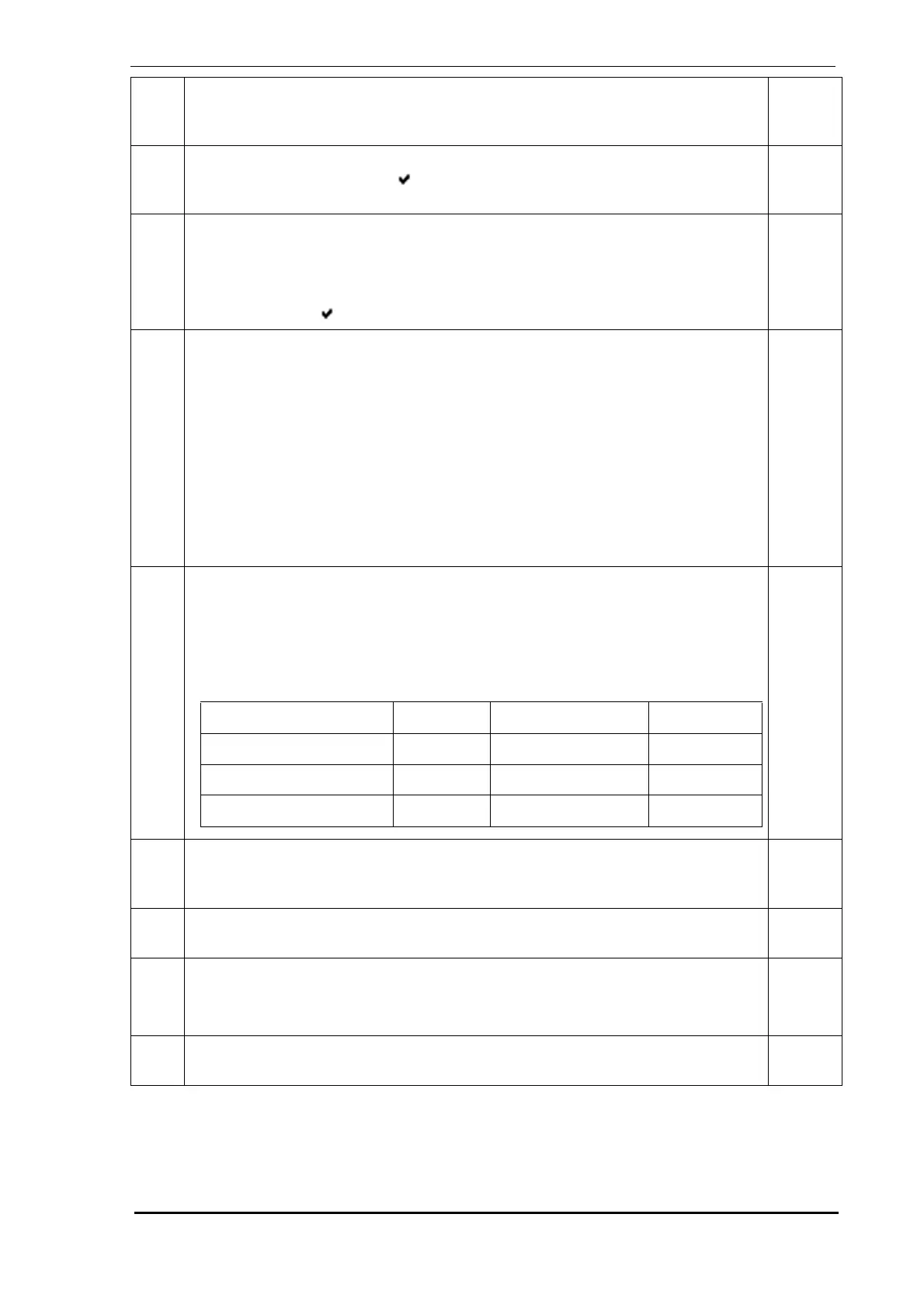
28. Reference Detector - If a reference detector is connected to VESDAnet, enter the:
• Reference Address Number
• Dilution Factor - This is the factor by which the background levels have to
reduce to reach the levels of the current VESDA Zone
• Delay - This is the time taken for the current VESDA Zone to return to its
ambient levels after background from the Reference Address is introduced.
ADM
29. Rebuild Address List - Highlight Start and press to rebuild the Address List.
Use this option to rebuild the Address List after removing a display module
assigned to the detector.
ADM
30. Power Supply Number - Input the number of the power supply that is assigned to
the detector. If the Intelligent Power Supply is not being used enter “0”.
ADM
31. Relays/Disp Connected - This screen displays the number of relays connected to
the detector. It also indicates if the detector is a VLS.
Default: None (display only), Min./Max Selectable
ADM
32. Relay Setup - This screen and its sub-menus allow setting up the assignment of
functions to the relays and to energize or de-energize the relays.
ADM
Scrn
No.
Description
Min.
Access
Level
↵
↵
Parameter Default Minimum Maximum
Reference Address No 255 Selectable Selectable
Dilution 100% 1% 100%
Delay 2 minutes 0 minutes 15 minutes
↵



 To Next Page