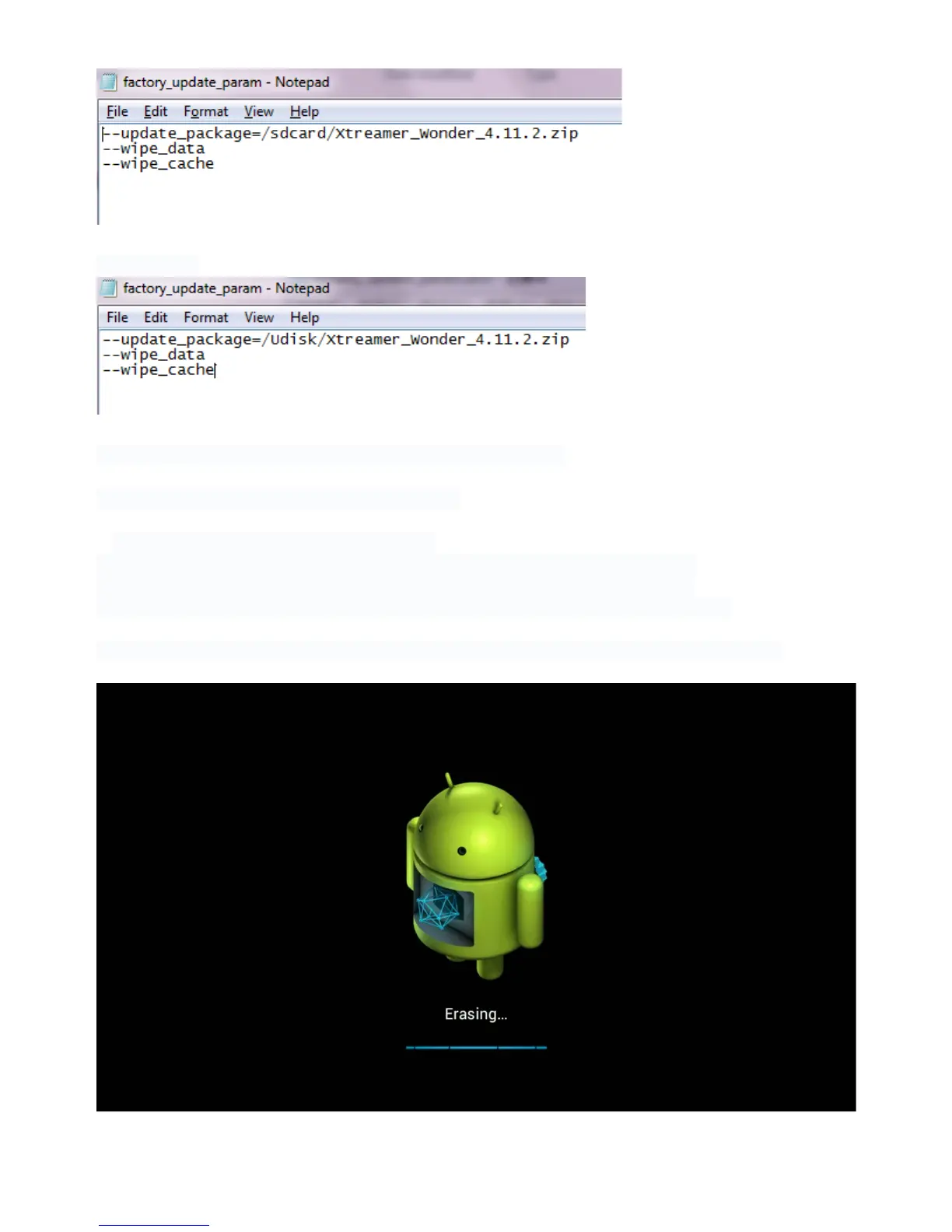
For USB stick:
3. Copy all les to the Root of your Micro SD card or USB disk.!
!
4. Insert the SD card or USB stick into Xtreamer Wonder
5. Remove the power cable from the device.!
There is a small hole called RESET under the NETWORK port on the back panel!
Insert a paper-clip in the hole and gently press and hold on the button inside.!
Plug the power cable in while holding the button. Keep holding for a few seconds.
The device will boot into Recovery mode and automatically start the upgrade procedure.



 To Next Page