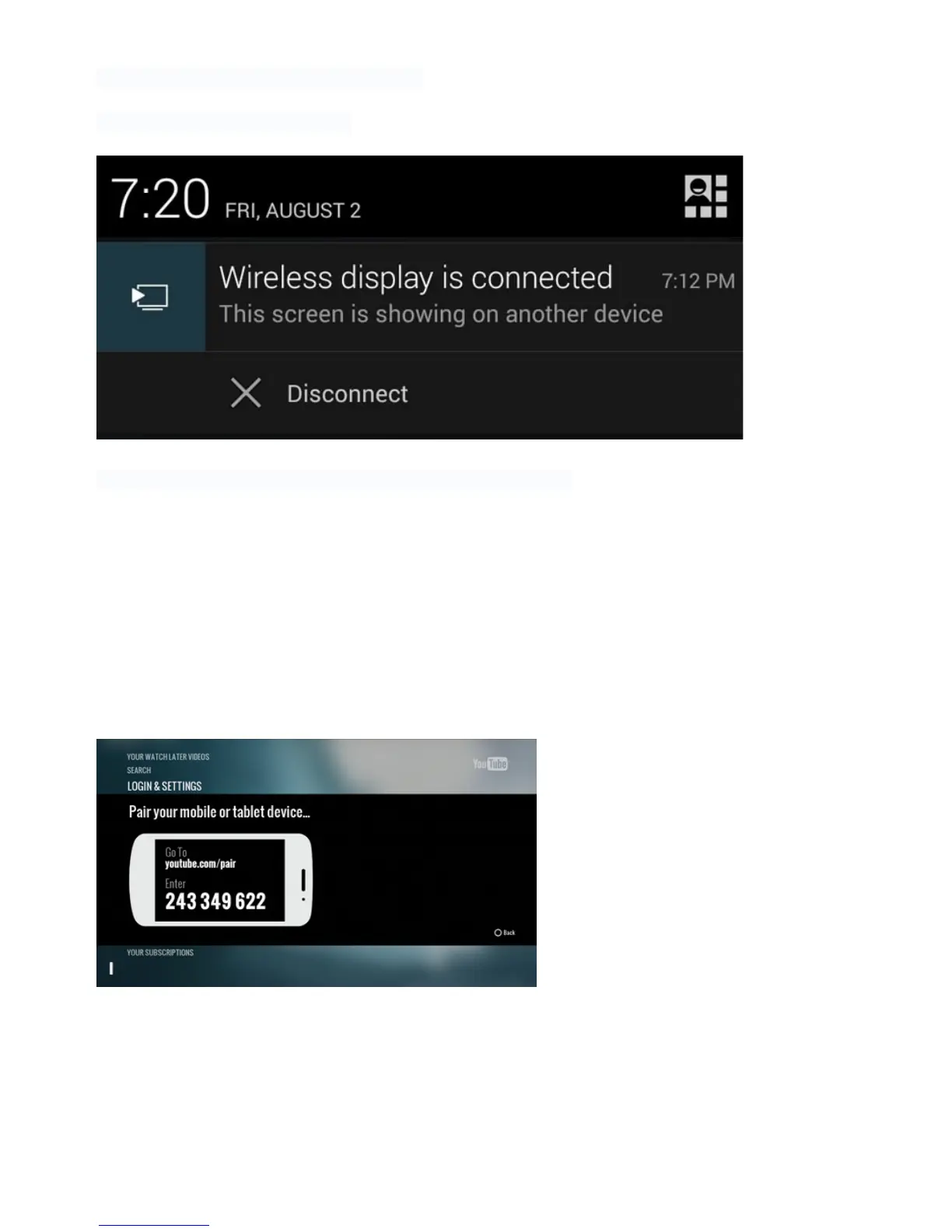
The connection might take a few seconds.!
!
Then you will see on your phone:!
!
!
!
And the screen of your Android device will appear on your TV.!
!
YouTube Sync
The Android YouTube application was created for mobile devices and that means a touch panel.
So every time you want to search for a video you have to bring up the virtual keyboard and use
your pointer to enter the query.
However, there is a simpler way. You can pair the app on your Xtreamer Wonder to a phone or
tablet and easily control them.
Step 1: Find the pairing code
•
Launch YouTube on your Wonder.
•
Navigate to Settings.
•
Scroll to the Pair device screen.



 To Next Page