Recovery mode
Recovery mode is a useful Android tool that allows you to x various system issues.
To enter the mode:
1. Remove the power cable from the device.!
2. There is a small hole called RESET under the NETWORK port on the back panel!
3. Insert a paper-clip in the hole and gently press and hold on the button inside.!
4. Plug the power cable in while holding the button. Keep holding for a few seconds.!
!
The Wonder will boot into recovery mode.!
I would advise to connect a regular USB keyboard for this part.!
Navigate to RESET\WIPE CACHE.!
Reset the device and then reboot.
Note: We advise to connect a wired keyboard for navigation within the Recovery mode.
File managers
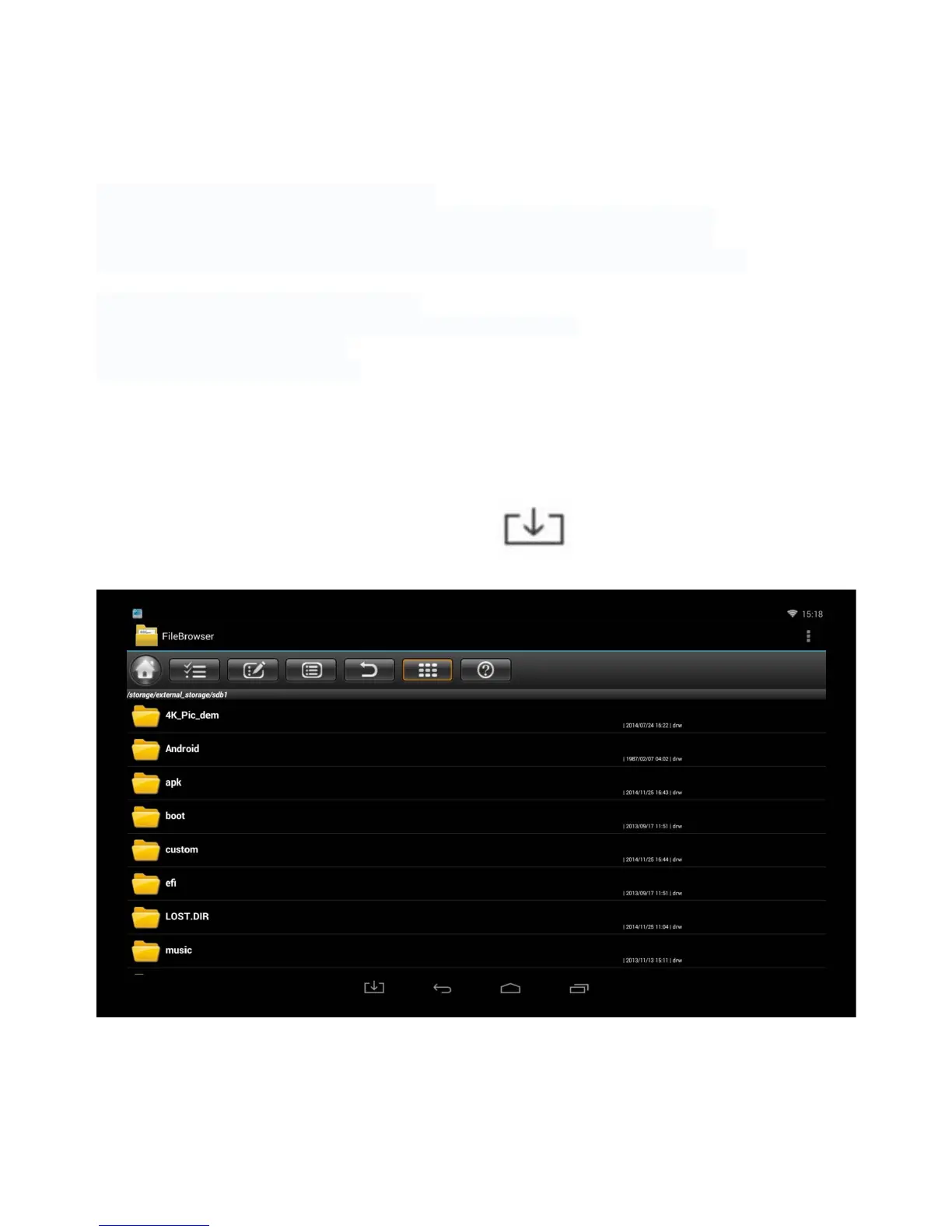
You can access the File Manager by pressing on the icon on the navigation bar.



 To Next Page