EasyManua.ls Logo

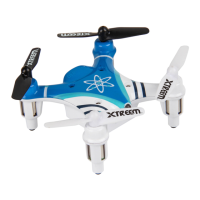
Xtreem Atom - Controlling Your Atom; Correcting Navigational Drifts

Xtreem Atom
8 pages
Print Icon
To Next Page IconTo Next Page
To Previous Page IconTo Previous Page
Loading...
6
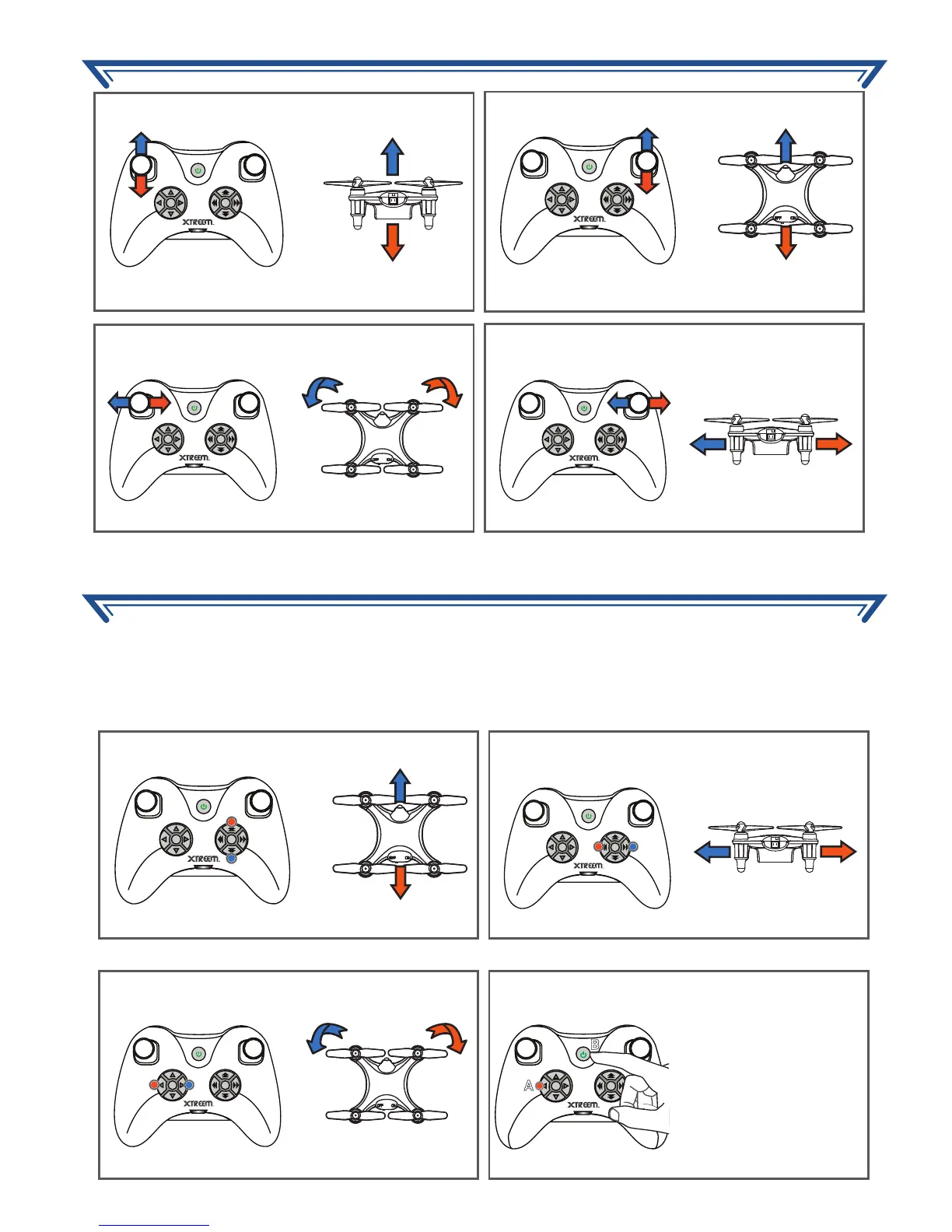
During flight, it is normal for the Atom to go off-course slightly. But if it drifts constantly without
any input from the controller sticks, you have to adjust the trim controls to compensate for the
drifting. Basically, the trim ‘fine-tunes’ the speed of the rotors. Simply press the appropriate
trim button opposite to the movement repeatedly until the Atom is flying as straight as possible.
OK
*
OK
*

OK
*
A
B
OK
*
OK
*
OK
*
OK
*
OK
*
UP
DOWN
FORWARD
FORWARD/BACKWARD TRIM
BACKWARD
ROTATE
ROTATION TRIM
RESET TRIM SETTINGS
SIDE TO SIDE
SIDEWAYS TRIM
Make sure the
controller is off. Press
and hold the Trim
Reset Button (A) then
press the ON/OFF
Button to turn on the
controller.
CONTROLLING YOUR ATOM
CORRECTING NAVIGATIONAL DRIFTS

Related product manuals