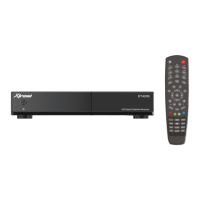
(D) Remote Control
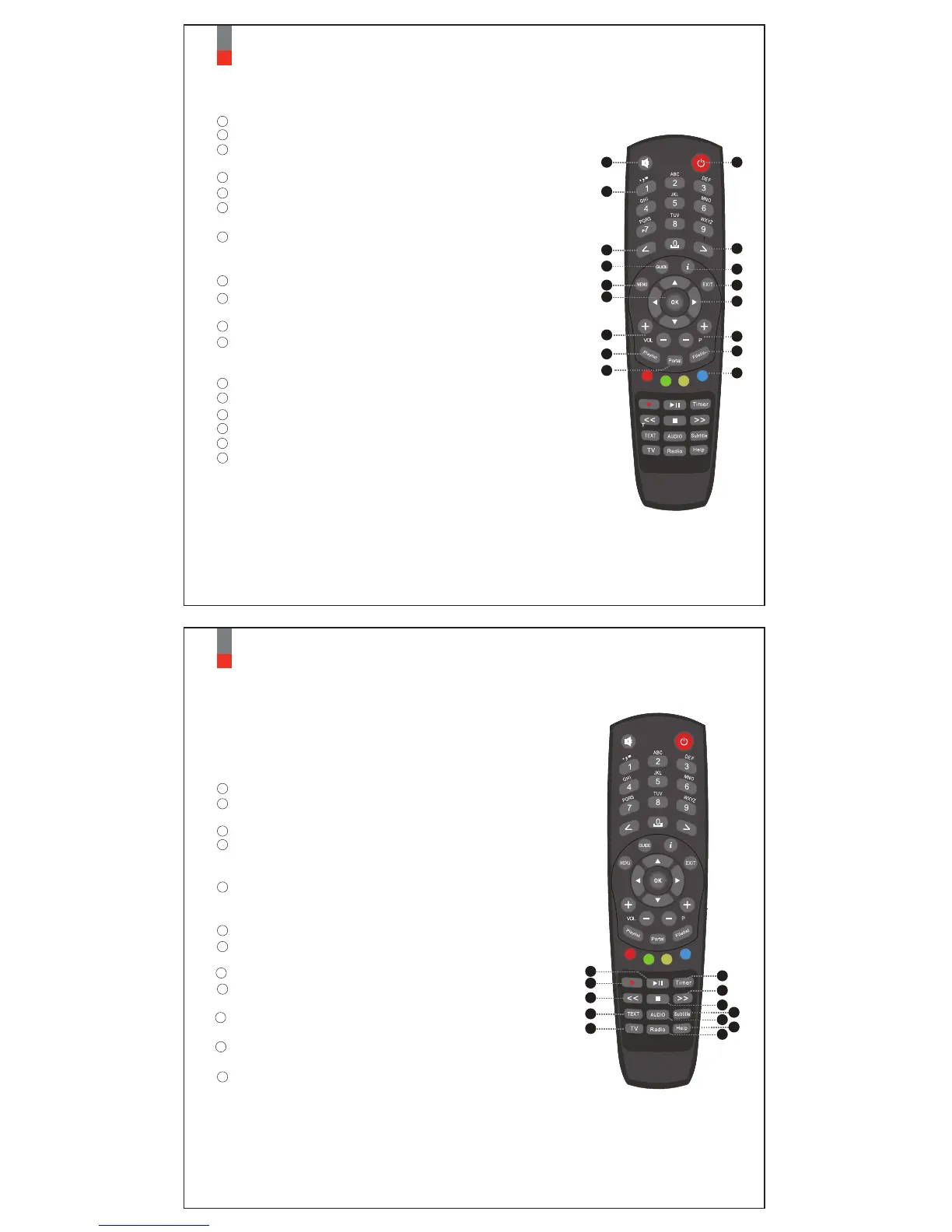
Power : To switch the receiver in and out of stand-by mode.
Numeric Keys : Enters a service number for service change or
to specify values for menu options.
< : Navigates left on the menu options.
> : Navigates right on the menu options.
Color Keys : Each key is assigned a specific function that may be
different in each menu.
• Red - mainly used for REC, Cancel, etc.
• Green - mainly used for OK
• Yellow
• Blue
GUIDE : Displays the Electronic Program Guide (EPG) information
if provided.
MENU : Displays the main menu.
Information : Displays the service information box.
It is also used to display more information about a
program.
EXIT : Exits the current menu option into the live mode, or switches
one step back of the menu.
OK : Confirms the selected menu option.
Navigation Keys : Navigates Up/Down and Left/Right on the menu
options. Up/down keys are used to call up the
channel list.
Mute : Mutes the audio.
VOL +/- : Adjusts the audio volume.
P +/- : Navigates through the scanned channel list
Playlist : Displays channel list during viewing mode.
Filelist : Displays the list of recordings stored on the internal HDD if any.
06
Xtrend ET4000
1
3
4
5
17
6
8
7
9
10
11
2
12
13
14
15
Portal : Display the list of TV portal service.
16
1
5
13
9
11
15
17
7
2
3
4
8
6
10
14
16
12
07
Xtrend ET4000
▶ll : Play and Pause
<< : Fast Rewind
Fast rewinds at up to 128 times faster than the normal speed
(x2/4/8/16/32/64/128)
>> : Fast Forward
Fast forwards at up to 128 times faster than the normal speed
(x2/4/8/16/32/64/128)
Recording : Displays the recording menu.
(ET4000 does not support this function)
Radio : : Displays the Radio channel list.
Stop : Stops playing and goes to the live mode.
Timer : Sets sleep timer
TEXT : Displays the Teletext information of the current channel,
if the channel provides Teletext data.
Subtitle : Displays the subtitle of the current channel
if the channel provides subtitle.
18
21
22
19
29
23
20
24
TV : Displays the TV channel list.
25
Audio : Displays the audio track option to choose
(e.g. AC3, Stereo).
27
Help : Displays major important operation methods of STB.
This provides users with a quick guide using of STB.
28
26
19
21
24
25
18
20
22
23
27
29
28
26


 To Next Page
 Loading...