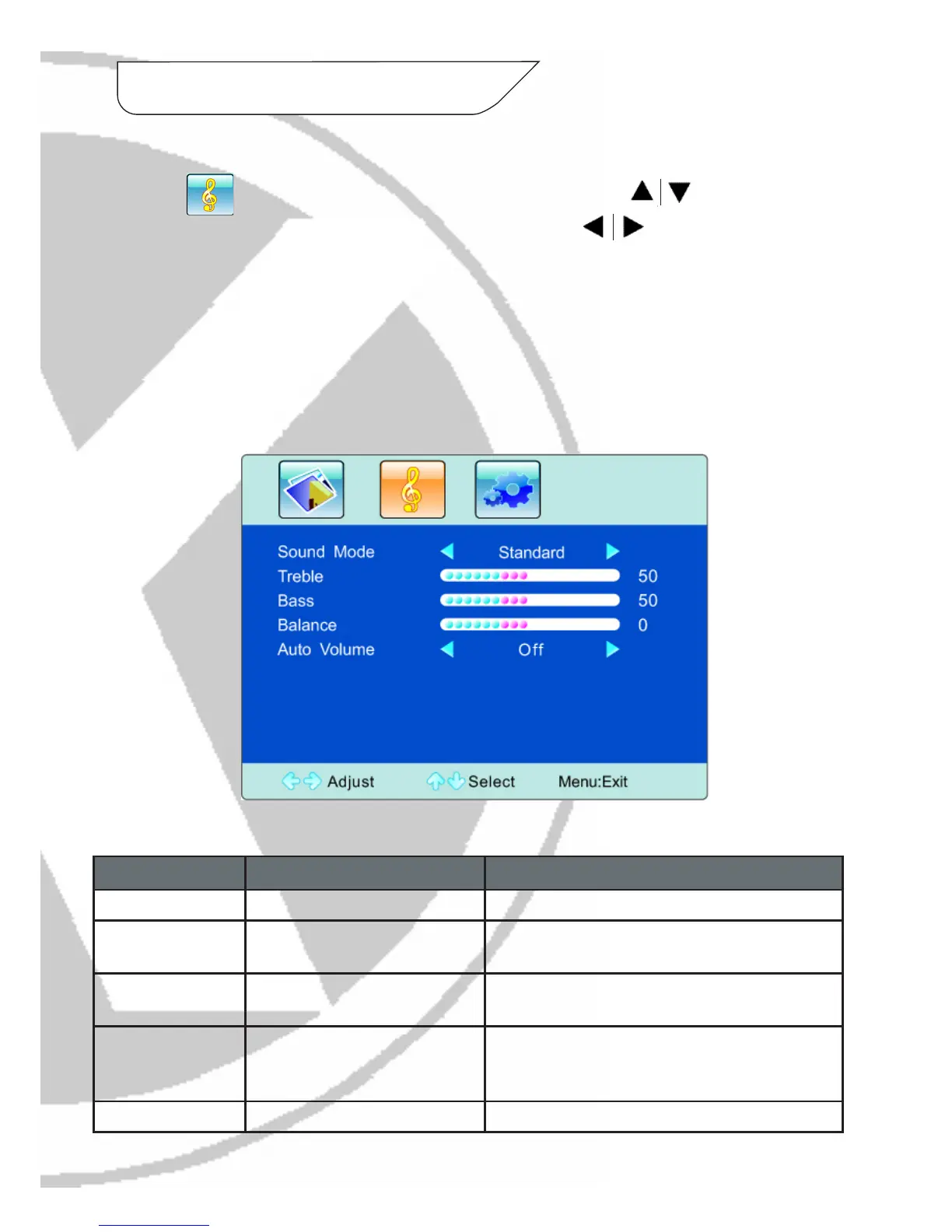
Option Function Description
Sound Mode Select audio effect mode 4 options: Standard, Music, Movie, User
Treble Adjust treble value Increasing values increases the treble (treble level
0-100)
Bass Adjust bass value Increasing values increases the bass (bass level
0-100)
Balance Adjust balance of left or right
sound
Increasing values decreases the left volume and
decreasing values decreases the right volume (hue
level 0-100)
Auto Volume Select Auto Volume 2 options: On or Off
Sound Settings:
Press to enter the PICTURE submenu. Press the keys to choose
which settings you would like to adjust. Press the keys to adjust the
analog value or state (i.e. please see image below):
7. OSD Menu continued
Please Note:
- An analog value of 50 for the settings is recommended.
- The treble or bass analog value which is adjusted by the users will be saved as the
personal mode by the monitor.



 To Next Page