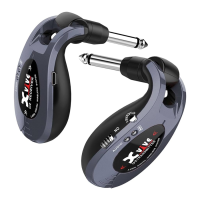
A58 oers both Active and Passive modes, making it
compatible with all pickups—from passive to high-output
active pickups!
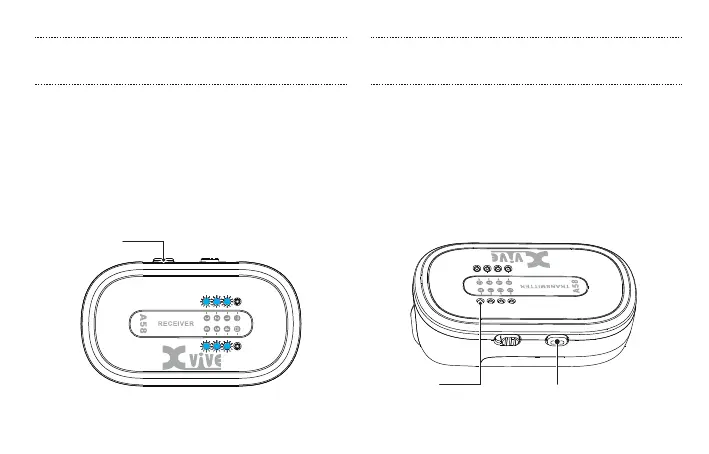
When using a guitar or bass with active pickups, press and
hold the transmitter’s Channel button for 3 seconds to
turn on Active mode. When Active mode is on, the Active
LED will illuminate.
Press and hold
3 seconds
Press and hold
3 seconds
Active LED
Press and hold the channel button on the receiver for 3
seconds to enter Channel Scan mode. The receiver’s channel
LED will ash during scanning and then will stay on the
optimal wireless channel.
When scanning is complete, manually set the transmitter’s
channel to be the same as the receiver channel.
SCAN FOR THE BEST CHANNEL ACTIVE AND PASSIVE MODES
15


 To Next Page