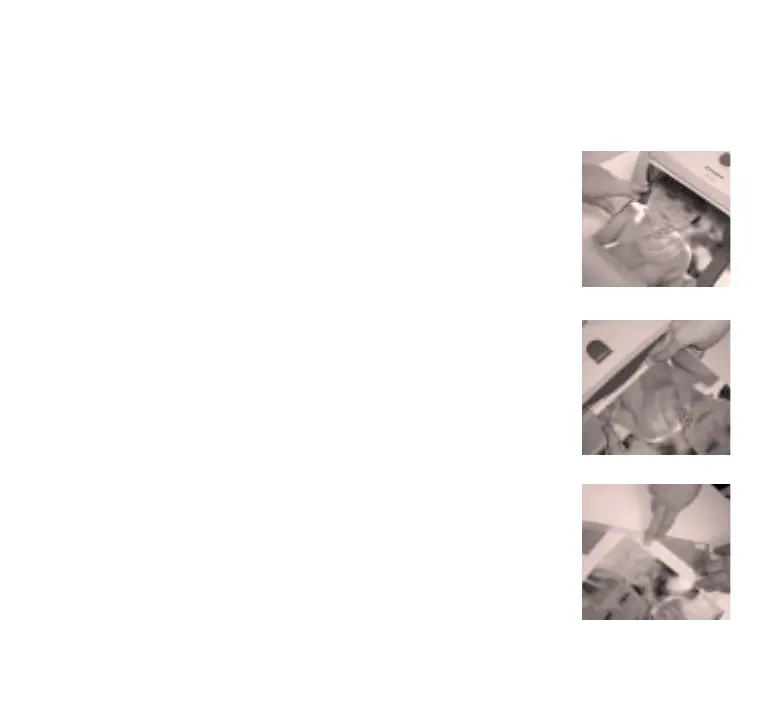
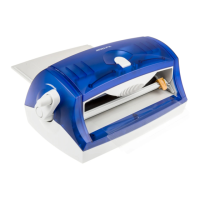
Step 1: Place item flat on the tray, aligned all the way to the
left side. Guide the item forward while slowly turning
the handle clockwise.
With just a few simple, easy-to-follow steps,
you’ll be protecting and enhancing your creativity:
Step 2: After the item is completely visible on the output tray,
trim the item by sliding the blade across the material.
Step 3: Gently lift up the cutter tray and slide it out. Use the
cutter to trim the rest of the item if necessary.
For adhesive, remove the clear mask and peel off
the sticky-back item.


 To Next Page