Xyron Creative Station Lite
®
Multi-Use Applicator 7
Getting Started
Preloaded with 18 feet of permanent adhesive.
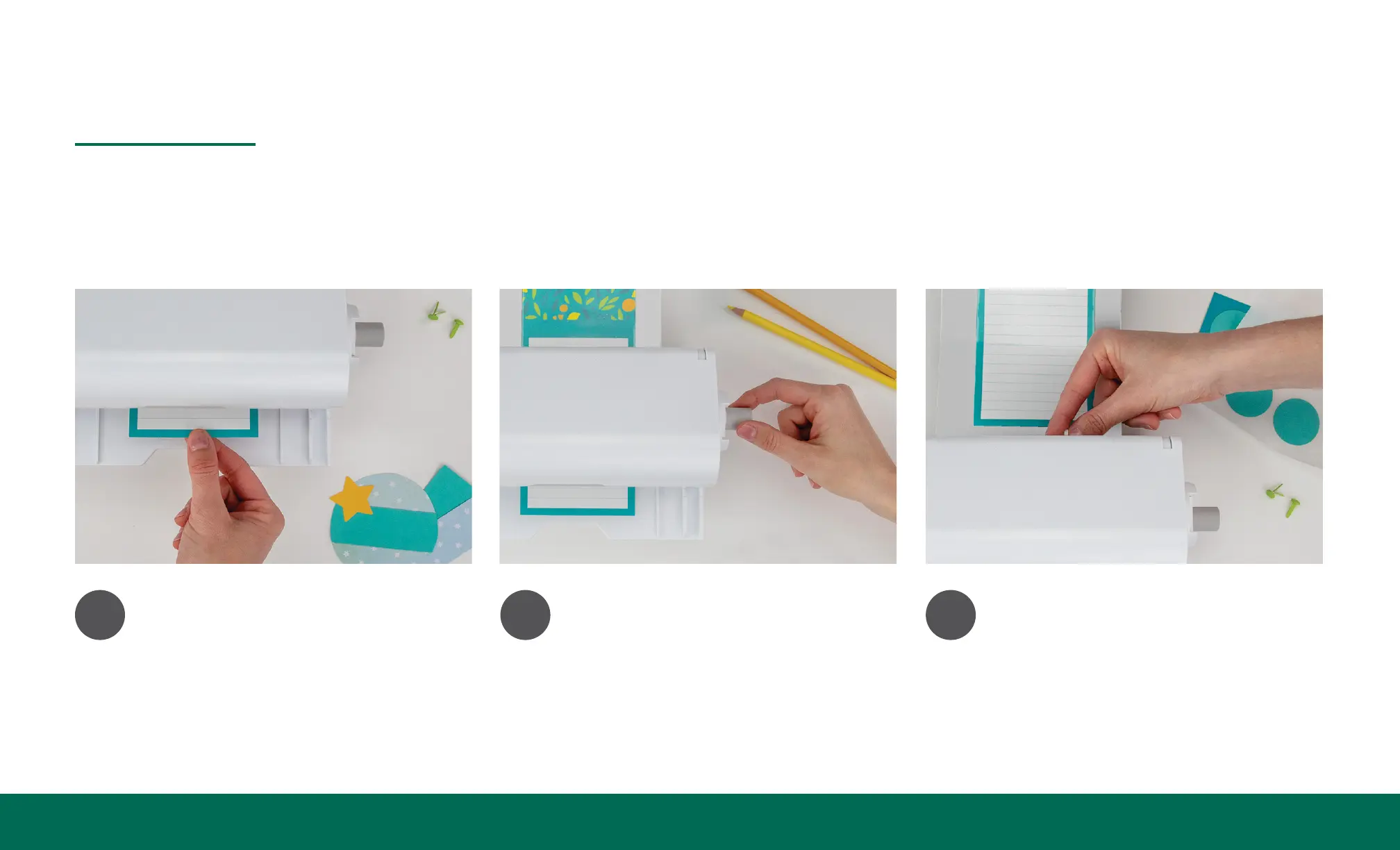
1
Feed.
Feed your item into the machine on
the feed tray using the alignment
guides.
2
Turn.
Turn the handle clockwise while
you continue to feed the item
completely through.
3
Trim.
Press down and slide trimmer to
cleanly cut. Remove clear lm and
peel your sticker.


 To Next Page