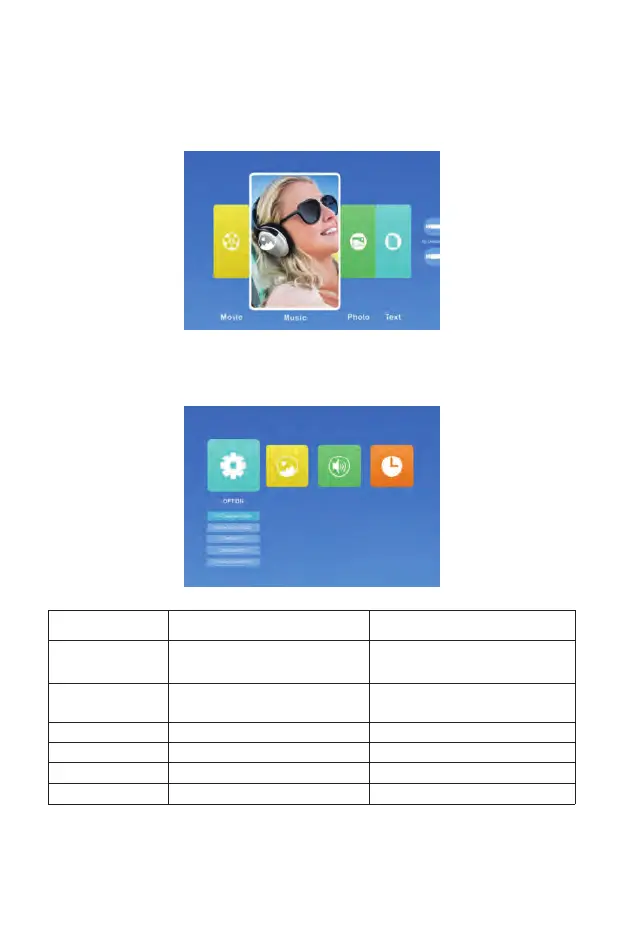
Setting the Main Menu:
Press the "MENU" button on the projector or remote control, there are 4
menu options: "Movie", "Music", "Photo", "Text".
OPTION Menu included Function
OSD Language
Restore Factory Default
Blending
OSD Duration
Blue Screen
Software Update (USB)
20 kinds of languages:English, France,
Italian, Spanish, Japanese etc
Reset
Off, Low, Middle, High
Off, 5Sec, 10Sec, 15Sec
On, Off
Update software
Choose a language
Reset the device to original
manufacturer settings
Adjust the sound quality
Adjust the on-screen display time
Adjust the background color of the screen
Update software
Option Menu
01 02 03 04 05 06 07 08 09 10 11 12
13 14 15 16 17 18 19 20 21 22 23
24 25 26 27 28 29 30 31 32 33 34
35 36 37 38 39 40 41 42 43 44 45
46 47 48 49 50 51 52 53 54 55 56 57 58 59 60
61 62 63



 To Next Page