11
Gallery Mode
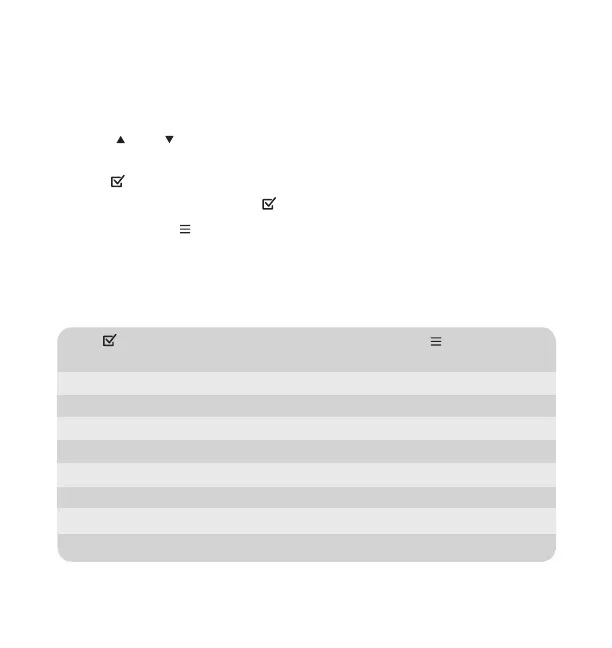
• Utilize and to browse through individual video files or photos in full
screen.
• Click to select and play the video file.
• During video playback, click
to pause/resume the video.
• Press and hold
to select file management options:
Delete: Delete the selected file.
Protect: Protect the file from getting deleted.
Video Setting
Click in video mode to stop recording, then press and hold to access the
video setting page.
Resolution: FHD (1920x1080) or HD (1280x720).
Loop Record: 1 Min, 3 Mins or 5 Mins.
Exposure: +2, +1, 0, -1 or -2.
Motion Detection: ON or OFF.
Microphone:
ON or OFF.
Date Stamp:
ON or OFF.
G-Sensor: Low, Medium, High or OFF.
Plate Number: Enter your vehicle license plate number here.




 To Next Page