Page 2
1. Connecting the VR-500 to the computer
Note: To use the tk500 software, first copy ‘tcl832.exe’ to C:/tcl and install it into this folder.
Then unzip ‘tk500-15.zip’ into C:/tk500. Double click ‘tk500.bat’ to run the software.
• Connect the TTL-RS232 interface adaptor to the computer, i.e. the RS232 cable to the serial
port and the power (USB) cable to a free USB port.
• Connect the green plug of the signal cable to the speaker socket on the VR-500.
• Start the tk500 software.
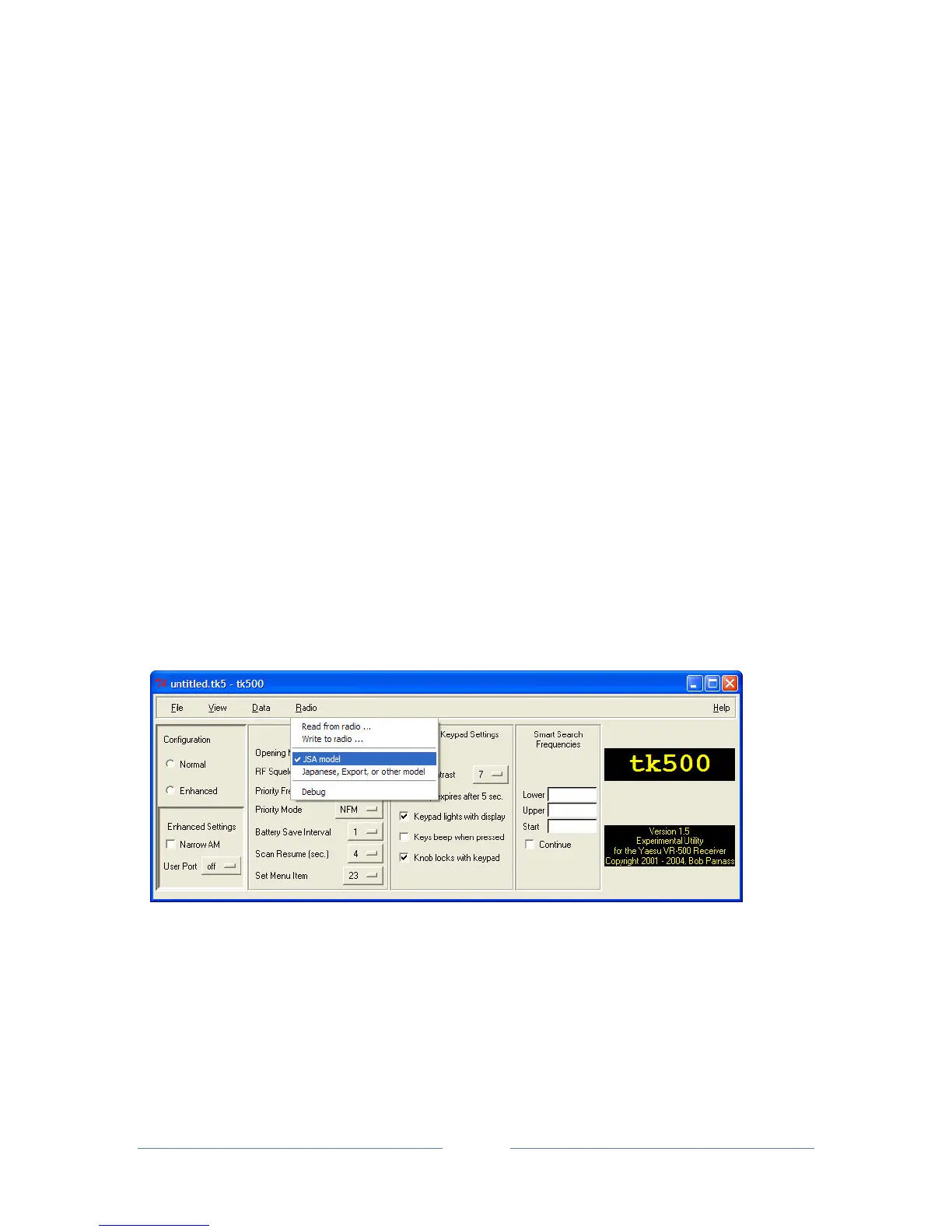
• In the main window, click on the 'Radio' menu and set the radio model option to 'USA
model':


 To Next Page