Page 3
2. Reading config and memory channel data from the radio
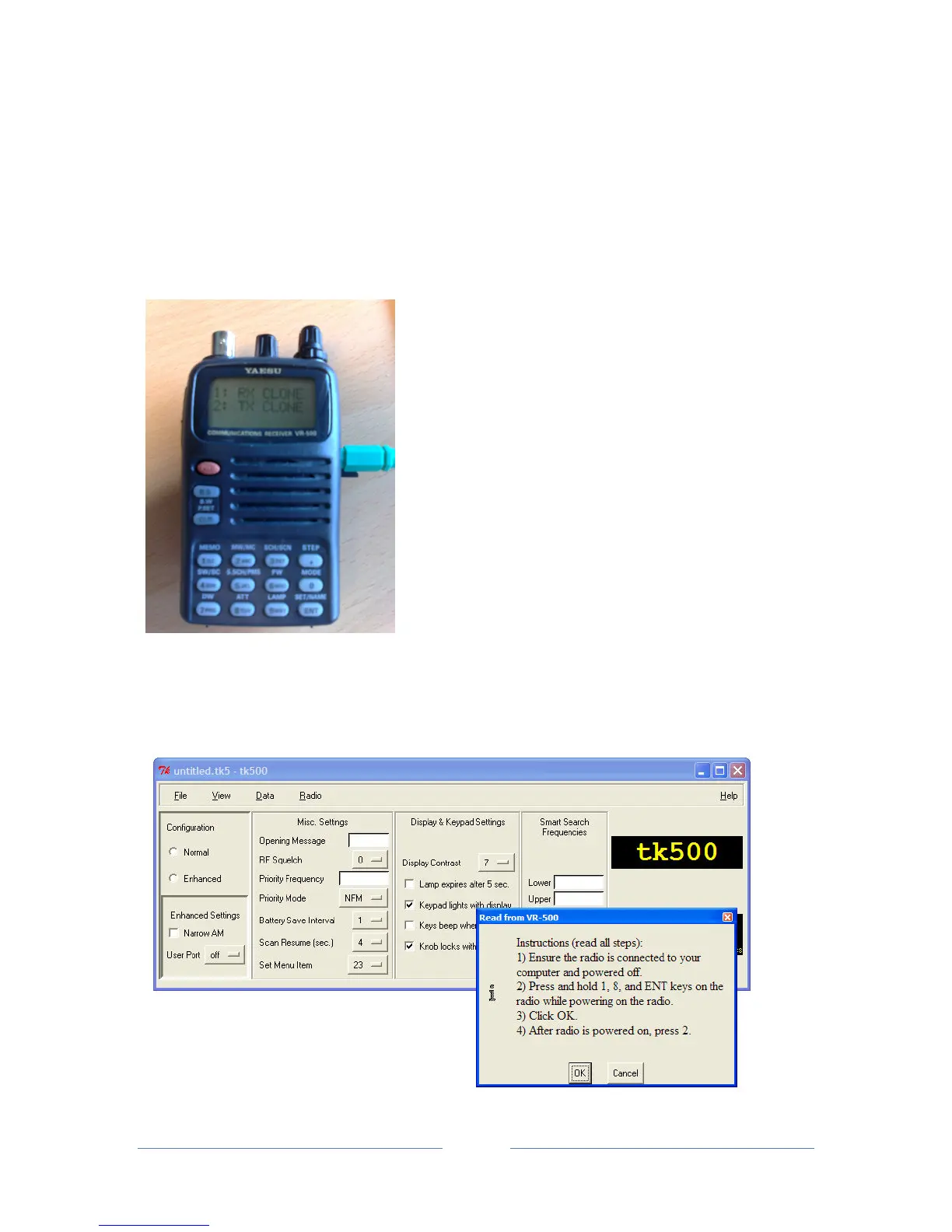
• Choose 'Read from radio' in the 'Radio' menu.
• Follow the instructions in the box that opens, i.e. Hold down the 1, 8 and ENT key whilst
switching the VR-500 on (the display on theVR-500 will now show two options: 1. RX CLONE
and 2. TX CLONE).
• Once the scanner is on, click 'OK' in the box in tk500 and then press '2' on the VR-500
keypad.


 To Next Page