Page 6
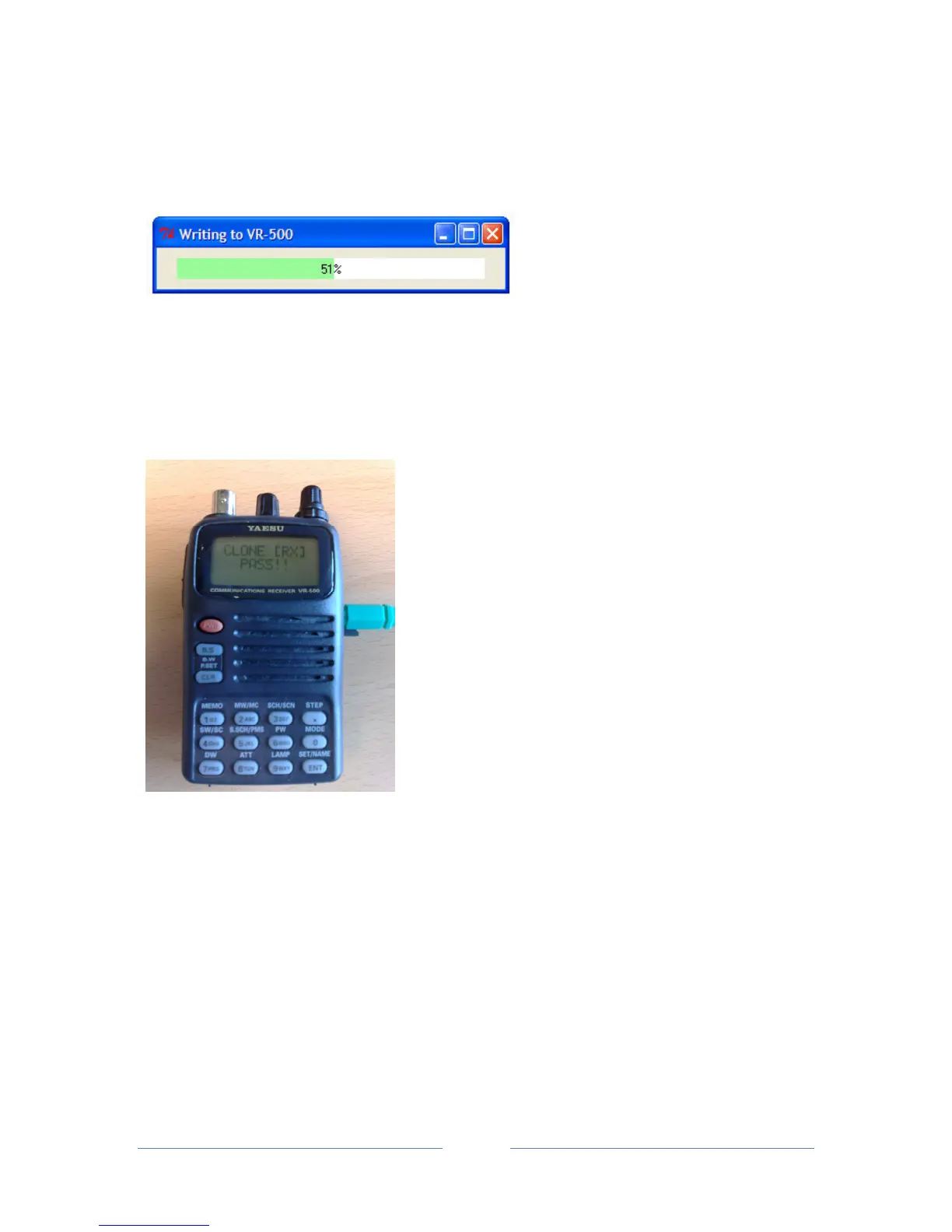
• The tk500 software will now write the memory and config data from the .tk5 file to the
radio. A window will open in the tk500 software showing the write progress:
• When the write process is complete, a ‘Transfer Complete’ message will open in the tk500
software and the VR-500 will show the message ‘CLONE [RX] PASS!!’.
• Press ‘ ENT’ on the VR-500 and click the ‘OK’ button in tk500.


 To Next Page