17
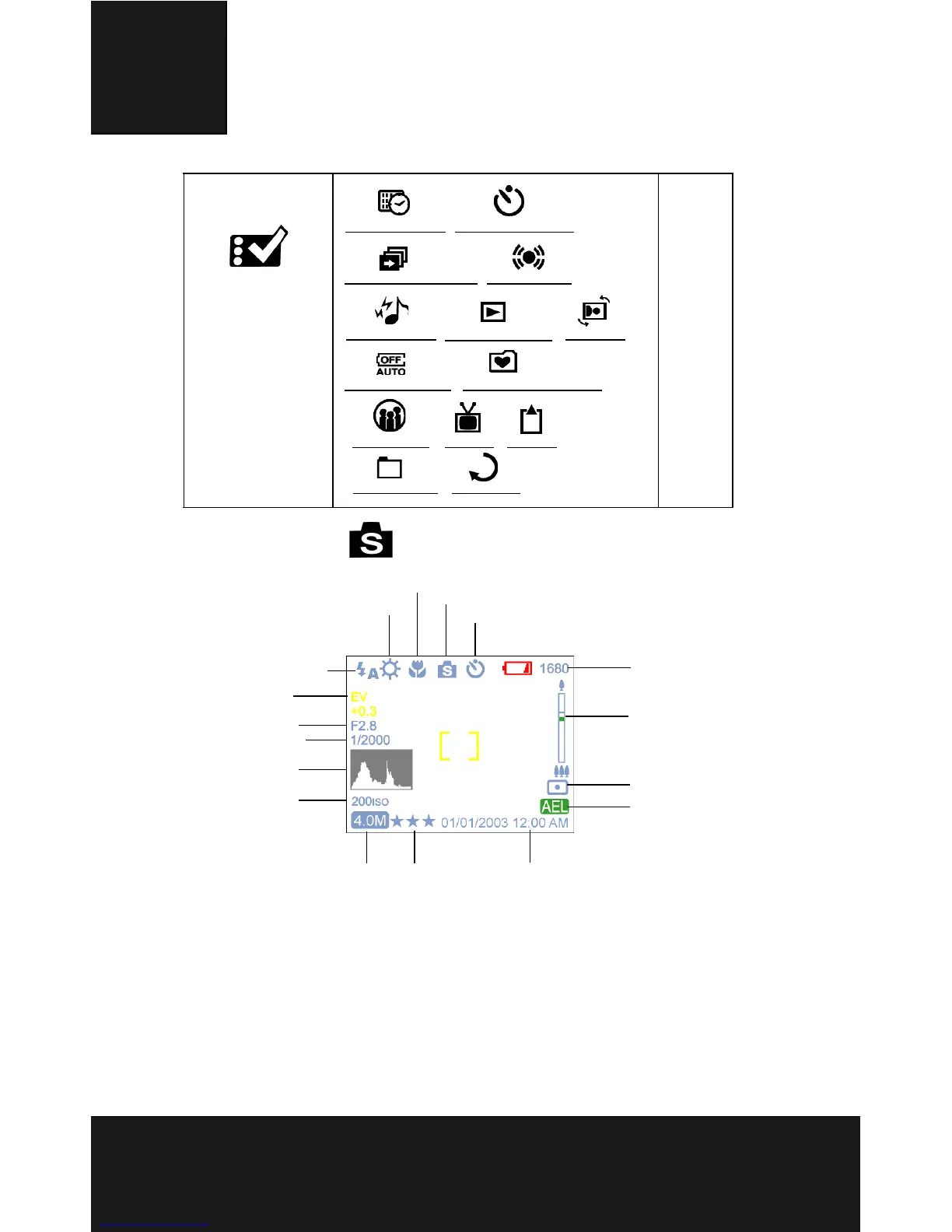
Scene Mode
Turn the dial rotator to the Scene Mode. Press the Menu button
to access. Press Up/Down arrow to select the settings. Once
you have selected the option, press Left/Right arrow to adjust
the setting. Press OK to return to the list of options.
Setup Mode 27
Date and Time Self-timer Option
Slide show Interval Audio Value
Sound Effect
Instant Preview
Auto Power Off
Background Editing
Languages TV-Out Format
File Number Restoring
Rotation
White Balance
Macro
Scene
Timer/Burst Shot
Counter
Zoom Bar
Metering
AEL/AFL
Date/Time
Quality
Flash
EV
Aperture
Shutter Speed
HV
ISO
Image Resolution



 To Next Page