32
Making Connections
Making Connections
In this section you will be able to connect the digital camera to your PC to
down-load or edit photos.
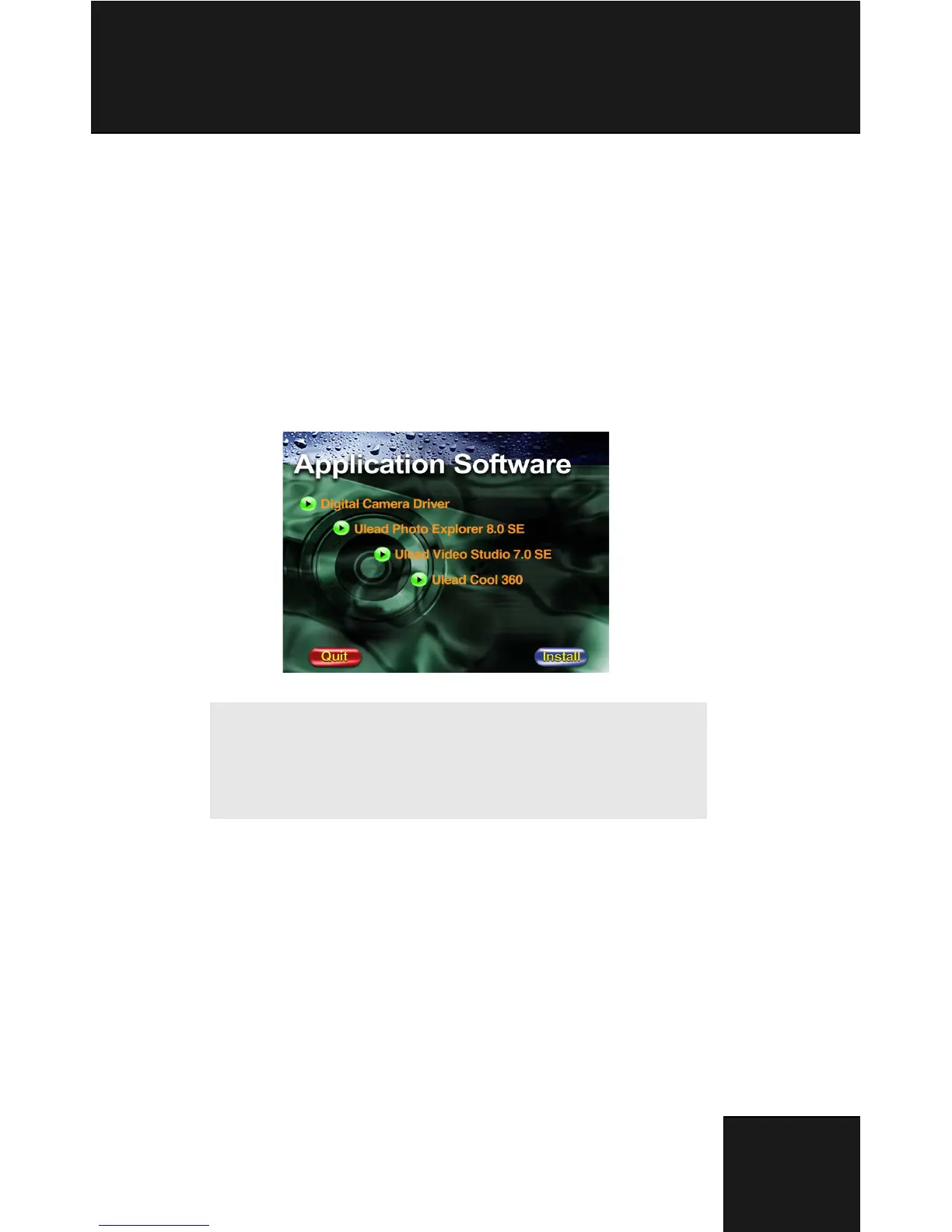
Installing Software
1. Insert the CD-ROM into your CD-ROM drive.
2. Click “Digital Camera Driver” and Install if your operating system is Windows
98. Users can pick 4 selections and press Install (it can all be done at the same
time).
3. The installation wizard will guide you through the installation.
4. You will be able to use the application once it’s installed.
Caution:
1. Driver is for uploading pictures to you computer, if
the operation system is Win 98
2. If you didn’t install the driver before plugging in the
USB device. System will detect new device. Please
insert the CD-ROM and complete the driver installa-
tion.



 To Next Page