24
Eight Main Modes and Instructions
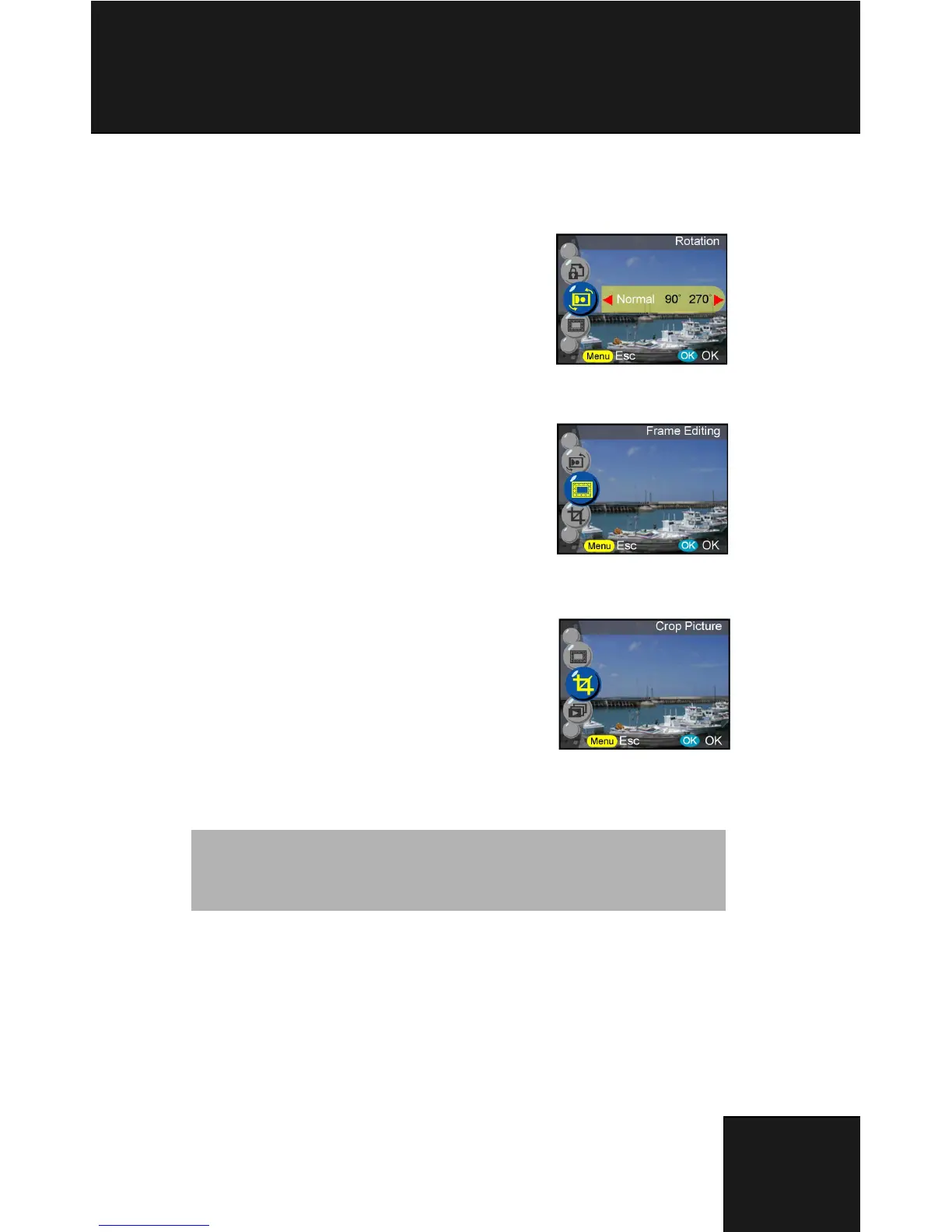
Rotation
This function rotates images 90° and 270° clockwise, mirror, or flip the
image up.
Normal
90 degree
270 degree
Mirror
Flip up
Frame Editing
This digital
camera provides 6 frames for image editing. Digital camera will
create a new image with the frame which select by user.
Crop Picture
Users can crop images through the desired magnified area.
- Press ok to confirm the image selection and start
the modification.
- The navigation arrows will appear on screen.
- Use joystick and zoom button to navigate the
image.
- Press ok button to crop.
Tip:
- Digital camera will create a new image which cannot be re-cropped.
- Image size will vary according to the cropping



 To Next Page