®
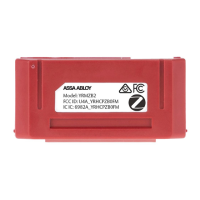
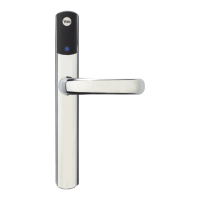
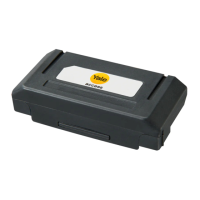
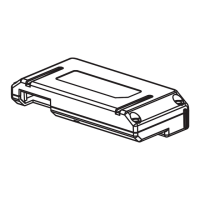
Yale Real Living™ ZigBee Module
Installation and Programming Instructions
®
Installing the ZigBee Module
It is recommended that lock is programmed through the centralized user interface (PC or
hand-held device) to ensure communication between the lock and the controller unit. The
network controller first needs to be in enrollment or exclusion mode for the lock to be
enrolled or unenrolled from network.
To Enroll the Module:
• Enter the 4-8 digit Master PIN code followed by the key.
• Press the key followed by the key.
• Press the key followed by the key.
To Unenroll the Module:
• Enter the 4-8 digit Master PIN code followed by the key.
• Press the key followed by the key.
• Press the key followed by the key.
Enrolling/Unenrolling the Network Module:
IMPORTANT: the batteries must be removed prior
to removing and/or inserting the network module:
• Remove battery cover.
• Remove batteries.
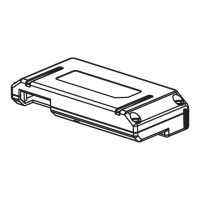
• Remove and/or insert network module.
• Reinstall batteries.
• Replace cover.
P/N AYR200-ZB-INSTAL-FUL Rev B


 To Next Page