Need help?
Do you have a question about the Yamaha AW16G Recording 101 and is the answer not in the manual?
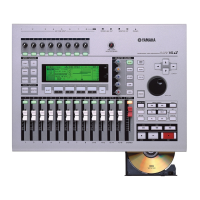
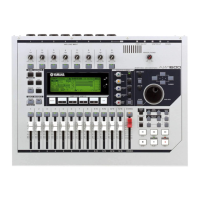
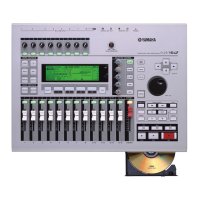
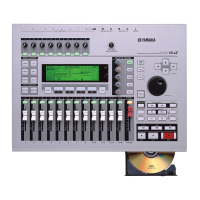
Details the key features of the AW16G, including its recorder, mixer, and effects.
Detailed steps for connecting powered and unpowered monitors using appropriate cables.
Guidance on connecting instruments and microphones to the AW16G for recording.
Procedure for powering on the AW16G and connected audio equipment safely.
Step-by-step guide to creating a new song project on the AW16G.
How to set the input gain levels for instruments and microphones before recording.
Procedure for routing input signals to specific recording tracks on the AW16G.
Instructions on how to start recording the initial track using the transport controls.
Techniques for recording over mistakes by punching in and out during playback.
Method for recording additional tracks while listening to previously recorded material.
Steps to prevent accidental erasure of recorded tracks when overdubbing.
Detailed steps for overdubbing subsequent tracks onto the AW16G.
Initial steps for setting track levels during the mixdown process for a balanced sound.
How to adjust the stereo position of tracks to create a wider sound image.
General recommendations for panning different instruments and vocals in a mix.
How to select and apply EQ presets from the AW16G's library.
Procedure for selecting and applying dynamic processor presets from the library.
Steps to select and apply effect presets from the AW16G's internal effects.
 General
| Type | Digital Audio Workstation |
|---|---|
| Number of Tracks | 16 |
| Simultaneous Recording Tracks | 8 |
| Simultaneous Playback Tracks | 16 |
| Phantom Power | Yes |
| Internal Hard Drive | 40GB |
| Sampling Rate | 44.1 kHz |
| Bit Depth | 24-bit |
| CD-RW Drive | Yes |
| Dynamic Processing | Compressor, Gate |
| Digital I/O | S/PDIF |
| USB | Yes |
| Effects | Reverb, Delay, Chorus |
| Inputs | 8 x XLR/TRS combo jacks |

 To Next Page