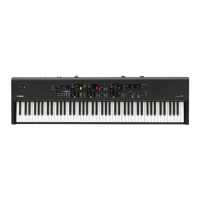
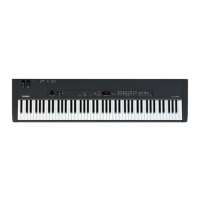
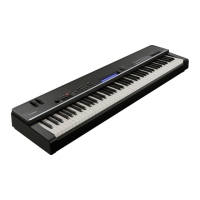
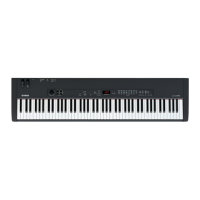
CP33
40
■ BULK DUMP (BACKING UP THE DATA)
It is possible to back up the data by sending the following System Exclusive Message (Bulk Request) to CP33.
(Note that it is possible to back up only setting data of the master function and not the function data.)
MIDIDATA:F043207F05330000F7
F0:ExclusiveStatus
43:YamahaID
20:Whenreceived
7F:CP33IDHigh
05:CP33IDLow
33:MasterSettingAddressHigh
00:MasterSettingAddressMid
00:MasterSettingAddressLow
F7:EndofExclusive
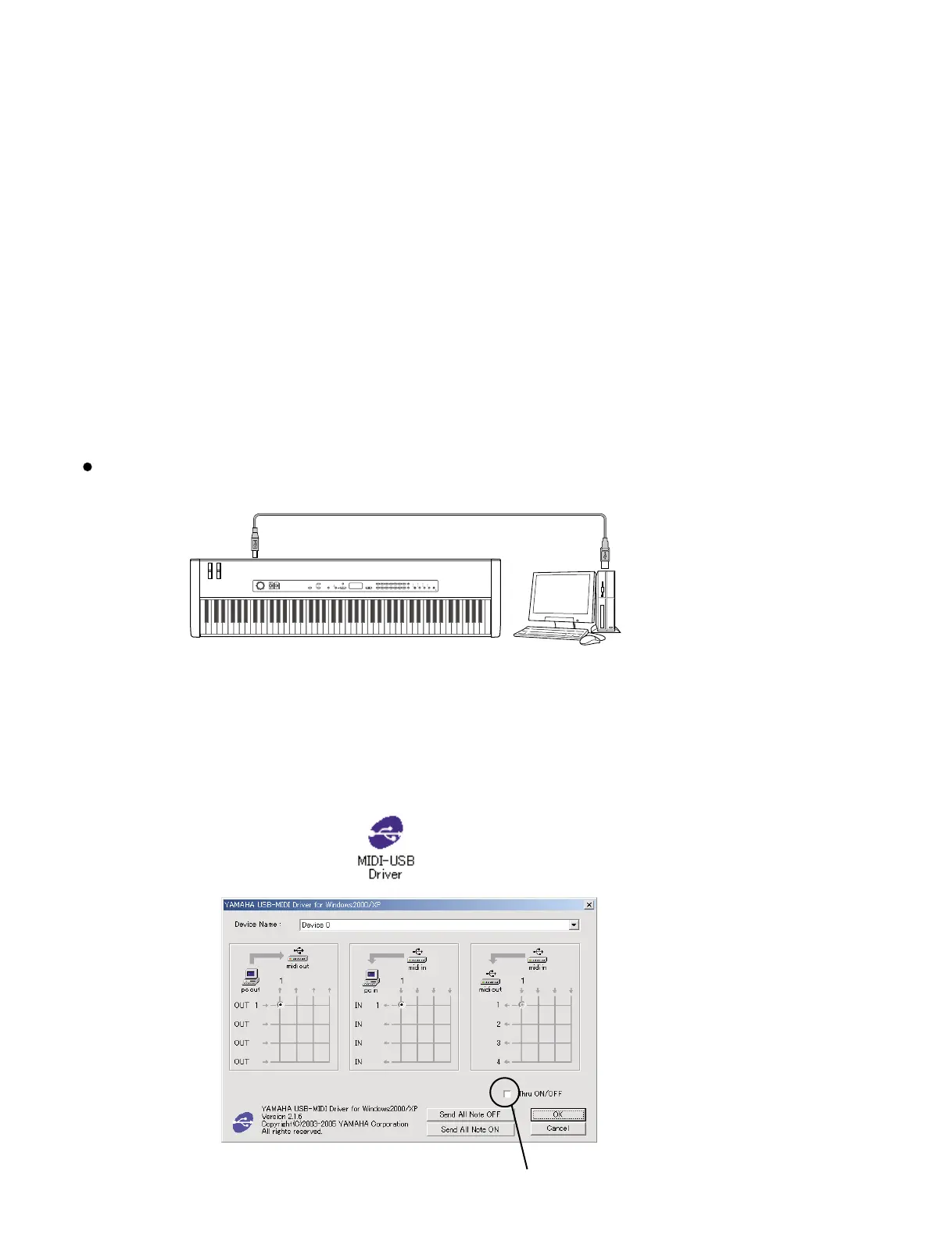
Explained here is the case where MIDI/audio sequence software "SQ01" and bulk out template (cp33-bulk.mid) are used as an
example. (SQ01 is supposed to be installed.)
USB cable (A-B type)
USB connector
Computer with a USB interf
CP33
USB connector
Connection of CP33 and computer
GRAND
PIANO 1
1
CHURCH
ORGAN
8
GRAND
PIANO 2
2
JAZZ
ORGAN
9
MONO
PIANO
3
HARPSI-
CHORD
10
E. PIANO 1
4
STRINGS/
CHOIR
11
E. PIANO 2
5
GUITAR
12
E. CLAVI-
CHORD
6
WOOD
BASS
13
VIBRA-
PHONE
7
E. BASS
14
VARIATION
MEMORY
SPLIT
VOICE/MASTERTEMPO/FUNCTIONDEMOMASTERTRANSPOSEZONE CONTROLMASTER VOLUME
MAXMIN
ZONE 1 ZONE 2
MASTER EDIT
MASTER
TEMPO/OTHER VALUE
BRILLIANCE REVERB EFFECT TOUCH
BRIGHT
NORMAL
MELLOW
HALL 1
HALL 2
STAGE
PHASER
TREMOLO
CHORUS
ROTARY SP
HARD
MEDIUM
ROOM
SOFT
NO YES
CLICK
ON/OFF
TEMPO
FUNCTION
PANEL
LOCK
2) Open the control panel of the computer, click and make settings as shown below.
There should be no check mark for Thru ON/OFF.
1) Turn on the power to CP33.
* It is necessary to install USB-MIDI driver in order to connect the computer and CP33.
Download the USB-MIDI driver from the following URL.
http://www.global.yamaha.com/download/usbmidi/


 To Next Page