16
METHOD OF CHANGING SELECTIONS
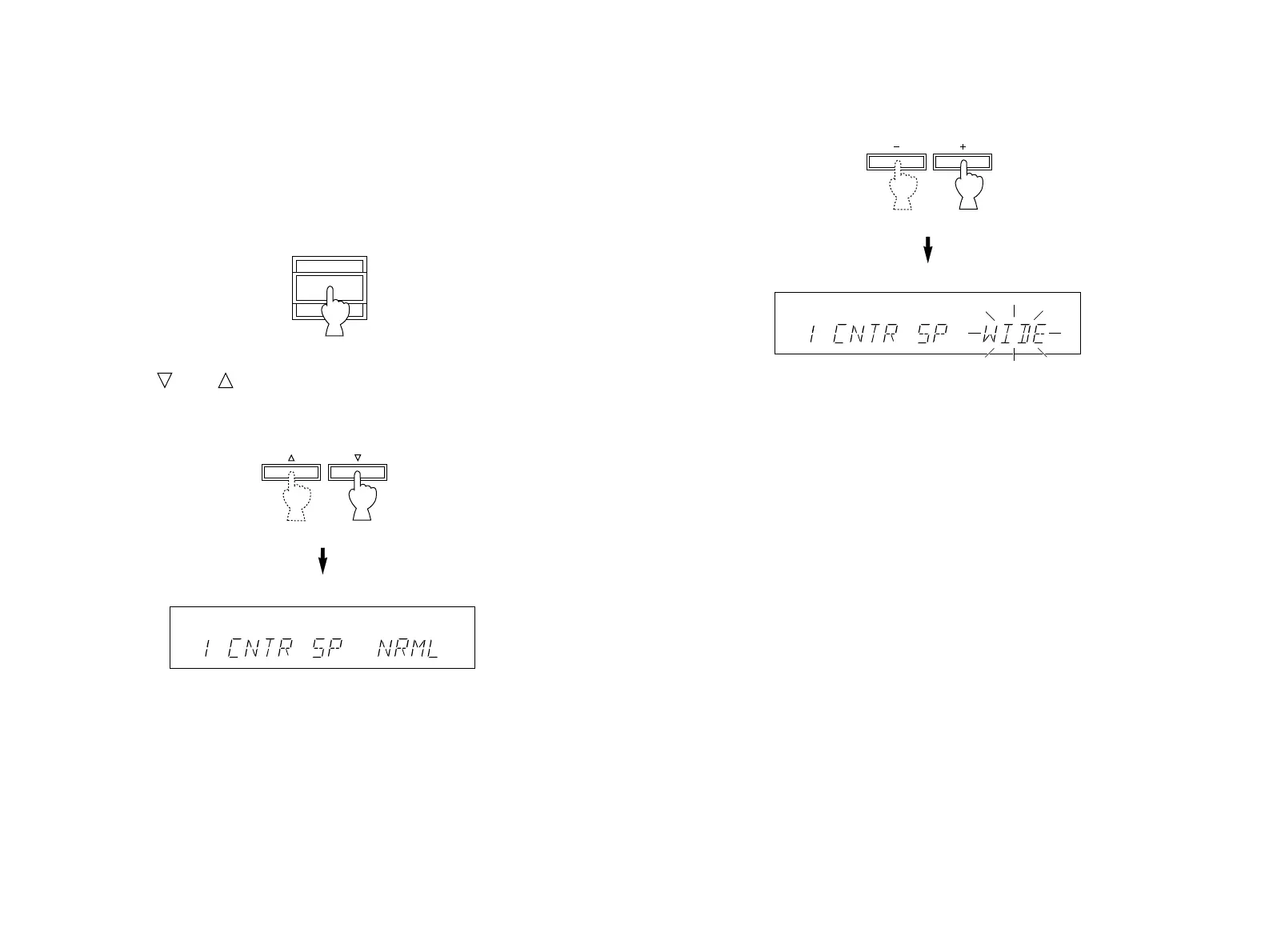
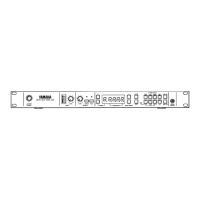
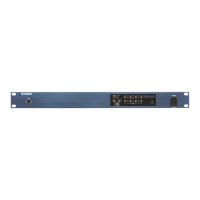
Operations should be made watching information on this unit’s
display panel.
1. Turn the power of this unit on.
2. Press “ ” or “ ” once or more until the title of function on
which you will change the selection appears on the display.
3. Press “+” or “–” once or more so that the desired position is
selected.
4. Repeat step 2 and 3 to change selections on other functions in
the same way.


 To Next Page