26
3)-5-7. Key drive Loud pedal on, 3-5-8. Key drive Soft pedal on
4). Piano test
2.Test Play
3.Piano Calibration
4.Piano Test
4-1.Key Sensor AD Test
4-2.Hmr Sensor Test
4-3.KS Connection Check↓
ENT
KEY:00
G#
,POS=0000____
RST=0000,K1=0000,K2=0000
=
=
=
4-1.Key Sensor AD Test
4-2.Hmr Sensor Test
4-3.KS Connection Check
[ KS connection check ]
OK
4-2.Hmr Sensor Test
4-3.KS Connection Check
4-4.Key Brightness Chk
[ KS Brightness check ]
OK
4-3.KS Connection Check
4-4.Key Brightness Chk
4-5.Pedal AD Test
Damper AD=0285
Shift/Soft AD=0293
Sostenuto STATE=OFF
4-4.Key Brightness Chk
4-5.Pedal AD Test
4-6.Calibration Check
[ KEY Sensor Cal-DATA ]
1KEY:REST 762, END 392
2KEY:REST 682
END 260↓
4-6-1.Sensor Data
4-6-2.Key Drive Data
4-6-3.Pedal Data
ENT
4-6-1.Sensor Data
4-6-2.Key Drive Data
4-6-3.Pedal Data
Key table OK
KEY ON OFF L-P S-P ADJ
1 OK OK -- -- +00↓
4-6-1.Sensor Data
4-6-2.Key Drive Data
4-6-3.Pedal Data
Loud : OK
Soft : OK
4-5.Pedal AD Test
4-6.Calibration Check
4-7.CSP RAM test
SDRAM test: OK
4-6.Calibration Check
4-7.CSP RAM test
4-8.CSP FLASH test
FLASH test: OK
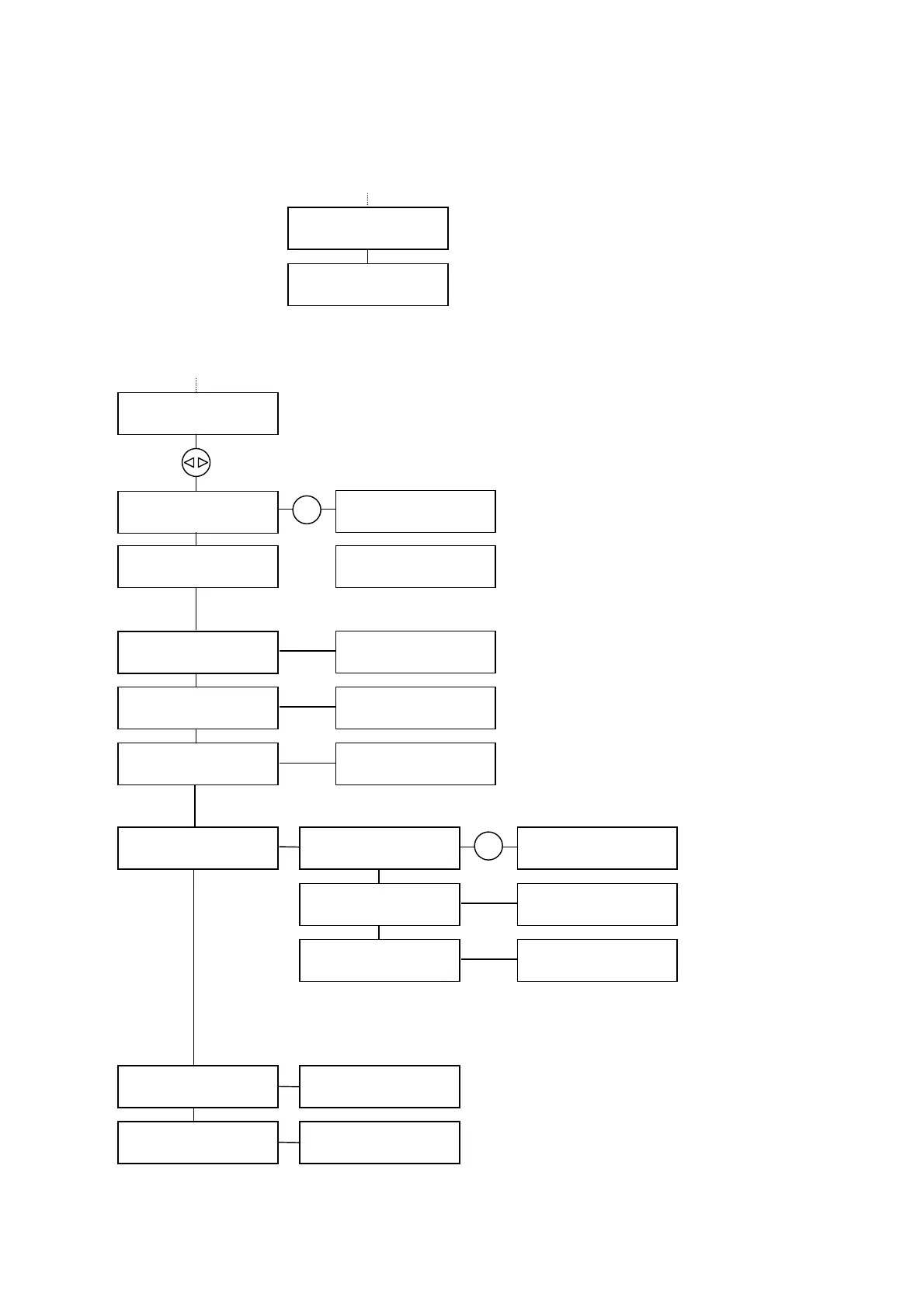
The test of the sensor units and drives.
When any key is pressed, indicates the key
number, the depth of the key with a buzzer in
four steps and the A/D value.
Check if the light amount of the key sensor
within the specified value.
Indicates OK or NG’s key number.
Check the key sensor’s connection.
Indicates the A/D value when the damper or shift
pedal is depressed.
Indicates the state when the sostenuto pedal
is depressed.
Indicates the calibrated data of the sensor(s), key
and pedal drive units.
Check with the dial or up/down cursor buttons.
3-5-5.Key Drive OFF
3-5-7.Key Drive L-ON
3-5-8.Ke
Drive S-ON
3-5-5.Key Drive OFF
3-5-7.Key Drive L-ON
3-5-8.Key Drive S-ON
Calibration to make the key- on table when loud pedal on.
Calibration to make the key- on table when soft pedal on.
4-1.Key Sensor AD Test
4-2.Hmr Sensor Test
4-3.KS Connection Check
KEY:01
A
, STATE=ON
Check the hammer sensor’s function
ccording to the hammer position, the buzzer
sound generates 2 times and indicates the
state.
39







 To Next Page