Transferring Song, Audio & Kit Data
9 DTX502 Reference Manual
9. From the list of temporarily stored files, select the files that you wish to transfer to your computer.
10. Click My Computer in the list at the left of the main window, choose a destination for the files, and
click the Move button.
You will be asked to confirm if you wish to proceed. Clicking the Cancel button in this window will end the process without trans-
ferring any files.
11. Click the OK button to transfer the selected files from the temporary storage area to your computer.
12. Confirm that the data has been correctly transferred to your computer.
13. Close the main window to shut down Musicsoft Downloader.
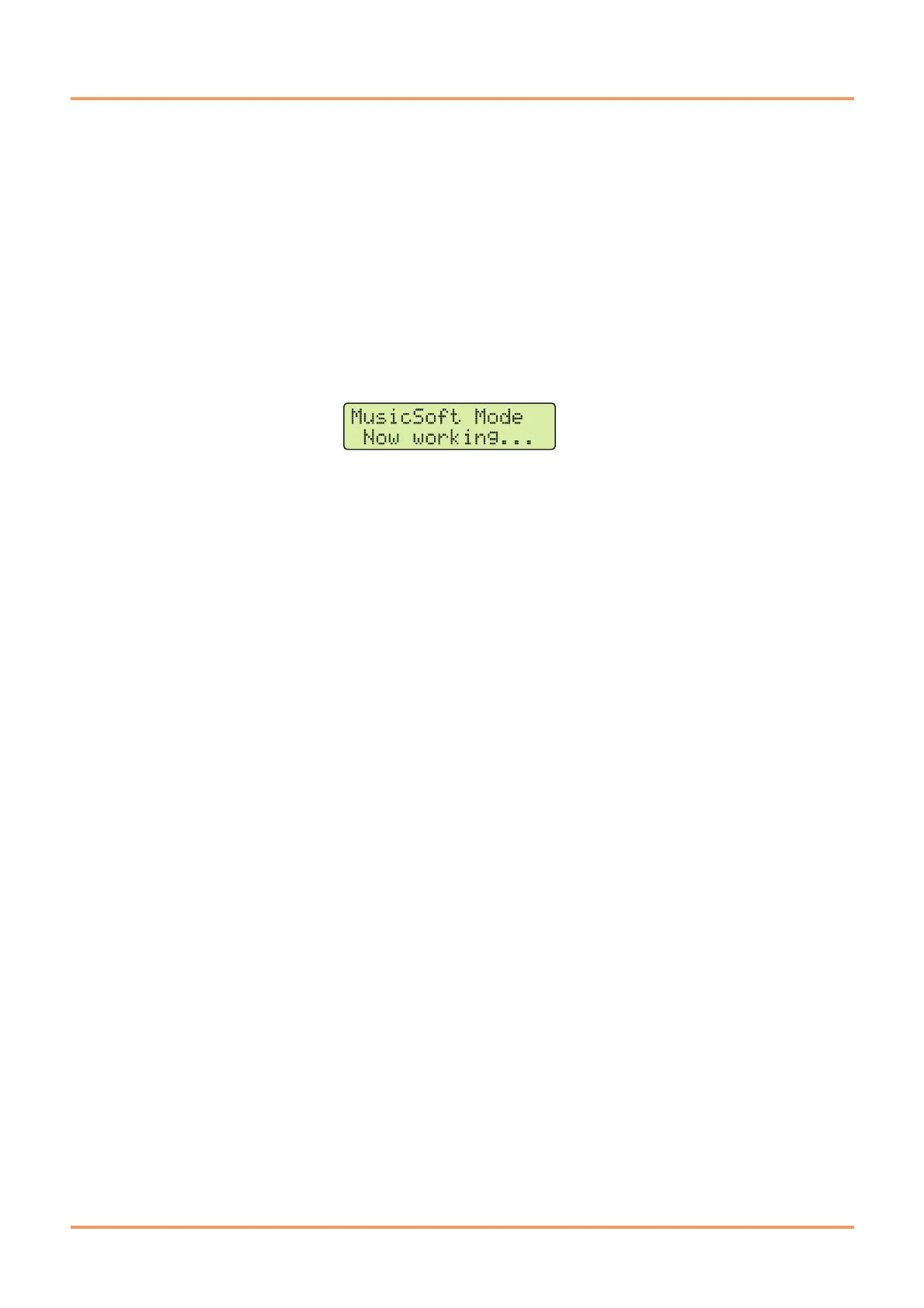
The following message will be displayed on the drum trigger module’s LCD screen as it disconnects from the computer.



 To Next Page