EasyManua.ls Logo

Yamaha EAD10 - User Manual

Yamaha EAD10
72 pages
Print Icon
To Next Page IconTo Next Page
Loading...
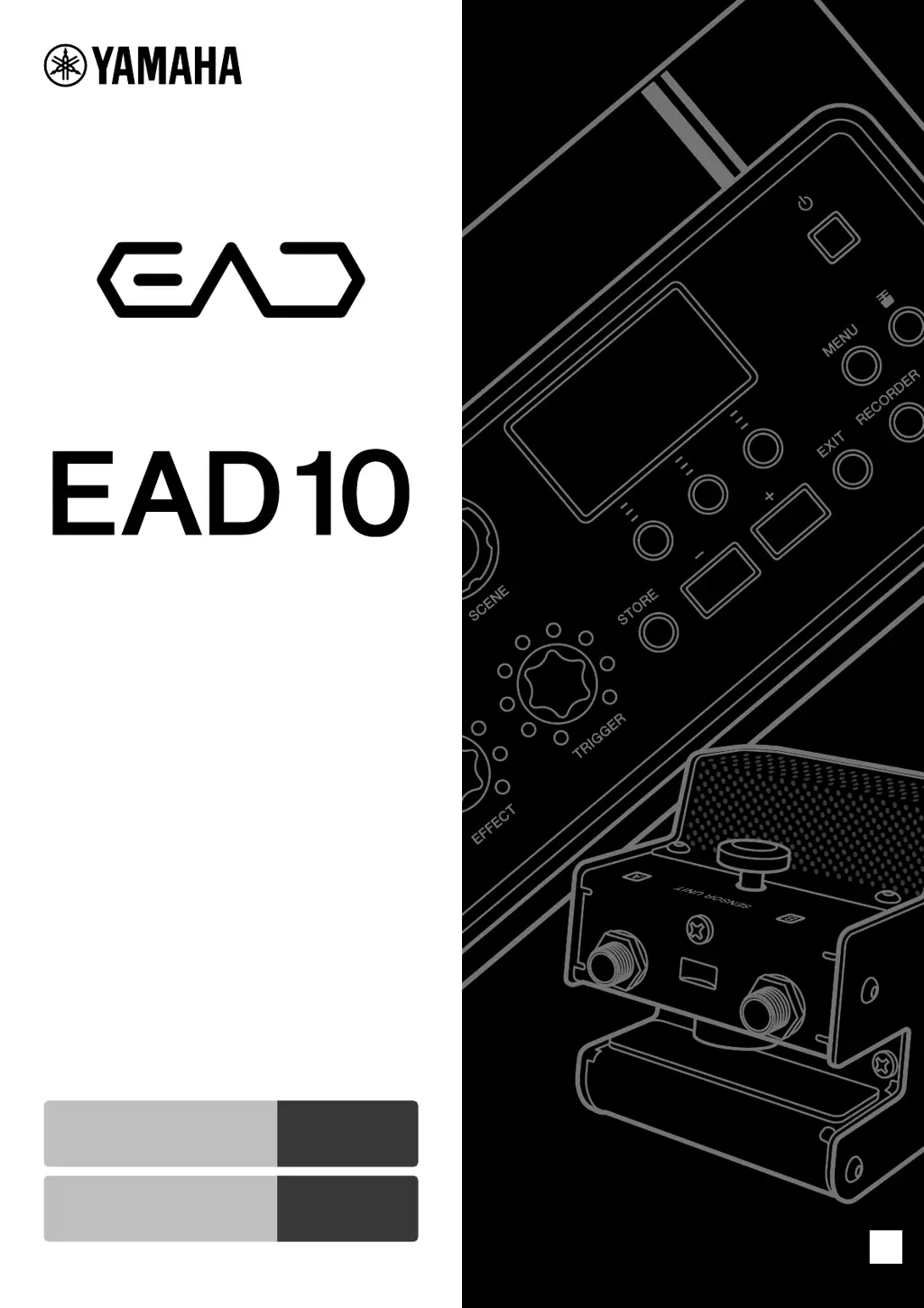
Owners Manual
Electronic Acoustic
Drum Module
EN
Quick Guide
Features of the EAD10
page 6
page 10

Other manuals for Yamaha EAD10

Questions and Answers

  • K
    kgillAug 17, 2025
    How to fix no sound on my Yamaha EAD10?
    • C
      Christopher HerreraAug 17, 2025
      If you're not getting any sound from your Yamaha Music Equipment, there are several things to check: * Ensure the EAD10 is turned on. * Verify the [MASTER VOLUME] knob is properly adjusted. * Confirm the Sensor Unit and Main Unit are correctly connected with a stereo phone cable and that the cable is in good condition. * Ensure the Main Unit is properly connected to headphones or other audio equipment, like an amplifier or speakers. * Check that the ”A” cable is connected to the [A] jacks, and the “B” cable is connected to the [B] jacks. * Also, check the power and volume settings on any external devices.
  • A
    Anita FordAug 19, 2025
    What to do if the sound is distorted on my Yamaha EAD10 Music Equipment?
    • E
      edward83Aug 19, 2025
      If the sound from your Yamaha Music Equipment is distorted, it could be due to several reasons. First, try pressing the [ ] button and adjusting the mic sensor settings, as the mic gain level may be too high. Also, check the [MASTER VOLUME] knob and turn it to the left if it's set too high. Finally, if an effect is applied, adjust the distortion or other effect settings.
  • D
    Dr. Eric Weeks Jr.Aug 22, 2025
    Why is the volume balance poor on my Yamaha Music Equipment?
    • D
      Diane WintersAug 22, 2025
      Poor volume balance on your Yamaha Music Equipment can be addressed by: * Adjusting the Trigger Sound volume and, if needed, the mic gain. * Adjusting the volume on the device connected to the [AUX IN] jack and the [AUDIO/CLICK VOLUME] knob. * Checking the positions of drums and cymbals in the drum set, as instruments placed far from the Sensor Unit may sound low in volume. * Trying the automatic setting to set up the Sensor Unit if the trigger settings are improper. * Ensuring the Sensor Unit is properly attached to the hoop.
  • C
    Cole BrownAug 25, 2025
    How to eliminate noise from Yamaha EAD10?
    • M
      Madison ChavezAug 26, 2025
      To reduce noise in your Yamaha Music Equipment: * Secure the cables close to the Sensor Unit using the supplied cable band tape to prevent movement. * Make sure the Sensor Unit is properly attached to the hoop. * Secure the cable connected to the [B] jack (Mic Sensor cable) on the Main Unit using the supplied cable bands.
  • L
    Luis BoydAug 28, 2025
    What causes double triggering on Yamaha Music Equipment?
    • J
      Joseph ChambersAug 28, 2025
      Double triggering on your Yamaha Music Equipment, where multiple sounds are produced from a single strike, can be caused by: * The Sensor Unit not being properly attached to the hoop. Ensure it is securely fastened. * Excessive vibration of the bass drum head. Adjust the bass drum to produce a shorter sound by muting, tuning, or changing the head.
  • J
    James DoyleAug 31, 2025
    Why are setting changes hard to notice on Yamaha EAD10 Music Equipment?
    • T
      Todd JohnsonAug 31, 2025
      If it's hard to notice changes to settings on your Yamaha Music Equipment, it might be because the Reverb/Effect level or Trigger Sound volume is too low. Try turning the [REVERB] knob, [EFFECT] knob, or [TRIGGER] knob to the right to adjust depth or volume. Also, the Mic Gain might be set too low; try using the automatic setting to set up the Sensor Unit. Using highly-efficient headphones, closed-ear headphones, or ear-phones may also help.
  • S
    salazarjamieSep 2, 2025
    What to do if audio files won't play from USB on Yamaha Music Equipment?
    • J
      Jesus HayesSep 2, 2025
      If your Yamaha Music Equipment isn't playing audio files from a USB flash drive, it could be due to an unsupported file format. Check the file format and sampling frequency. Also, the USB flash drive performance might be insufficient; it's recommended to use a USB flash drive of 4GB or more.
  • J
    Joseph GonzalesSep 5, 2025
    Why is the volume low when playing USB audio files on my Yamaha EAD10?
    • S
      Scott HumphreySep 5, 2025
      If audio files recorded on a USB flash drive have low volume when playing back on the Main Unit, adjust the volume to an appropriate level when recording. During playback, adjust the [AUDIO/CLICK VOLUME] knob.
  • C
    Christopher CooperSep 7, 2025
    Why can't I record on my Yamaha Music Equipment Main Unit?
    • S
      Sandra ThompsonSep 7, 2025
      The sound of your performance and the audio from the AUX IN cannot be recorded simultaneously. Audio from the AUX IN must first be recorded to the Main Unit, then you can overdub your performance onto the song.
  • T
    Tiffany CharlesSep 12, 2025
    Why does my Yamaha EAD10 Music Equipment power off unexpectedly?
    • N
      Natasha AndersonSep 12, 2025
      If your Yamaha Music Equipment is turning off unexpectedly, the Auto Power-Off function may be enabled. Disable the Auto Power-Off function to prevent this.

Summary

Special Message Section

Important Notices and Warnings

Covers essential safety warnings, electrical precautions, and usage guidelines for safe operation.

Battery and Disposal Information

Details on battery usage, handling, and environmentally responsible disposal of the product.

Product Specifications and Changes

Information regarding potential changes to product specifications without prior notice.

Name Plate Location

Identifies the location of the product's name plate for model and serial number details.

Safety and Handling Instructions

Important Safety Instructions

Essential safety guidelines for operating the product safely and preventing hazards.

Graphical Symbols Explanation

Explains the meaning of graphical symbols used to indicate potential hazards and safety precautions.

Environmental and Disposal Information

Guidelines for proper collection and disposal of used electrical and electronic equipment for environmental protection.

Precautions and Warnings

AC Adaptor and EAD10 Precautions

Covers safety precautions for both the AC adaptor and the EAD10 unit to prevent hazards.

Handling and Electrical Safety Guidelines

Detailed guidelines on handling the instrument, electrical safety, and preventing damage.

Getting Started with Your EAD10

Welcome and Included Accessories

Welcome message and a list of accessories included with the EAD10 product.

Features of the EAD10

Highlights the key features and capabilities of the EAD10 electronic acoustic drum module.

How the EAD10 Makes Sound

Explains the signal flow and how the EAD10 processes audio and trigger signals to produce sound.

About the Manuals

Information on the various manuals provided for using the EAD10, including printed and digital versions.

Panel Controls and Functions

Main Unit Top Panel Controls

Detailed description of the controls and their functions located on the top panel of the Main Unit.

Main Unit Rear Panel Connections

Explanation of the various input/output jacks and terminals on the rear panel of the Main Unit.

Front Panel and Sensor Unit Components

Identification and description of the front panel features and the components of the Sensor Unit.

Trigger Input Jack Information

Information on the trigger input jacks and compatible accessories for expanding the drum set.

Setup Guide

Initial Setup and Drum Set Positioning

Guidance on the initial setup process, including positioning the drum set for optimal sound.

Attaching the Sensor Unit

Step-by-step instructions for securely attaching the Sensor Unit to the bass drum hoop.

Installing the Main Unit

Instructions for placing the Main Unit on a table or mounting it onto a hi-hat stand.

Connecting Cables and AC Adaptor

Procedures for connecting the Sensor Unit, power adaptor, and other essential cables.

Noise Reduction Measures

Tips and methods to eliminate potential noise issues during operation.

Powering On and Off

Detailed steps for powering the EAD10 unit on and off, including important notices.

Basic Guide to Operation

Performing with Scenes

Explains what Scenes are and how to select and adjust them for different sounds.

Creating Custom Scenes

Guides on how to customize Reverb, Effect, and Trigger Sounds to create unique Scenes.

Using the Metronome (Click)

Instructions on how to use and configure the built-in metronome for practice sessions.

Recording Your Performance

Steps for recording drum performances either to the Main Unit's internal memory or a USB flash drive.

Application Guide: Expanding Your Setup

Enhancing Your Drum Set with Add-Ons

Information on connecting separately sold accessories like drum triggers and pads to expand the EAD10's capabilities.

Using Drum Triggers

Detailed guide on connecting and using drum triggers with the EAD10 for enhanced sound layering.

Using Electronic Drum Pads

Instructions on connecting electronic drum pads to play sounds or control functions of the EAD10.

Using Pedals and Foot Controllers

Guidance on connecting foot pedals or controllers to the EAD10 for various functions like playing sounds or switching settings.

Reference and Troubleshooting

Menu List Overview

A comprehensive list of all menu categories and sub-items available on the EAD10.

Troubleshooting Common Issues

A guide to identifying and resolving common symptoms and problems encountered with the EAD10.

System Message Explanations

Explanations of various system messages that may appear on the EAD10 display.

Product Specifications

Detailed technical specifications of the EAD10 Main Unit and Sensor Unit.

Warranty and Support Information

Limited Warranty Details

Information on the limited warranty coverage for Yamaha drums, hardware, and accessory products.

Guarantee Information for EEA;Switzerland

Specific guarantee information and service details for customers in the European Economic Area and Switzerland.

Worldwide Contact Information

Contact details for Yamaha representatives and authorized distributors worldwide for product inquiries.

Yamaha EAD10 Specifications

General IconGeneral
WeightModule: 650 g, Trigger sensor unit: 464 g
Sampling Frequency44.1 kHz
A/D Conversion24-bit
D/A Conversion24-bit
Trigger Inputs2
USBUSB to host
EffectsReverb, Delay, Chorus, Flanger, Phaser, and more
Inputs2 x Trigger Inputs

Related product manuals