46
EAD10 Owner’s Manual
Recording Your Performance
Basic Guide
Recording Yourself Playing Along with the Accompaniment Song
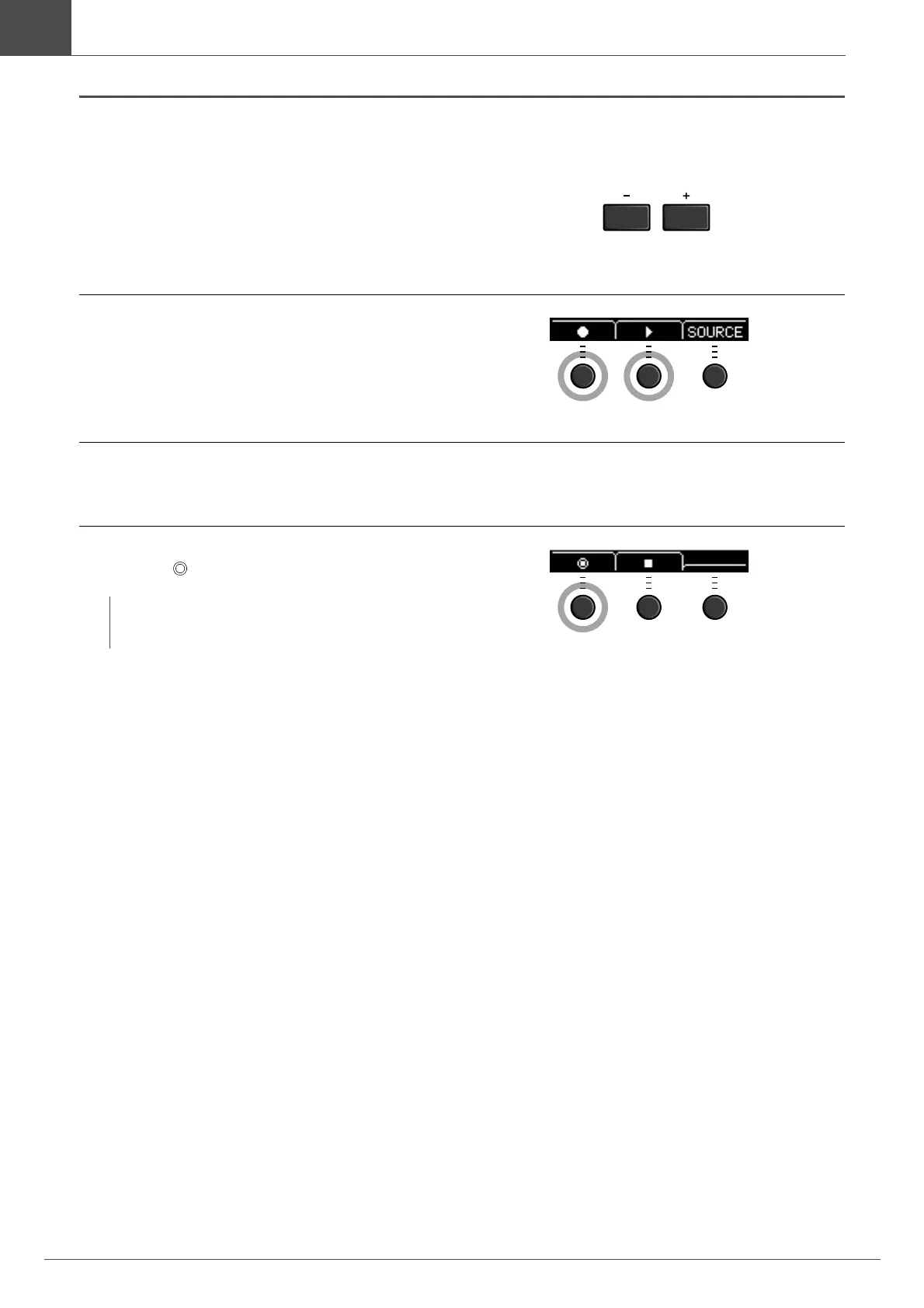
1.
Use the [–] or [+] buttons to select the
accompaniment you have prepared.
2.
Press the button below “” ([F1]) and the
button below “>” ([F2]) to start recording
and playback.
3.
Play the drums.
4.
After you finish playing, press the button
below “ ” ([F1]) to stop recording.
You have now just recorded yourself over the song on the USB flash drive.
NOTE
Pressing the button below “” ([F2]) stops accompaniment
playback, but recording continues.



 To Next Page