DTX900M/DTX900/DTXTREME III Firmware Update Guide 2
Included Files
This folder contains the following files:
・dtx900M_en_update_guide_v***.pdf This document (PDF file)
・the "***.PGM" file The update program
Required Items
・USB storage device formatted on the DTX900M/DTX900/DTXTREME III
For details of compatible USB Devices, please visit the following website:
http://download.yamaha.com
Confirming the Current Version
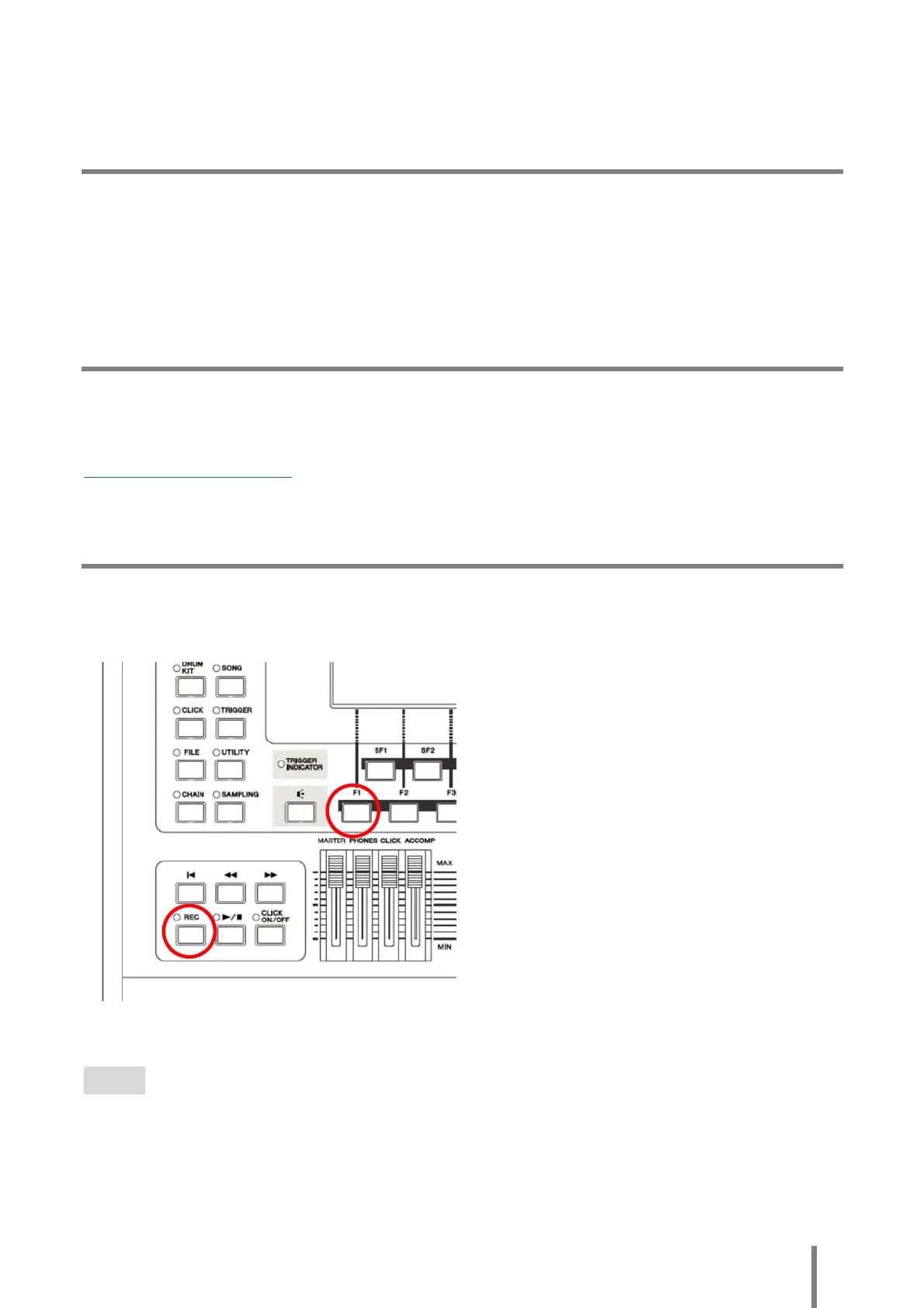
Hold down the [F1] and [REC] button simultaneously, and then turn the power on by pressing the
Standby/On switch.
"Firm Ver : *.**" indicates the current version of the firmware.
NOTE
If the message above does not appear, turn the power off by pressing the Standby/On switch and try again.



 To Next Page