EasyManua.ls Logo

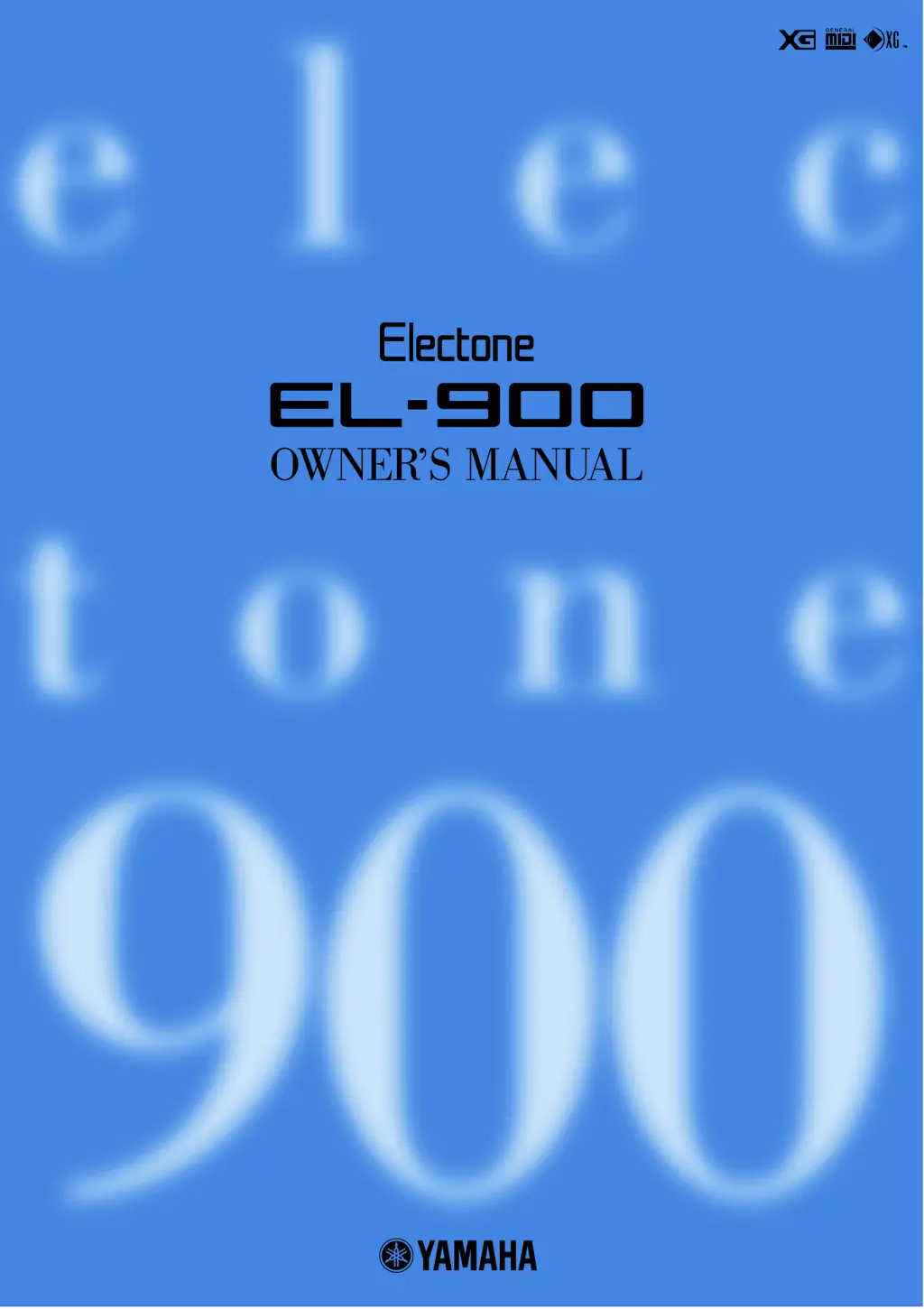
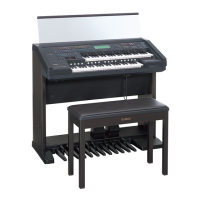
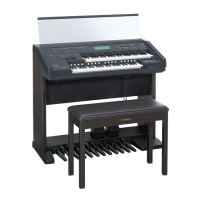
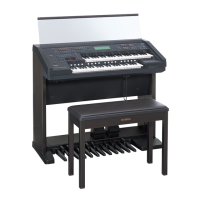
Yamaha Electone EL-900 - User Manual

Yamaha Electone EL-900
187 pages
Print Icon
To Next Page IconTo Next Page
Loading...

Table of Contents

Questions and Answers

Summary

SPECIAL MESSAGE SECTION

Safety and Notices

Important safety warnings, battery information, disposal advice, and operational notices.

PRECAUTIONS

General Precautions

Basic safety guidelines to prevent injury or damage to the instrument and property.

Quick Introductory Guide

Getting Started

Basic steps to turn on the Electone and begin playing.

Basic Registrations

Explanation of factory preset registrations and how to select them.

Basic Operation

Overview of setting up and operating the Electone.

Voice Sections

Selecting Voices from the Panel

Procedure for selecting voices using the front panel buttons.

Voice Menus

Chart showing available voices organized by category.

Flute Voices (Organ Sounds)

Creating Flute Voices

Guide to creating custom organ sounds by adjusting flute footage levels.

Voice Controls and Effects

Voice Condition Pages

Detailed settings for voice controls like Touch Tone, Pitch, Pan, and Brilliance.

Effect Set Pages

How to select and adjust various digital effects like Reverb, Tremolo, Delay.

Rhythm and Accompaniment

Selecting Rhythms from the Panel

How to choose and play rhythms using the front panel buttons.

Automatic Accompaniment (A.B.C.)

How to use the Auto Bass Chord function for automatic accompaniment.

Keyboard Percussion

Using preset and user-assigned drum and percussion sounds.

Registration Memory

Storing Registrations

Saving current Electone settings to memory buttons for quick recall.

Saving Registration Data to Disk

Saving registration data to a floppy disk for backup and future use.

Music Disk Recorder

Precautions

Important guidelines for handling floppy disks and the disk drive.

Recording

Steps for recording performances and settings to a song number.

Playback

How to play back recorded songs and select specific parts.

Voice Edit

Editing a Voice

Introduction to creating custom voices using the Voice Edit feature.

Voice Editing Basics

Fundamental concepts of Operators, Modulators, Carriers, and Algorithms.

Rhythm Pattern Program and Rhythm Sequence Program

Rhythm Pattern Program

Creating original rhythms using percussion sounds and editing patterns.

Rhythm Sequence Program

Connecting rhythms and sequences to create complete song compositions.

Footswitches, Knee Lever and Expression Pedals

Knee Lever Control

Using the knee lever for Sustain, Melody On Chord, Lead Slide, and Solo Mode.

Expression Pedals

Controlling volume, pitch bend, and tempo with expression pedals.

Transpose and Pitch Controls

Transpose

Adjusting the overall key setting of the Electone in half-steps.

Troubleshooting

General Operation Issues

Solutions for common problems with LEDs, noise, and panel functionality.

Music Disk Recorder Issues

Troubleshooting for recording, playback, and disk operation errors.

Summary

SPECIAL MESSAGE SECTION

Safety and Notices

Important safety warnings, battery information, disposal advice, and operational notices.

PRECAUTIONS

General Precautions

Basic safety guidelines to prevent injury or damage to the instrument and property.

Quick Introductory Guide

Getting Started

Basic steps to turn on the Electone and begin playing.

Basic Registrations

Explanation of factory preset registrations and how to select them.

Basic Operation

Overview of setting up and operating the Electone.

Voice Sections

Selecting Voices from the Panel

Procedure for selecting voices using the front panel buttons.

Voice Menus

Chart showing available voices organized by category.

Flute Voices (Organ Sounds)

Creating Flute Voices

Guide to creating custom organ sounds by adjusting flute footage levels.

Voice Controls and Effects

Voice Condition Pages

Detailed settings for voice controls like Touch Tone, Pitch, Pan, and Brilliance.

Effect Set Pages

How to select and adjust various digital effects like Reverb, Tremolo, Delay.

Rhythm and Accompaniment

Selecting Rhythms from the Panel

How to choose and play rhythms using the front panel buttons.

Automatic Accompaniment (A.B.C.)

How to use the Auto Bass Chord function for automatic accompaniment.

Keyboard Percussion

Using preset and user-assigned drum and percussion sounds.

Registration Memory

Storing Registrations

Saving current Electone settings to memory buttons for quick recall.

Saving Registration Data to Disk

Saving registration data to a floppy disk for backup and future use.

Music Disk Recorder

Precautions

Important guidelines for handling floppy disks and the disk drive.

Recording

Steps for recording performances and settings to a song number.

Playback

How to play back recorded songs and select specific parts.

Voice Edit

Editing a Voice

Introduction to creating custom voices using the Voice Edit feature.

Voice Editing Basics

Fundamental concepts of Operators, Modulators, Carriers, and Algorithms.

Rhythm Pattern Program and Rhythm Sequence Program

Rhythm Pattern Program

Creating original rhythms using percussion sounds and editing patterns.

Rhythm Sequence Program

Connecting rhythms and sequences to create complete song compositions.

Footswitches, Knee Lever and Expression Pedals

Knee Lever Control

Using the knee lever for Sustain, Melody On Chord, Lead Slide, and Solo Mode.

Expression Pedals

Controlling volume, pitch bend, and tempo with expression pedals.

Transpose and Pitch Controls

Transpose

Adjusting the overall key setting of the Electone in half-steps.

Troubleshooting

General Operation Issues

Solutions for common problems with LEDs, noise, and panel functionality.

Music Disk Recorder Issues

Troubleshooting for recording, playback, and disk operation errors.

Yamaha Electone EL-900 Specifications

General IconGeneral
BrandYamaha
ModelElectone EL-900
CategoryMusical Instrument
LanguageEnglish

Related product manuals