4
En
Charging
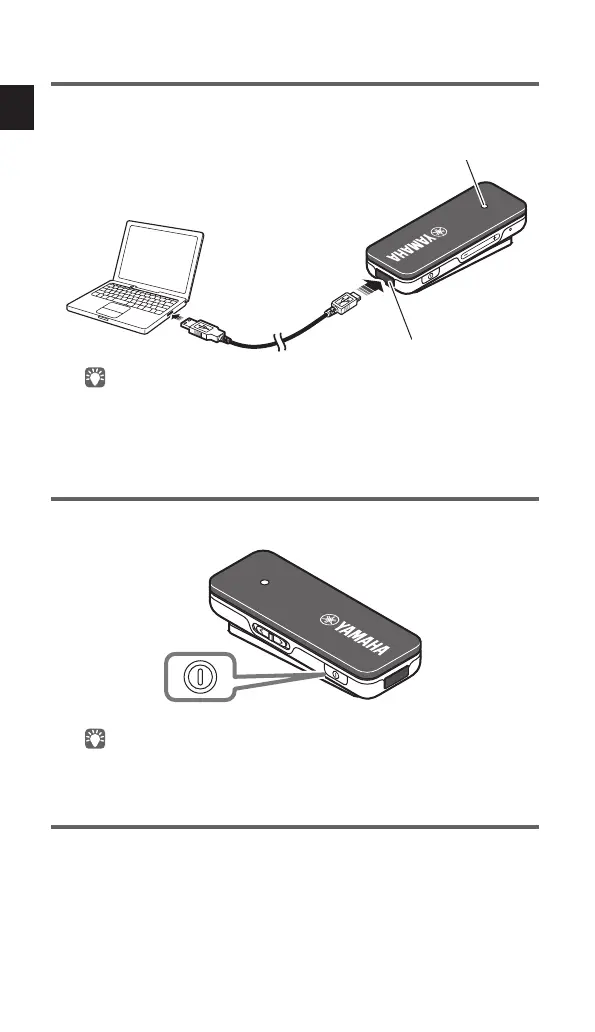
Use the included USB power cable to connect the receiver to a
computer or other charging device.
microUSB port
Indicator
• The indicator lights red while charging is taking place. When charging is
complete, the indicator lights blue.
• Charging will complete in approximately two hours.
Turning the power on/off
Press and hold the power button (approximately two seconds).
Power button
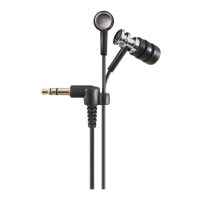
A melody plays from the earphones.
Checking the power supply status
If you are not sure whether the receiver is powered-on, such as if the indicator is
unlit, you can check this as follows.
Briefly press any button other than the play button.
If the indicator blinks once or twice, the power is on.



 To Next Page