EasyManua.ls Logo

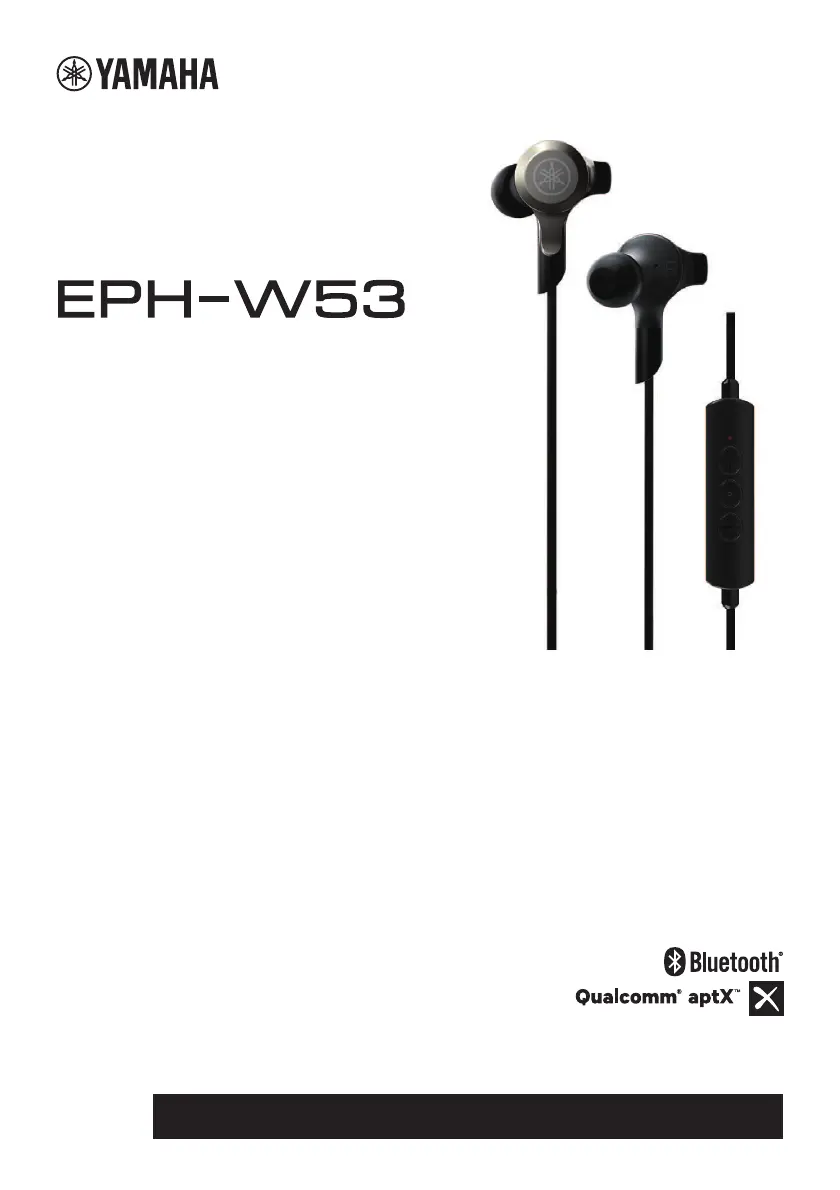
Yamaha EPH-W53 - User Manual

Yamaha EPH-W53
158 pages
Print Icon
To Next Page IconTo Next Page
Loading...
EN FR DE SV IT ES NL
PT RU
ZH-CN ZH-TW
KO JA
Earphones
Casques Intra-auriculaires
耳机
Наушники
Owner’s Manual
Mode d'emploi
Bedienungsanleitung
Bruksanvisning
Manuale di istruzioni
Manual de instrucciones
Gebruikershandleiding
Manual do Proprietário
使用说明书
使用說明書
사용설 명 서
取扱説明書
Руководство пользователя

Table of Contents

Questions and Answers

  • W
    welchstevenJul 27, 2025
    Why can't I connect my Yamaha EPH-W53 via Bluetooth?
    • J
      Joan WintersJul 27, 2025
      If you're having trouble establishing a Bluetooth connection with your Yamaha Headphone, first ensure that the Bluetooth function on your portable audio player or smartphone is turned on. If the connection still fails, try performing the pairing operation again.
  • H
    Haley JohnsonAug 2, 2025
    Why is there no sound coming from my Yamaha EPH-W53?
    • A
      Amber SilvaAug 2, 2025
      If you're not getting any sound from your Yamaha Headphone, there might be a few simple causes. First, ensure that the volume isn't set too low on your portable audio player or smartphone. Also, verify that your device isn't paused or turned off. Finally, check that the Bluetooth connection between your headphone and your device is properly established.
  • J
    Jason BeckAug 8, 2025
    How to fix Bluetooth connection issues with my Yamaha EPH-W53?
    • M
      Michael MendozaAug 8, 2025
      If you're having trouble establishing a Bluetooth connection with your Yamaha Headphone, first ensure that the Bluetooth function on your portable audio player or smartphone is turned on. If the connection still fails, try performing the pairing operation again.
  • T
    Tammy PenningtonAug 14, 2025
    Why my Yamaha EPH-W53 Headphone cannot be operated?
    • T
      Travis HarrisAug 15, 2025
      If your Yamaha Headphone is not working, it could be due to a couple of reasons. Check that the Bluetooth connection with your portable audio player or smartphone is properly established. Also, the issue might be that you have connected an incompatible portable audio player or smartphone.
  • L
    Louis DanielAug 20, 2025
    How to fix no sound on Yamaha EPH-W53 Headphone?
    • M
      Michele HessAug 20, 2025
      If you're not getting any sound from your Yamaha Headphone, first ensure that the volume isn't set too low on your connected device (portable audio player or smartphone). Also, confirm that your device isn't paused or turned off. Finally, verify that the Bluetooth connection between your headphones and your device is properly established.

Summary

Part Names and Controls

Preparation

Charging

Instructions on how to charge the earphones using the USB power cable.

Turning On and Off

Steps to power on and off the earphones and check indicator status.

Bluetooth Connectivity

Pairing with a Bluetooth Device

Steps to pair the earphones with a Bluetooth-enabled device.

Establishing a Bluetooth Connection

How to connect to the most recently paired Bluetooth device.

Using the Earphones

Listening to Music

Controls for playing, pausing, skipping tracks, and adjusting volume.

Using the Phone

Operations for receiving, ending, and ignoring calls, plus volume control.

Troubleshooting

No Sound

Steps to resolve issues with no audio output.

Cannot Establish Bluetooth Connection

Steps to fix problems connecting via Bluetooth.

Yamaha EPH-W53 Specifications

General IconGeneral
Frequency Response20 Hz - 20 kHz
Impedance16 ohms
Water ResistanceIPX5
TypeIn-ear
Driver UnitDynamic
Supported CodecsAAC, SBC

Related product manuals