EasyManua.ls Logo

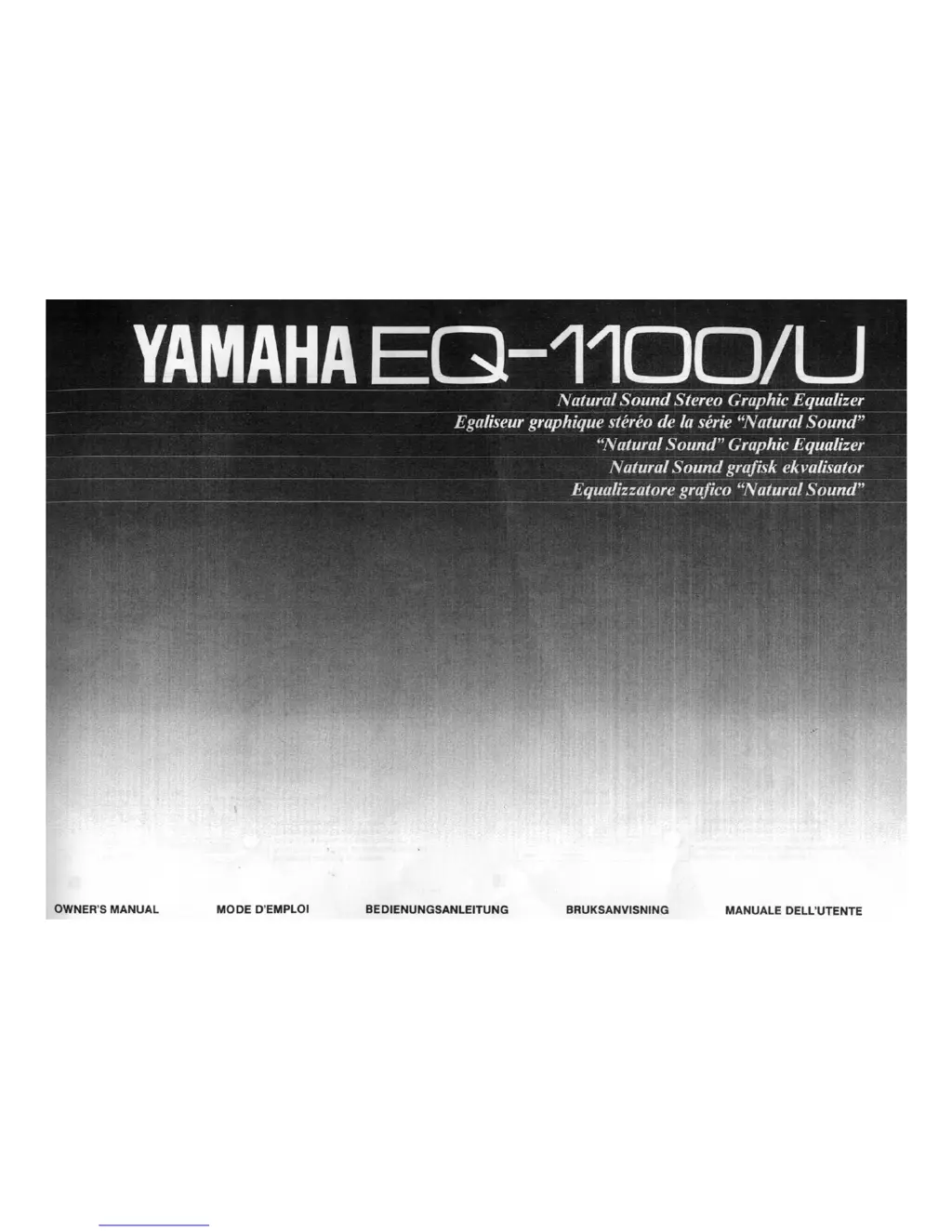
Yamaha EQ-1100 - User Manual

Yamaha EQ-1100
13 pages
Print Icon
To Next Page IconTo Next Page
Loading...

Questions and Answers

  • J
    Jennifer HarrisAug 13, 2025
    What to do if no sound is heard from my Yamaha EQ-1100 Stereo Equalizer?
    • C
      Cindy WashingtonAug 13, 2025
      If no sound is coming from your Yamaha Stereo Equalizer, first, ensure the input selector is correctly set; press the correct input selector. Second, check that the pin plugs are properly connected.
  • E
    Eric RosarioAug 17, 2025
    Why Yamaha EQ-1100 power is not supplied?
    • A
      Amy LucasAug 17, 2025
      If your Yamaha Stereo Equalizer isn't powering on, even when the power switch is on, the power plug might not be securely plugged in. Ensure it is fully plugged in.
  • V
    Victoria AllenAug 21, 2025
    What to do if there is no sound from one speaker on Yamaha EQ-1100?
    • J
      Joshua PerezAug 21, 2025
      If you're only getting sound from one speaker with your Yamaha Stereo Equalizer, the pin plug might not be properly connected. Check the connections.
  • R
    Robert HarrisAug 25, 2025
    How to fix Yamaha EQ-1100 spectrum analyzer that will not light up?
    • K
      Kyle WheelerAug 25, 2025
      If the spectrum analyzer on your Yamaha Stereo Equalizer isn't lighting up, it could be due to the input selector not being set correctly; press the correct input selector. Alternatively, the correct DISPLAY mode button might not be pressed; press the ANALYZER button.
  • M
    Morgan HardinAug 28, 2025
    Why sound quality cannot be enhanced on Yamaha EQ-1100 Stereo Equalizer?
    • J
      Jacob HutchinsonAug 28, 2025
      If you're unable to enhance the sound quality on your Yamaha Stereo Equalizer, make sure the EQ button is pressed.
  • J
    Justin TrevinoSep 1, 2025
    Why equalizer level will not light on Yamaha EQ-1100 Stereo Equalizer?
    • W
      William SnyderSep 1, 2025
      If the equalizer level on your Yamaha Stereo Equalizer isn't lighting up, the correct DISPLAY mode button might not be pressed. Try pressing the correct DISPLAY mode button.
  • A
    Adam LyonsSep 4, 2025
    How to fix equalizer level of the desired channel that will not light on Yamaha EQ-1100?
    • V
      Victor RossSep 4, 2025
      If the equalizer level for a specific channel isn't lighting up on your Yamaha Stereo Equalizer, the channel button might not be set correctly. Press the desired channel button.
  • S
    Shawna DunnSep 8, 2025
    What to do if there is no pink noise during auto equalization on Yamaha Stereo Equalizer?
    • B
      brandonleeSep 8, 2025
      If there's no pink noise during auto equalization with your Yamaha Stereo Equalizer, the microphone may not be connected. Connect the supplied microphone to the MIC jack.

Summary

Connections Guide

Connecting Amplifier or Receiver

Details on connecting the unit to an amplifier or receiver using accessory jacks or standard connections.

Safety and Precautions

General Warnings and Cautions

Important safety warnings regarding electrical shock, fire hazards, and proper handling of the unit.

Front Panel Parts Overview

Front Panel Controls Explained

Remote Control and Microphone Operations

Memory Facility Functions

Operations: Auto Equalization

Operations: Manual Adjustments

Manual Equalization and Memory Management

Guide to manual equalization, storing, recalling, and superimposing equalizer curves.

Troubleshooting and Specifications

Troubleshooting Common Issues

A guide to diagnosing and resolving common problems encountered with the unit.

Technical Specifications Overview

Detailed technical specifications including output, input, impedance, frequency response, and dimensions.

Yamaha EQ-1100 Specifications

General IconGeneral
BrandYamaha
ModelEQ-1100
CategoryStereo Equalizer
LanguageEnglish

Related product manuals