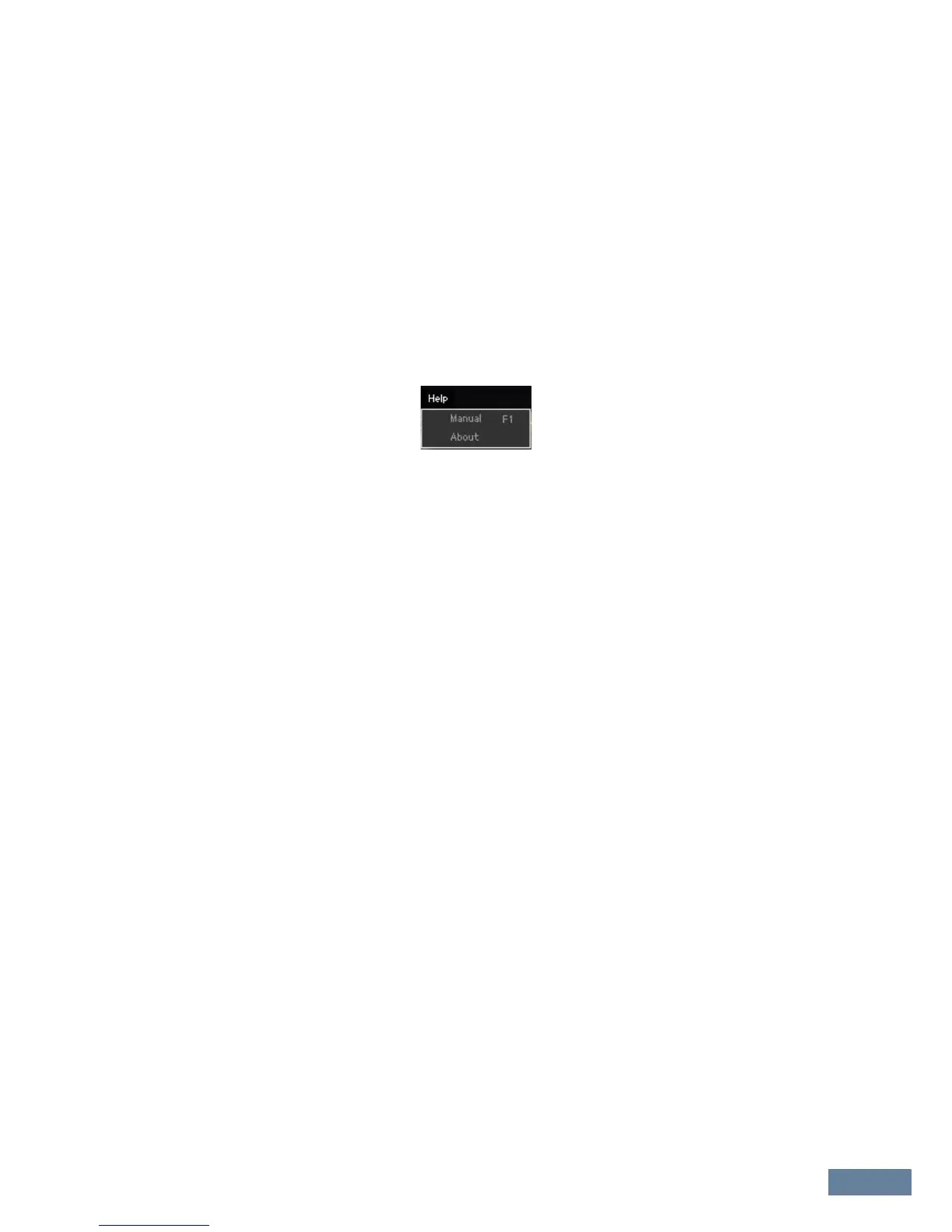
Menu: [Help] menu
MOXF6/MOXF8 Editor Owner’s Manual
49
4 Progress Bar
Shows how much of the data has been transmitted.
5 [Start] button
After setup is completed, click the [Start] button to actually execute data transmission.
6 [Stop] button
This button is available only when data transmission is being executed and allows you to cancel the
transmission.
[Help] menu
Manual
Selecting this menu calls up this manual in PDF format.
About
Selecting this menu calls up information such as the version number of the MOXF6/MOXF8 Editor.



 To Next Page