File Utility RemotePerformance Song/Pattern
MX49/MX61 Reference Manual
File
File display
Save
Load
Rename
Delete
Format
Memory Info
63
Deletes a specific file saved to the root directory of the USB flash memory. After selecting the desired file, press
[ENTER] to execute the Delete operation.
Formats the USB flash memory connected to the instrument. Before you can use a new USB flash memory with the
MX49/MX61, you will need to format it. Select “05:Format” in the top File display, then press [ENTER] to appear the
confirmation display. Then, press [INC/YES] to execute the Format operation..
If you format the device, all previously saved data will be deleted. Make sure to check beforehand whether or not the device
contains important data.
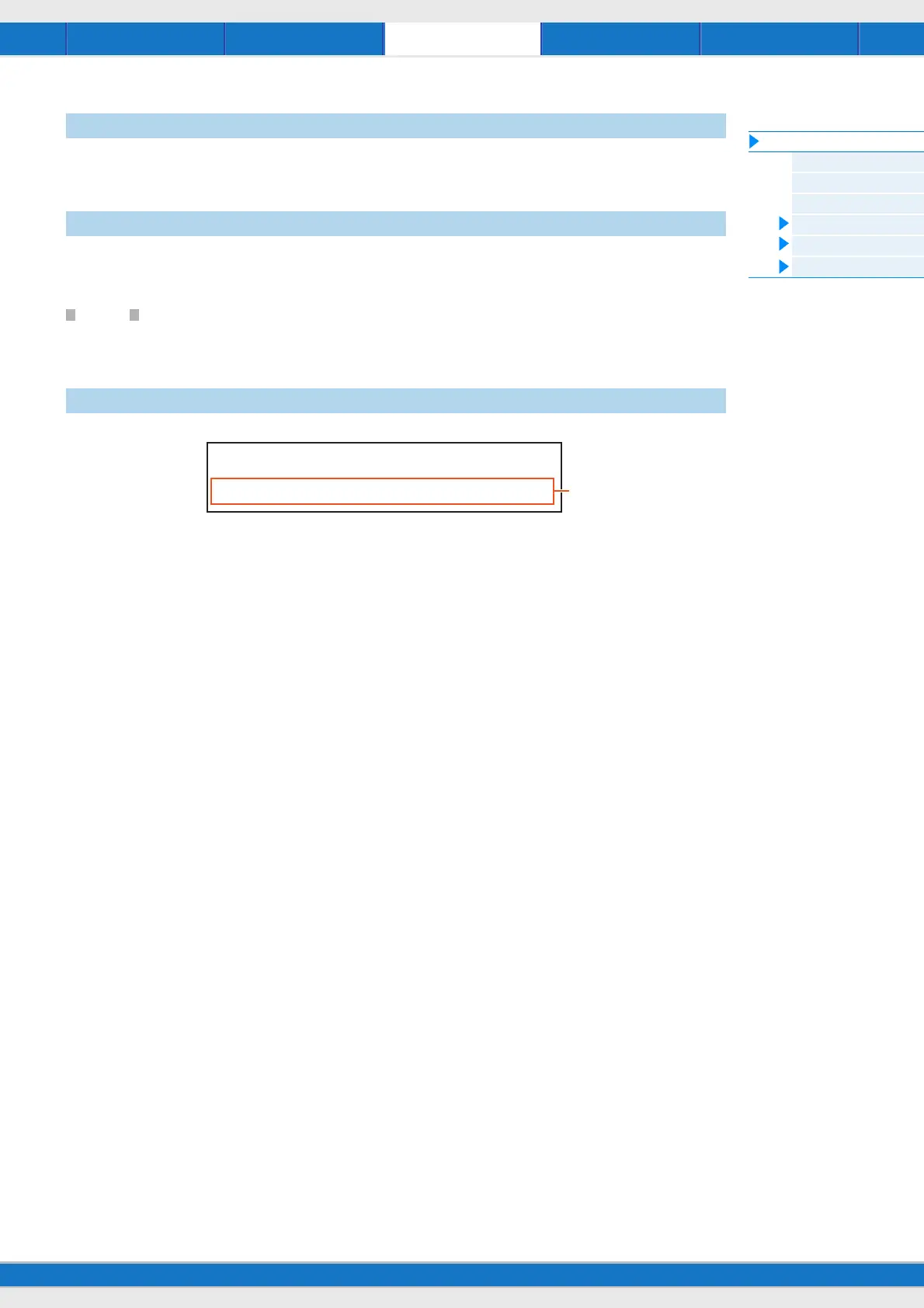
1 Free
Indicates the amount of free/total memory for the currently recognized USB flash memory.
Delete
Format
Memory Info (Memory information)
FILE*Memory*Info
Free=867.9MB/955.0MB
1



 To Next Page