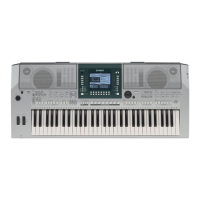
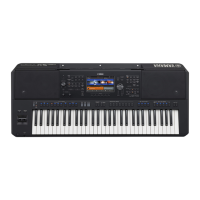
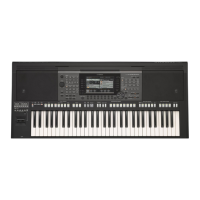
I. Enabling an External MIDI Device to Control Keyboard
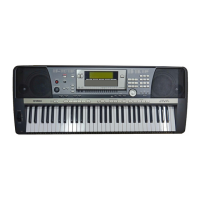
Sections on a PSR640/740
The PSR640/740 can be configured so that an external MIDI device will control it
the same way its own keyboard does (controlling whatever sections are active on
the front panel). It can also be configured so that the Auto Accompaniment
section ONLY is controlled (independent of the keyboard).
1) Press the [FUNCTION] button.
2) Turn the Data Dial until 'F5 MIDI' is displayed in the screen.
3) Press the [NEXT] button.
4) Turn the Data Dial until ‘Receive Channel' is displayed in the screen.
5) Press the [NEXT] button.
6) Use the black [1] – [16] buttons below the screen to select the desired
MIDI Channel (the Channel being transmitted by the external MIDI
device) in the screen.
7) Turn the Data Dial until ‘KEYBOARD’ is selected for the Channel in the
screen.
NOTE: To trigger ONLY the Auto Accompaniment section, dial ‘CHORD’
instead.
8) Press the [EXIT] button.
Owner's Manual, p.131


 To Next Page