En 1
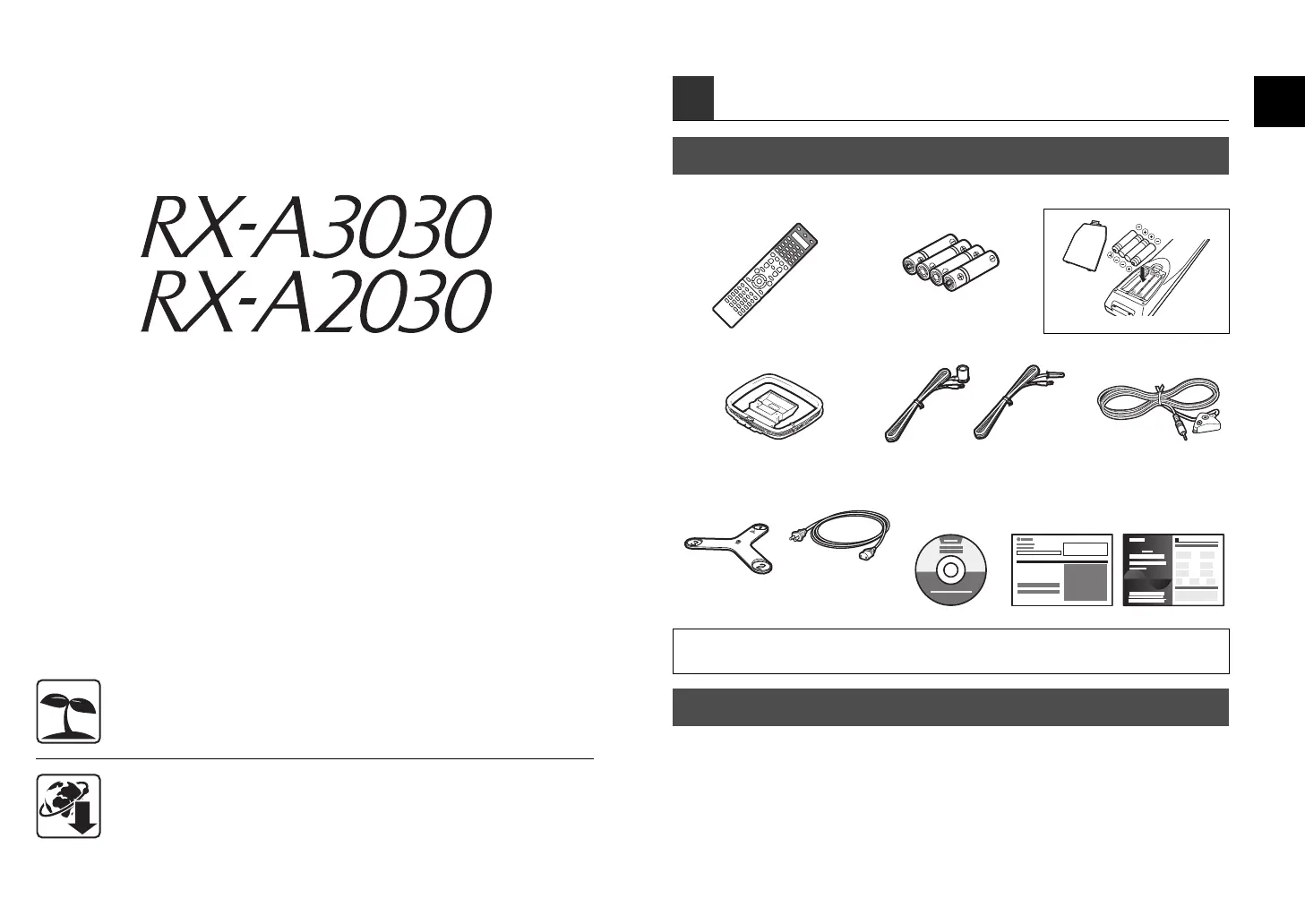
Check that the following accessories are supplied with the product.
The following cables (not supplied) are required to build the system described in this
document.
• Speaker cables (x9)
• HDMI cable (x2)
• Audio pin cable (x1)
• Digital optical cable or stereo pin cable (x1*)
* Not required if your TV supports ARC (Audio Return Channel)
1 Preparation
Accessories
Remote control Batteries (x4)
Insert the batteries the right way round.
AM antenna FM antenna YPAO microphone
Microphone base
(RX-A3030 only)
Power cable
CD-ROM
(Owner’s Manual)
Safety Brochure
Easy Setup Guide
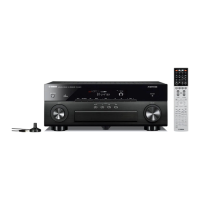
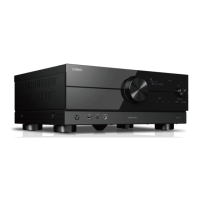
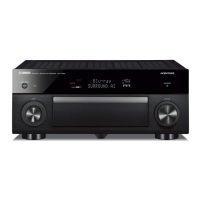
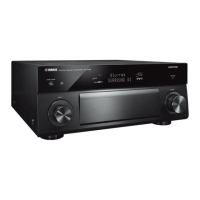
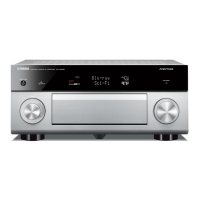
• The illustrations of the main unit and remote control used in this guide are of the RX-A3030 (U.S.A.
model), unless otherwise specified.
*RX-A3030: AAA, LR03, UM-4
RX-A2030: AAA, R03, UM-4
*One of the above is supplied depending
on the region of purchase.
*The supplied power
cable varies
depending on the
region of purchase.
*Using for angle
measurement
during YPAO.
Cables required for connections
This document explains how to set up a 9.1-channel system and play
back surround sound from a BD/DVD on the unit.
To reduce the impact on natural resources, the Owner’s Manual for this product is
supplied on CD-ROM. For more information about this product, refer to the
Owner’s Manual on the supplied CD-ROM.
PDF versions of this guide and “Owner’s Manual” can be downloaded from the
following website.
http://download.yamaha.com/
Easy Setup Guide
English
AV Receiver
RX-A3030_2030_esg_C.fm Page 1 Monday, February 25, 2013 6:45 PM



 To Next Page