EasyManua.ls Logo

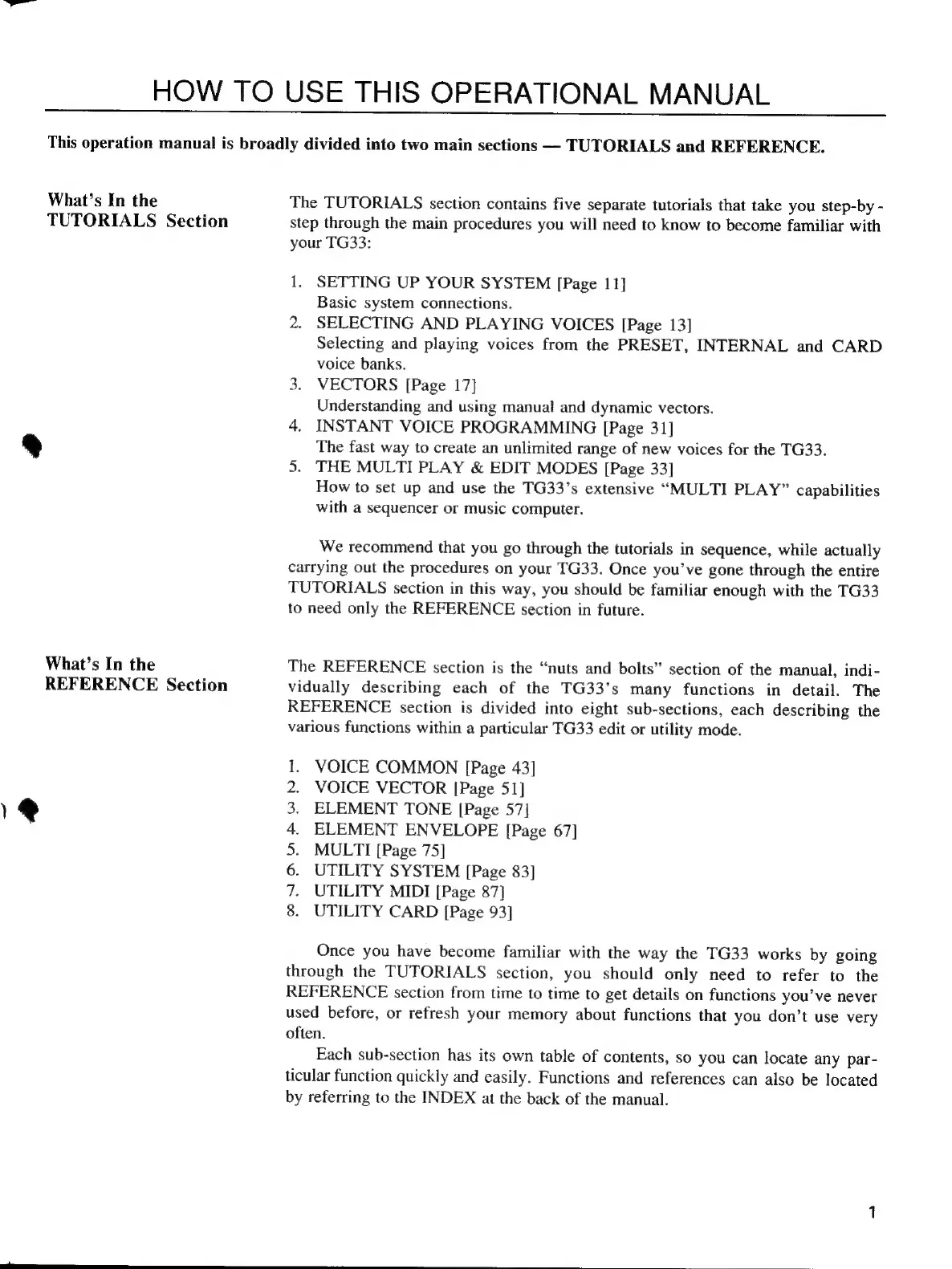
Yamaha TG33 - FRONT PANEL CONTROLS AND INDICATORS; Vector Control and Vector Mode Indicators

Yamaha TG33
46 pages
Print Icon
To Next Page IconTo Next Page
To Previous Page IconTo Previous Page
Loading...
HOW
TO
USE
THIS
OPERATIONAL
MANUAL
This
operation
manual
is
broadly
divided
into
two
main
sections
—
TUTORIALS
and
REFERENCE.
What’s
In
the
TUTORIALS
Section
What’s
In
the
REFERENCE
Section
1@
The
TUTORIALS
section
contains
five
separate
tutorials
that
take
you
step-by
-
step
through
the
main
procedures
you
will
need
to
know
to
become
familiar
with
your
TG33:
1.
SETTING
UP
YOUR
SYSTEM
[Page
11]
Basic
system
connections.
2.
SELECTING
AND
PLAYING
VOICES
[Page
13]
Selecting
and
playing
voices
from
the
PRESET,
INTERNAL
and
CARD
voice
banks.
3.
VECTORS
[Page
17]
Understanding
and
using
manual
and
dynamic
vectors.
4.
INSTANT
VOICE
PROGRAMMING
[Page
31]
The
fast
way
to
create
an
unlimited
range
of
new
voices
for
the
TG33.
5.
THE
MULTI
PLAY
&
EDIT
MODES
[Page
33]
How
to
set
up
and
use
the
TG33's
extensive
“MULTI
PLAY”
capabilities
with
a
sequencer
or
music
computer.
We
recommend
that
you
go
through
the
tutorials
in
sequence,
while
actually
carrying
out
the
procedures
on
your
TG33.
Once
you've
gone
through
the
entire
TUTORIALS
section
in
this
way,
you
should
be
familiar
enough
with
the
TG33
to
need
only
the
REFERENCE
section
in
future.
The
REFERENCE
section
is
the
“nuts
and
bolts"
section
of
the
manual,
indi-
vidually
describing
each
of
the
TG33's
many
functions
in
detail.
The
REFERENCE
section
is
divided
into
eight
sub-sections,
each
describing
the
various
functions
within
a
particular
TG33
edit
or
utility
mode.
VOICE
COMMON
[Page
43]
VOICE
VECTOR
[Page
51]
ELEMENT
TONE
[Page
57]
ELEMENT
ENVELOPE
[Page
67]
MULTI
[Page
75]
UTILITY
SYSTEM
[Page
83]
UTILITY
MIDI
[Page
87]
UTILITY
CARD
[Page
93]
PNDR
N
e
Once
you
have
become
familiar
with
the
way
the
TG33
works
by
going
through
the
TUTORIALS
section,
you
should
only
need
to
refer
to
the
REFERENCE
section
from
time
to
time
to
get
details
on
functions
you’ve
never
used
before,
or
refresh
your
memory
about
functions
that
you
don’t
use
very
often.
Each
sub-section
has
its
own
table
of
contents,
so
you
can
locate
any
par-
ticular
function
quickly
and
easily.
Functions
and
references
can
also
be
located
by
referring
to
the
INDEX
at
the
back
of
the
manual.