EasyManua.ls Logo

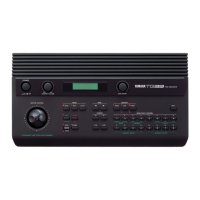
Yamaha TG33 - FRONT PANEL OPERATION AND EDIT KEYS; Utility, Compare, and Store;Copy Keys

Yamaha TG33
46 pages
Print Icon
To Next Page IconTo Next Page
To Previous Page IconTo Previous Page
Loading...
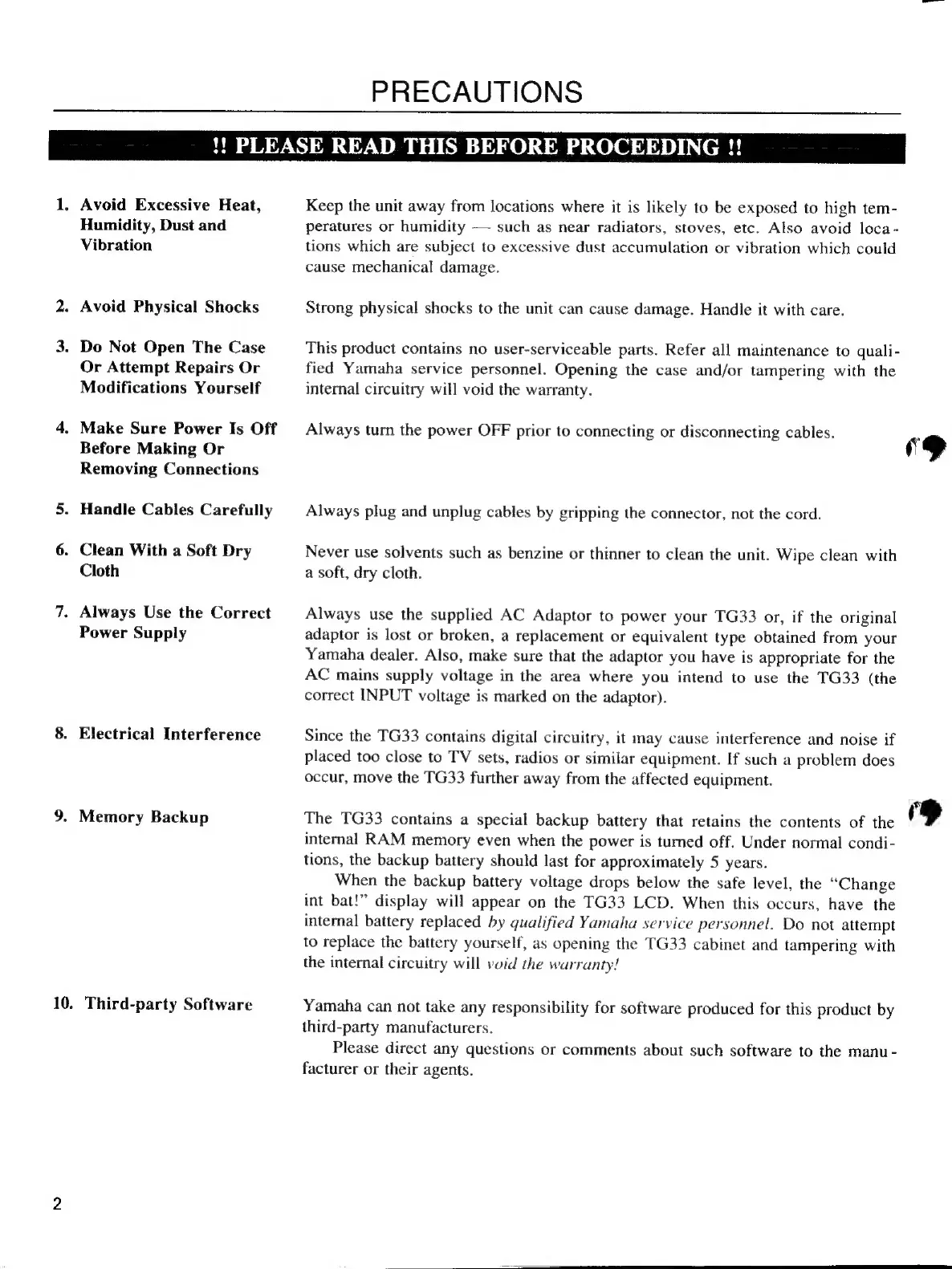
PRECAUTIONS
!!
PLEASE
READ
THIS
BEFORE
PROCEEDING
!!
.
Avoid
Excessive
Heat,
Humidity,
Dust
and
Vibration
.
Avoid
Physical
Shocks
.
Do
Not
Open
The
Case
Or
Attempt
Repairs
Or
Modifications
Yourself
.
Make
Sure
Power
Is
Off
Before
Making
Or
Removing
Connections
.
Handle
Cables
Carefully
.
Clean
With
a
Soft
Dry
Cloth
.
Always
Use
the
Correct
Power
Supply
.
Electrical
Interference
.
Memory
Backup
10.
Third-party
Software
Keep
the
unit
away
from
locations
where
it
is
likely
to
be
exposed
to
high
tem-
peratures
or
humidity
—
such
as
near
radiators,
stoves,
etc.
Also
avoid
loca-
tions
which
аге
subject
to
excessive
dust
accumulation
or
vibration
which
could
cause
mechanical
damage.
Strong
physical
shocks
to
the
unit
can
cause
damage.
Handle
it
with
care.
This
product
contains
no
user-serviceable
parts.
Refer
all
maintenance
to
quali-
fied
Yamaha
service
personnel.
Opening
the
case
and/or
tampering
with
the
internal
circuitry
will
void
the
warranty.
Always
turn
the
power
OFF
prior
to
connecting
or
disconnecting
cables.
Always
plug
and
unplug
cables
by
gripping
the
connector,
not
the
cord.
Never
use
solvents
such
as
benzine
or
thinner
to
clean
the
unit.
Wipe
clean
with
a
soft,
dry
cloth.
Always
use
the
supplied
AC
Adaptor
to
power
your
TG33
or,
if
the
original
adaptor
is
lost
or
broken,
a
replacement
or
equivalent
type
obtained
from
your
Yamaha
dealer.
Also,
make
sure
that
the
adaptor
you
have
is
appropriate
for
the
AC
mains
supply
voltage
in
the
area
where
you
intend
to
use
the
TG33
(the
correct
INPUT
voltage
is
marked
on
the
adaptor).
Since
the
TG33
contains
digital
circuitry,
it
may
cause
interference
and
noise
if
placed
too
close
to
TV
sets,
radios
or
similar
equipment.
If
such
a
problem
does
occur,
move
the
TG33
further
away
from
the
affected
equipment.
9
The
TG33
contains
a
special
backup
battery
that
retains
the
contents
of
the
internal
RAM
memory
even
when
the
power
is
turned
off.
Under
normal
condi-
tions,
the
backup
battery
should
last
for
approximately
5
years.
When
the
backup
battery
voltage
drops
below
the
safe
level,
the
“Change
int
bat!”
display
will
appear
on
the
TG33
LCD.
When
this
occurs,
have
the
internal
battery
replaced
by
qualified
Yamaha
service
personnel.
Do
not
attempt
to
replace
the
battery
yourself,
as
opening
the
TG33
cabinet
and
tampering
with
the
internal
circuitry
will
void
the
warranty!
Yamaha
can
not
take
any
responsibility
for
software
produced
for
this
product
by
third-party
manufacturers.
Please
direct
any
questions
or
comments
about
such
software
to
the
manu
-
facturer
or
their
agents.