EasyManua.ls Logo

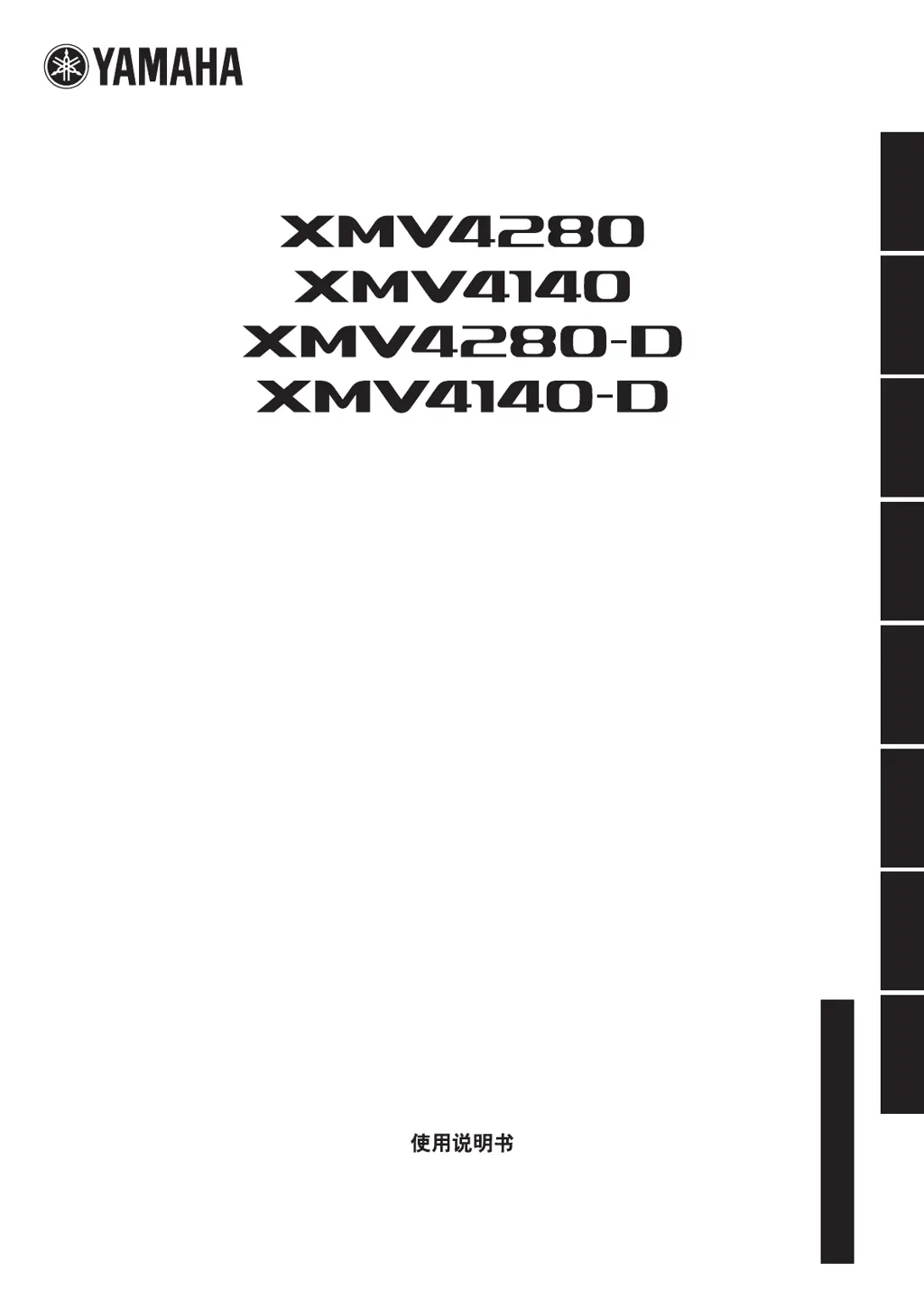
Yamaha XMV4280-D - User Manual

Yamaha XMV4280-D
42 pages
Print Icon
To Next Page IconTo Next Page
Loading...
JA
ZH
RU
IT
ES
FR
DE
EN
日本語 中文
Owners Manual
Bedienungsanleitung
Mode d’emploi
Manual de instrucciones
Manuale di istruzioni
Руководство пользователя
取扱説明書
EnglishDeutschFrançaisEspañolItalianoРусский
POWER AMPLIFIER

Questions and Answers

  • M
    michele19Aug 22, 2025
    What to do if the [ALERT] indicator remains flashing on Yamaha XMV4280-D?
    • M
      Michelle LewisAug 22, 2025
      If the [ALERT] indicator remains flashing or lit on your Yamaha Amplifier even after turning the power on and off, it indicates that the device has failed. Contact your Yamaha dealer for repair.
  • A
    Anna CarrollNov 7, 2025
    What to do if Yamaha XMV4280-D Amplifier has no sound?
    • R
      richard66Nov 7, 2025
      If you are experiencing no sound from your Yamaha Amplifier, consider the following potential causes and solutions: * Ensure the analog/digital input setting is correct by checking it on the front panel. * If Double Power mode is selected, no audio signals will be output from channel B or channel D. Either turn off Double Power mode or reconnect the cables. * Verify all input/output cables are connected securely. * Confirm the mute function is turned off by ensuring the [MUTE] indicator is unlit. * Check the attenuator value on the display to ensure it is appropriate. * Make sure an audio signal is being output from the mixer or other device. * If the protection circuit has operated (the [PROTECTION] indicator is lit), turn off the power, wait for the XMV to cool, and then t...

Summary

IMPORTANT SAFETY INSTRUCTIONS

PRECAUTIONS

Maintenance

Handling caution

Describes precautions for handling the device to avoid injury or damage.

Introduction

Controls and Functions

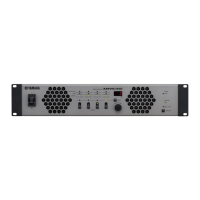
Front Panel Controls and Indicators

Details all buttons, displays, and indicators on the amplifier's front panel for operation and status.

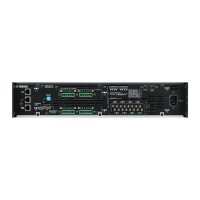
Rear Panel Connectors and Settings

Details all rear panel connectors for network, audio, control, and power, plus setup switches.

DIP Switch Configuration Details

Explains the function and settings of various DIP switches for device configuration.

Connections and Setting Up

Analog Signal Input Setup Guide

Step-by-step instructions for setting up analog signal input, including connections and initial configurations.

Speaker Output Settings

Explains how to configure speaker output settings for low and high impedance connections.

Operations

Basic Front Panel Operations

Outlines fundamental operations like checking modes, changing settings, muting, and panel lock.

Parameter Adjustments via Front Panel

Describes how to adjust parameters like volume, polarity, HPF, input selection, and signal indicators.

Appendix

Troubleshooting Common Issues

Provides solutions for common problems like no power, no sound, and alert indicator issues.

Interpreting Alert Numbers and Content

Lists alert numbers, their meanings, and recommended responses for troubleshooting.

Specifications

General Specifications Overview

Provides a comprehensive list of the amplifier's technical specifications and performance parameters.

Yamaha XMV4280-D Specifications

General IconGeneral
Channels4
Total Harmonic Distortion≤ 0.3% (1 kHz, Half power)
Frequency Response+0.5 dB, -1.5 dB (20 Hz - 20 kHz, 8 Ω, 1 W)
Damping Factor≥ 100 (1 kHz, 8 Ω)
Input Sensitivity+4 dBu (1.23 V)
Input Impedance20 kΩ (Balanced), 10 kΩ (Unbalanced)
Network AudioDante
Power Consumption60W (1/8 Max. Power, 4 Ω, per ch), 150W (Full Power, 4 Ω, per ch)
Sampling Frequency Rate96kHz
Digital Input FormatAES3
Weight6.9 kg

Related product manuals