EasyManua.ls Logo

Yamaha XS250 - User Manual

Yamaha XS250
15 pages
Print Icon
To Next Page IconTo Next Page
Loading...
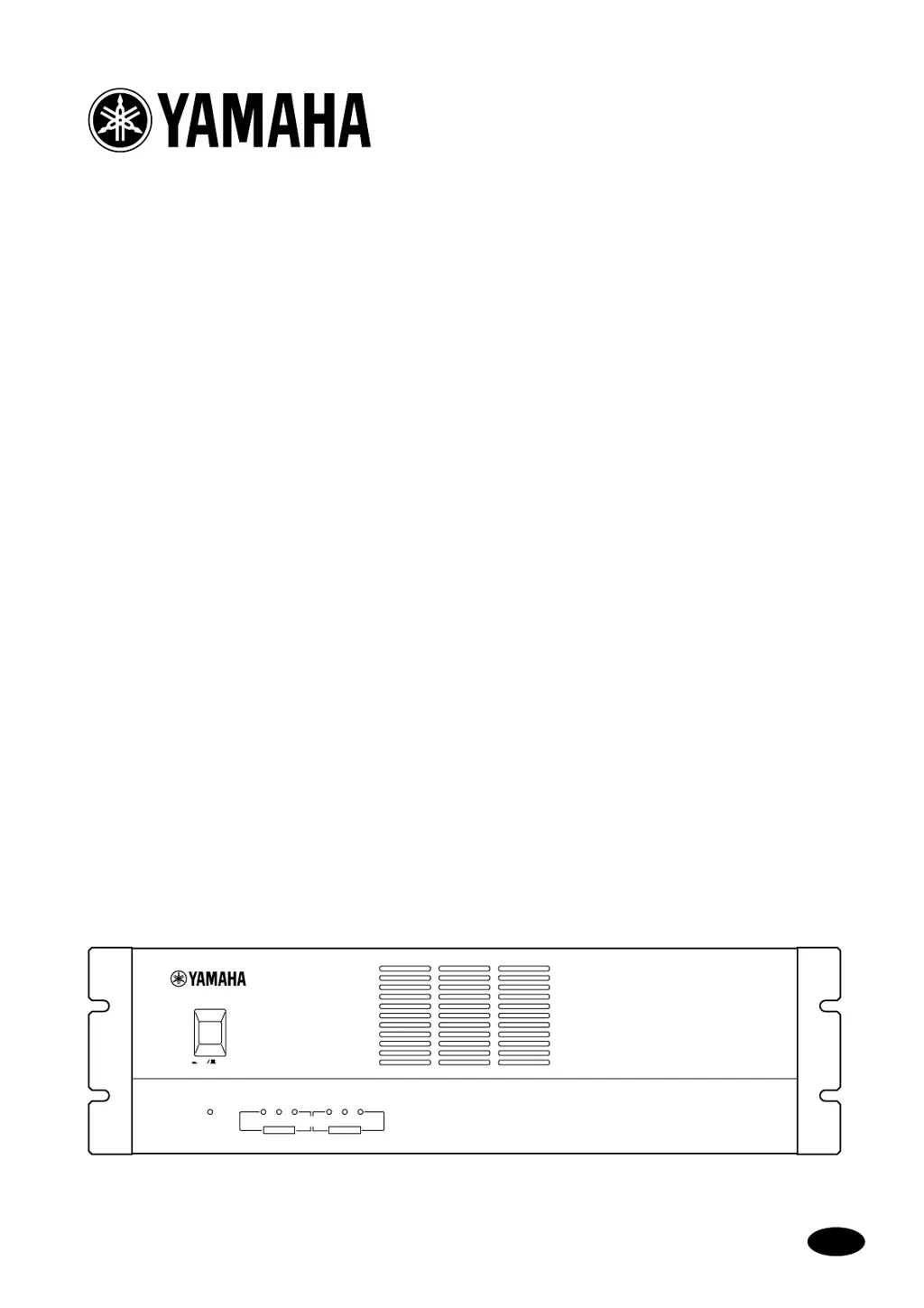
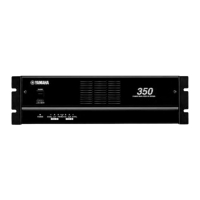
POWER AMPLIFIER
XS350
XS250
Owner’s Manual
E
POWER
POWER AMPLIFIER XS SERIES
POWER
SIGNAL CLIP SIGNALCLIPPROTECTION
CH A CH B
ON OFF
350

Other manuals for Yamaha XS250

Questions and Answers

  • K
    Kelly MasonJul 26, 2025
    What to do if the PROTECTION indicator lights up on my Yamaha XS250?
    • A
      Anita BurkeJul 26, 2025
      If the PROTECTION indicator lights up on your Yamaha Amplifier, it could be due to two reasons. First, the heat sink temperature might have exceeded 90°C. In this case, check the amplifier ventilation conditions and take steps to improve airflow around the amplifier. Second, a DC voltage of ±2 V or greater might have been generated in the power amplifier’s output circuit. For this, consult your dealer or nearest Yamaha service center.
  • L
    Leslie SanchezAug 10, 2025
    Why does the CLIP indicator light up on my Yamaha XS250?
    • O
      okimAug 10, 2025
      The CLIP indicator on your Yamaha Amplifier lights up because of: * A short at a speaker terminal, amplifier terminal, or wire. Locate and correct the cause of the short. * The amplifier load is excessive. Use a speaker system with an impedance of at least 4Ω (stereo) or 8Ω (bridge).

Summary

Introduction to Yamaha Amplifiers

Key Features of XS350;XS250 Series

Overview of key functionalities and capabilities of the XS350/XS250 series amplifiers.

Operational Precautions

General Safety Guidelines

Essential safety measures for operating the amplifier to prevent hazards like shock and fire.

Controls and Functions

Front Panel Operation

Details on the front panel's power switch, signal, clip, and protection indicators.

Rear Panel Operations

Rear Panel Controls and Modes

Explanation of filter switches, volume controls, and operating mode selection on the rear panel.

Rear Panel Connections

Speaker and Input Terminals

Information on connecting speakers and input signals via various terminal types.

Speaker Connection Guidance

Speaker Impedance Requirements

Specifies minimum load impedance for STEREO, PARALLEL, and BRIDGE modes.

Connection Methods Illustration

Illustrates methods for connecting speakers using barrier strips and terminal posts.

Speaker Fuse and Cable Guidelines

Important advice on selecting appropriate speaker fuses and cables to prevent damage.

Rack Mounting Options

EIA Standard Rack Installation

Instructions for mounting in a standard EIA rack, including ventilation and fan requirements.

Portable and Fixed Installation

Guidelines for portable rack and fixed installation mounting, focusing on ventilation.

Technical Specifications

General Performance Data

Detailed performance metrics including power output, distortion, frequency response, and noise.

Input;Output and Circuit Details

Information on connectors, protection circuits, PC limiter, fan speed, and power requirements.

Physical Dimensions

Unit Dimensions and Diagram

Provides a diagram with W x H x D measurements for the amplifier unit.

Troubleshooting Guide

Indicator Light Troubleshooting

Diagnoses issues indicated by CLIP or PROTECTION lights and suggests remedies.

Yamaha XS250 Specifications

General IconGeneral
BrandYamaha
ModelXS250
CategoryAmplifier
LanguageEnglish

Related product manuals