EasyManua.ls Logo

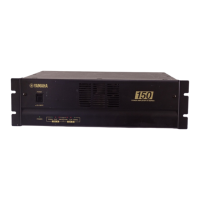
Yamaha XP1000 - User Manual

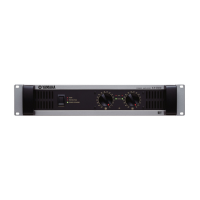
Yamaha XP1000
22 pages
Print Icon
To Next Page IconTo Next Page
Loading...
POWER AMPLIFIER
OWNER’S MANUAL
BEDIENUNGSANLEITUNG
MODE D’EMPLOI
MANUAL DE INSTRUCCIONES
ES
FR
DE
EN
EnglishDeutschFrançaisEspañol

Other manuals for Yamaha XP1000

Questions and Answers

  • Y
    yleachAug 11, 2025
    Why is the PROTECTION indicator lighting up on my Yamaha XP1000 Amplifier?
    • B
      brennankeithAug 11, 2025
      The PROTECTION indicator on your Yamaha Amplifier lights up because the heat sink temperature has exceeded 90°C (194°F). Check the amplifier ventilation conditions and take appropriate measures to improve the airflow around the amplifier.
  • H
    hmccormickAug 21, 2025
    What to do if the CLIP indicator lights on my Yamaha Amplifier are on?
    • D
      Derek FrankAug 21, 2025
      If the CLIP indicator lights are illuminated on your Yamaha Amplifier, it indicates a short circuit at a speaker terminal, amplifier terminal, or wire. Locate and correct the cause of the short. It can also mean that the amplifier load is excessive. Use a speaker system with an impedance of at least 4 ? in STEREO/PARALLEL mode or 8 ? in BRIDGE mode.
  • D
    Danny RobertsonAug 31, 2025
    How to fix TEMP indicator lights on Yamaha Amplifier?
    • S
      samantha85Aug 31, 2025
      If the TEMP indicator lights are on, it means the heat sink temperature has exceeded 85°C (185°F). Check the ventilation slots, and provide better airflow around the amplifier.

Yamaha XP1000 Specifications

General IconGeneral
BrandYamaha
ModelXP1000
CategoryAmplifier
LanguageEnglish

Related product manuals