INSTRUMENT AND CONTROL FUNCTIONS
4-5
4
TRIP F → TRIP A → TRIP B → ODO →
TRIP F
To reset a tripmeter, select it by push-
ing the “SELECT” switch, and then
push the “RESET” switch for at least
one second. If you do not reset the fuel
reserve tripmeter manually, it will reset
itself automatically, and the display will
return to the prior mode after refueling
and traveling 5 km (3 mi).
To set the clock
1. Push the “SELECT” and “RESET”
switches together for at least three
seconds.
2. When the hour digits start flashing,
push the “RESET” switch to set the
hours.
3. Push the “SELECT” switch, and
the minute digits will start flashing.
4. Push the “RESET” switch to set
the minutes.
5. Push the “SELECT” switch and
then release it to start the clock.
Self-diagnosis device
This model is equipped with a self-diag-
nosis device for various electrical cir-
cuits.
If a problem is detected in any of those
circuits, the engine trouble warning light
will come on and the odometer/tripme-
ter/clock display will indicate an error
code.
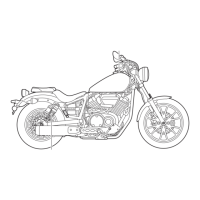
If the odometer/tripmeter/clock display
indicates any error codes, note the
code number, and then have a Yamaha
dealer check the vehicle.
NOTICE
ECA11590
If the display indicates an error
code, the vehicle should be checked
as soon as possible in order to avoid
engine damage.
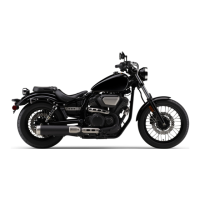
Brightness control mode
This function allows you to adjust the
brightness of the multi-function meter
unit panel to suit the outside lighting
conditions.
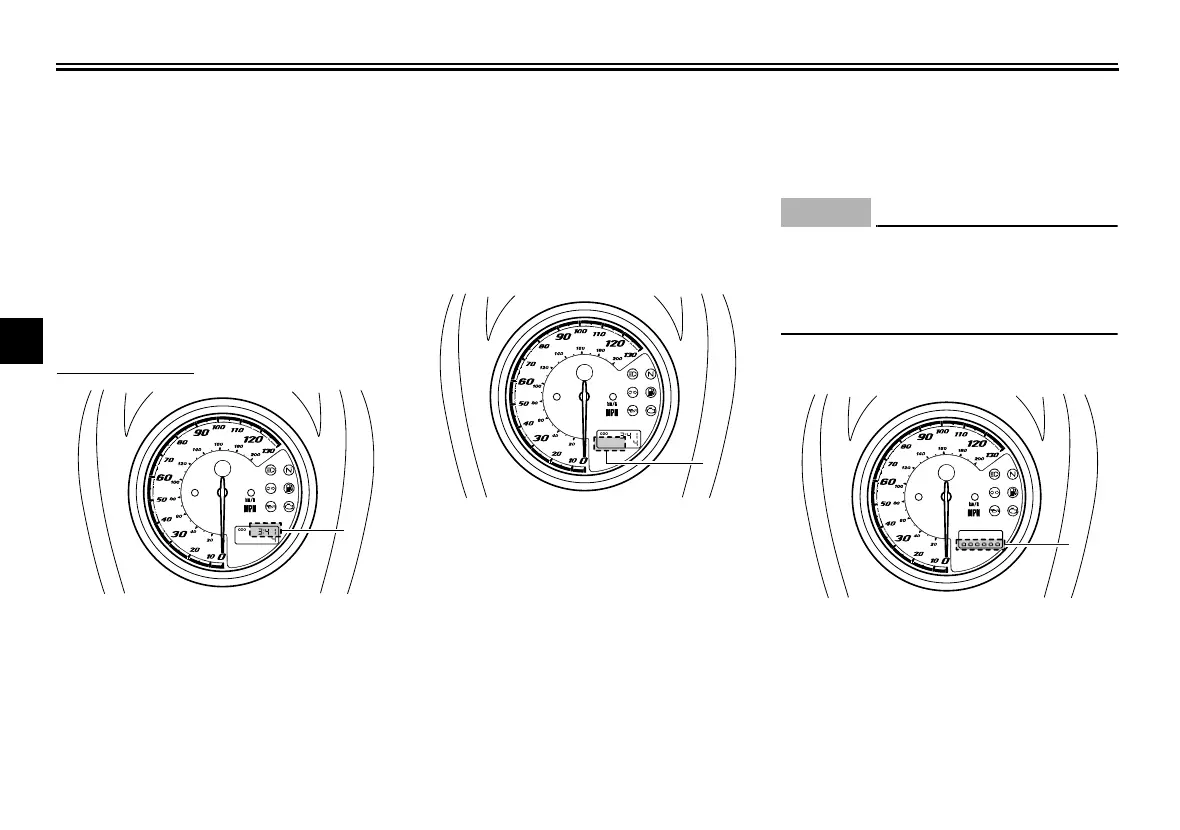
1. Clock
1
1. Error code display
1
1. Brightness level display
1
U26S13E0.book Page 5 Tuesday, May 17, 2011 10:56 AM



 To Next Page