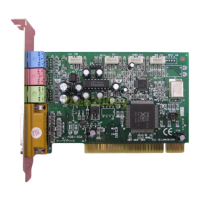
YMF744/754 PCI Sound Card Win98 Installation
8
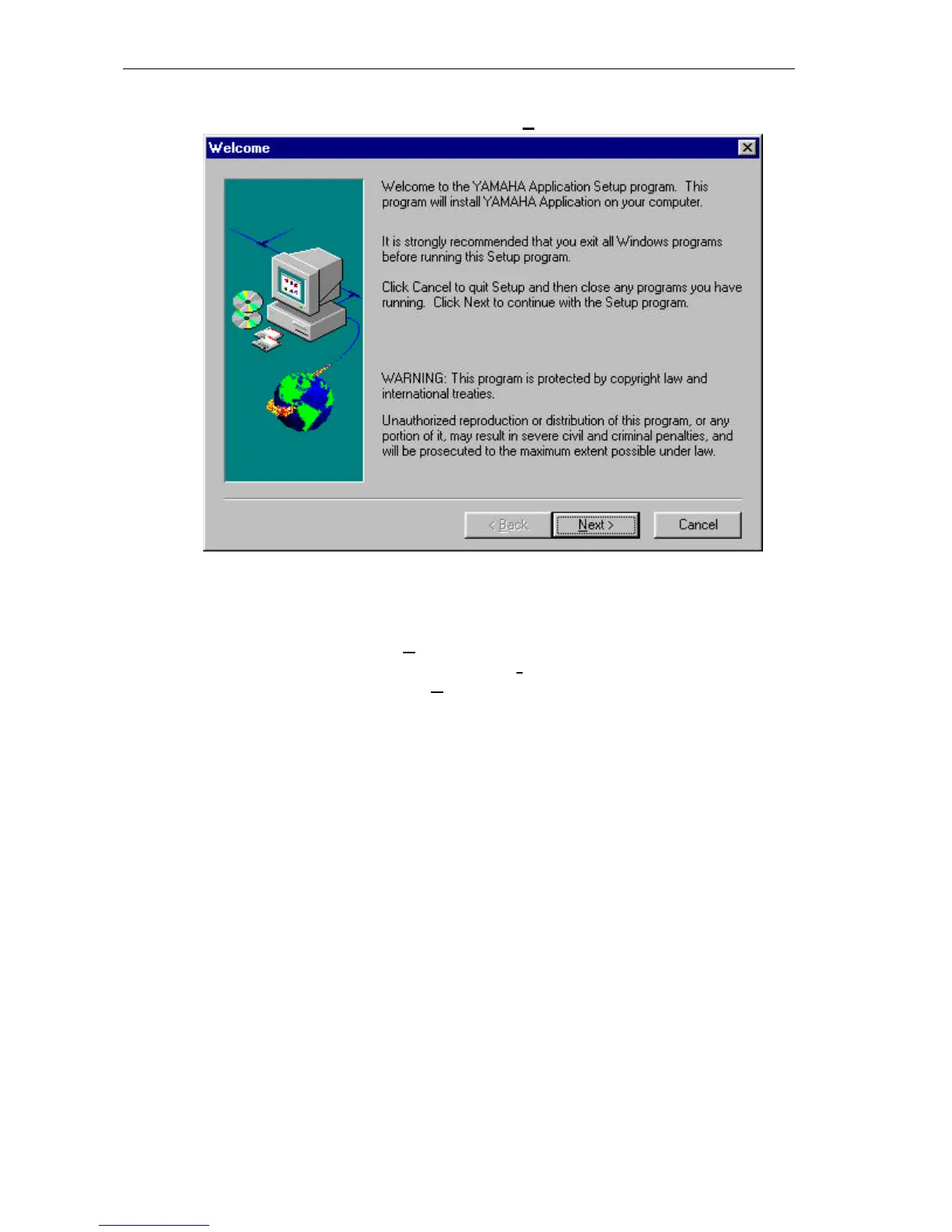
5.) The “Welcome” dialog box will recommend that you exit all Windows programs before
you run the installation program. Please click “Next>” to continue.
6.) The “Choose Destination Location” dialog box will display the default destination
directory, to where the SETUP program will install the program files.
To continue the installation, you may accept the default directory C:\Program
Files\YAMAHA\DS-XG\, click “Next>”.
If you want a different location, click on the “Browse..” to browse to another directory as
the destination directory and click “Next>”.


 To Next Page