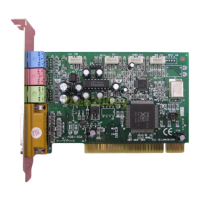
YMF744/754 PCI Sound Card Win98 Installation
3
1.1.2 Installing the Device Driver
If you want to install the device driver please follow the steps as described below:
1.) After you have installed your YMF744/754 PCI sound card start up your Microsoft
Windows 98 operating system.
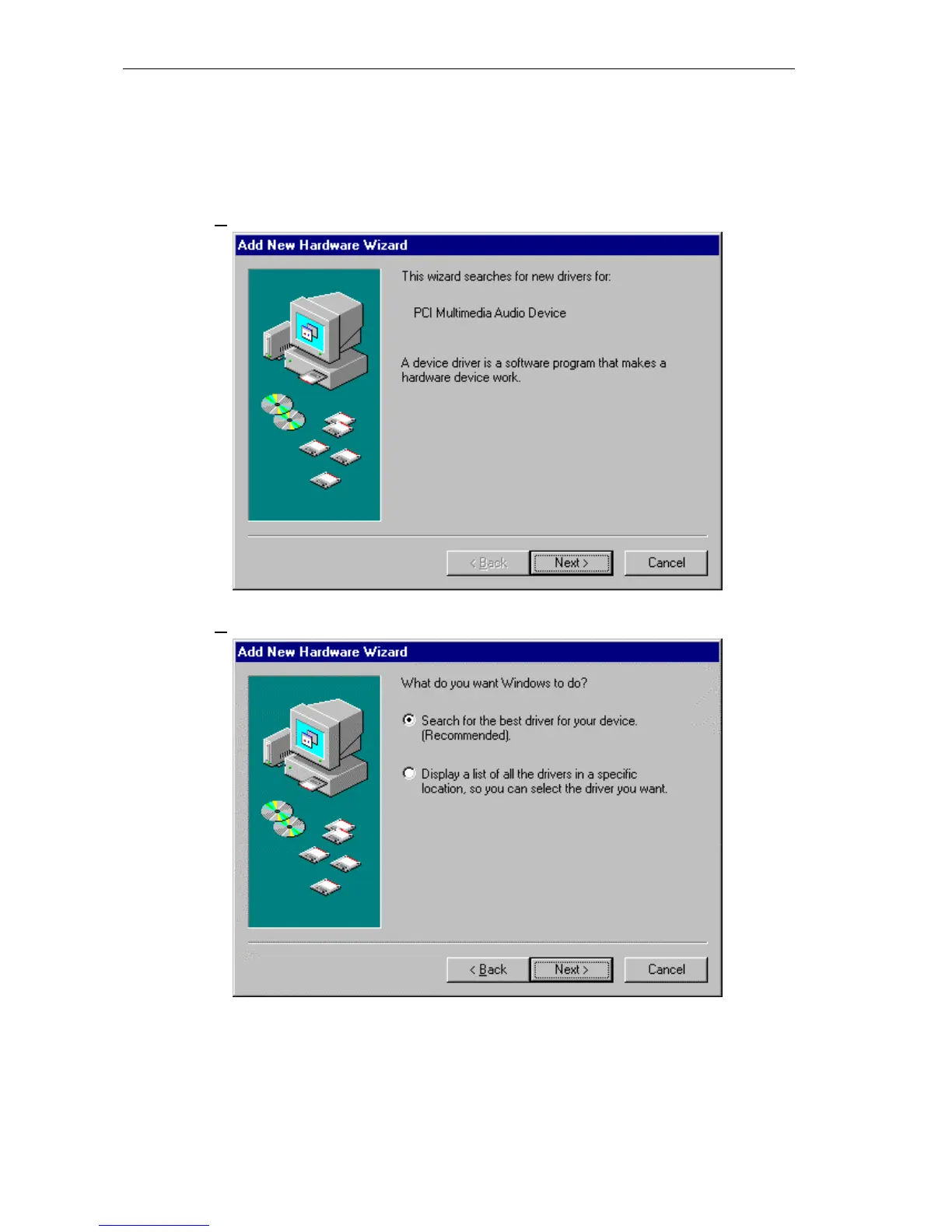
2.) The “Add New Hardware Wizard” dialog box will appear as shown below.
Click “Next>” to continue.
3.) As recommended choose “Search for the best driver for your device”.
Click “Next>”.


 To Next Page