EasyManua.ls Logo

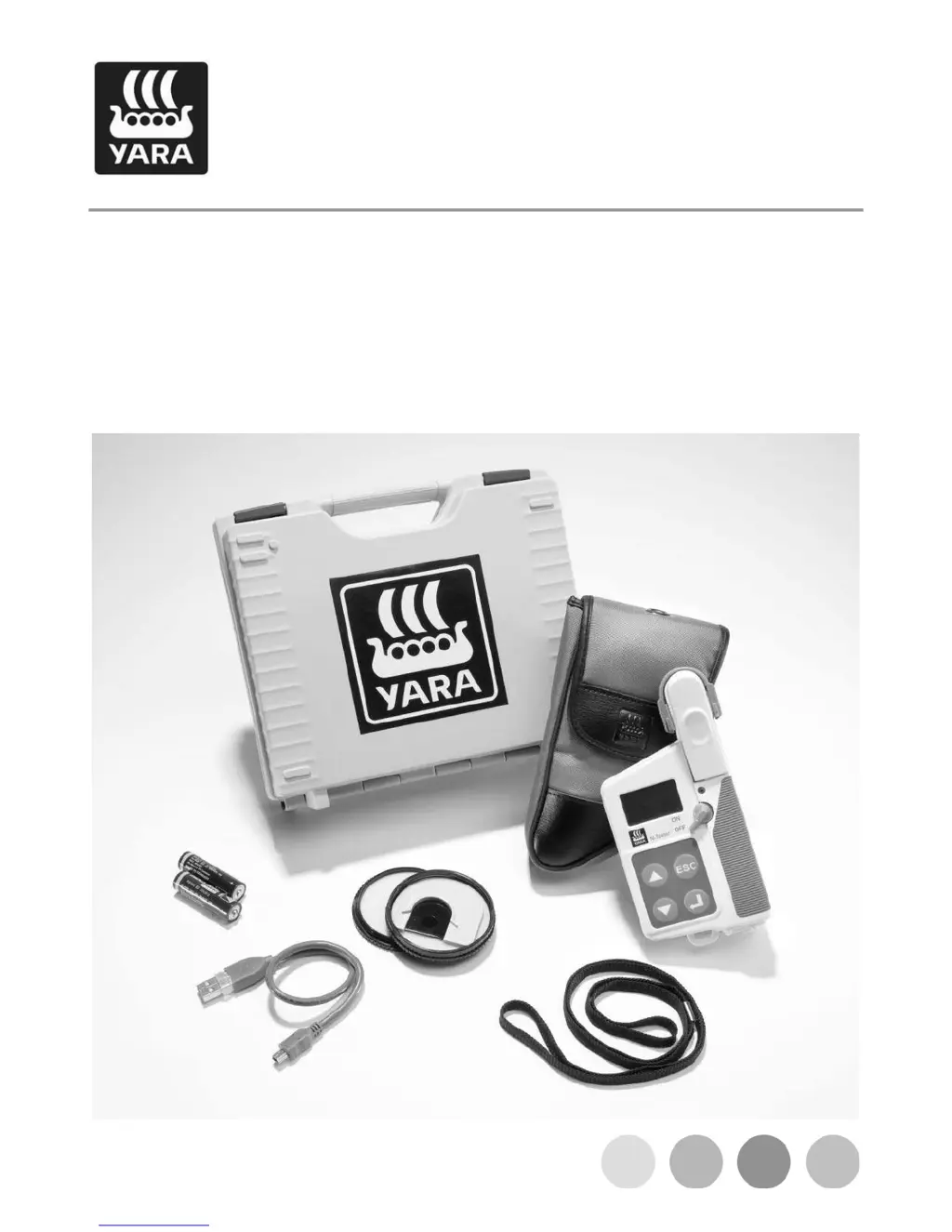
Yara N-Tester - User Manual

Yara N-Tester
28 pages
Print Icon
To Next Page IconTo Next Page
Loading...
N-Tester
Instruction manual

Questions and Answers

  • X
    xgreenJul 27, 2025
    How to fix a blank display on Yara N-Tester Measuring Instruments?
    • S
      Samuel Olson MDJul 28, 2025
      If your Yara Measuring Instruments device display remains blank after switching it on, it might be due to incorrectly inserted or empty batteries. Make sure to insert the batteries correctly or replace them with new ones.
  • V
    Vanessa WilliamsAug 5, 2025
    What to do if Yara N-Tester Measuring Instruments shows 'INTERRUPTED Device startup was cancelled by pushing CANCEL'?
    • K
      Kristina BrownAug 5, 2025
      If your Yara Measuring Instruments device shows 'INTERRUPTED Device startup was cancelled by pushing CANCEL', it means you likely pressed the button by accident during startup. To resolve this, simply switch the N-Tester off and then back on again.
  • W
    wesleyfarrellAug 16, 2025
    Why is there no beep on my Yara N-Tester during measurement?
    • A
      Abigail DavisAug 16, 2025
      If you're experiencing no beep during measurement or calibration, and the display isn't advancing on your Yara Measuring Instruments, it's likely that the batteries are very low. Replacing the batteries should solve this issue.

Summary

Application Errors

Device Description

Operation and Application

Starting Up

Initial steps to power on and prepare the N-Tester for use.

Requirements for Reliable Measurements

Factors critical for obtaining accurate and representative N-Tester readings.

Measurement Procedure

Carry Out Measurements

Step-by-step guide for performing measurements and evaluating results.

Calibration

Internal Calibration

Process for calibrating the N-Tester internally before use.

Field Measurement

Measuring Guide

Techniques for taking measurements, including sample slot and lighting.

N-Tester Reading

Measurement Series

Maintenance and Servicing

Calibration Check

How to verify the N-Tester's calibration using the calibration disc.

Resetting to Factory Defaults

Updating Software

Troubleshooting

Yara N-Tester Specifications

General IconGeneral
BrandYara
ModelN-Tester
CategoryMeasuring Instruments
LanguageEnglish

Related product manuals