The Exposure Counter will advance each time the Film Advance Lever is wound, and return to "S" when the
Camera Back is opened. It is engraved with the letter "S" and the numbers 1, 4, 6, up to 36. The
2
SETTING THE FILM SPEED
numbers 12, 20,
4 and 36 are marked in orange to indicate the end of film on commercially available films.4www.butkus.org
re, it is important to set the film speed correctly. The speed of the film you are using is
printed on the film box.
To obtain correct exposu
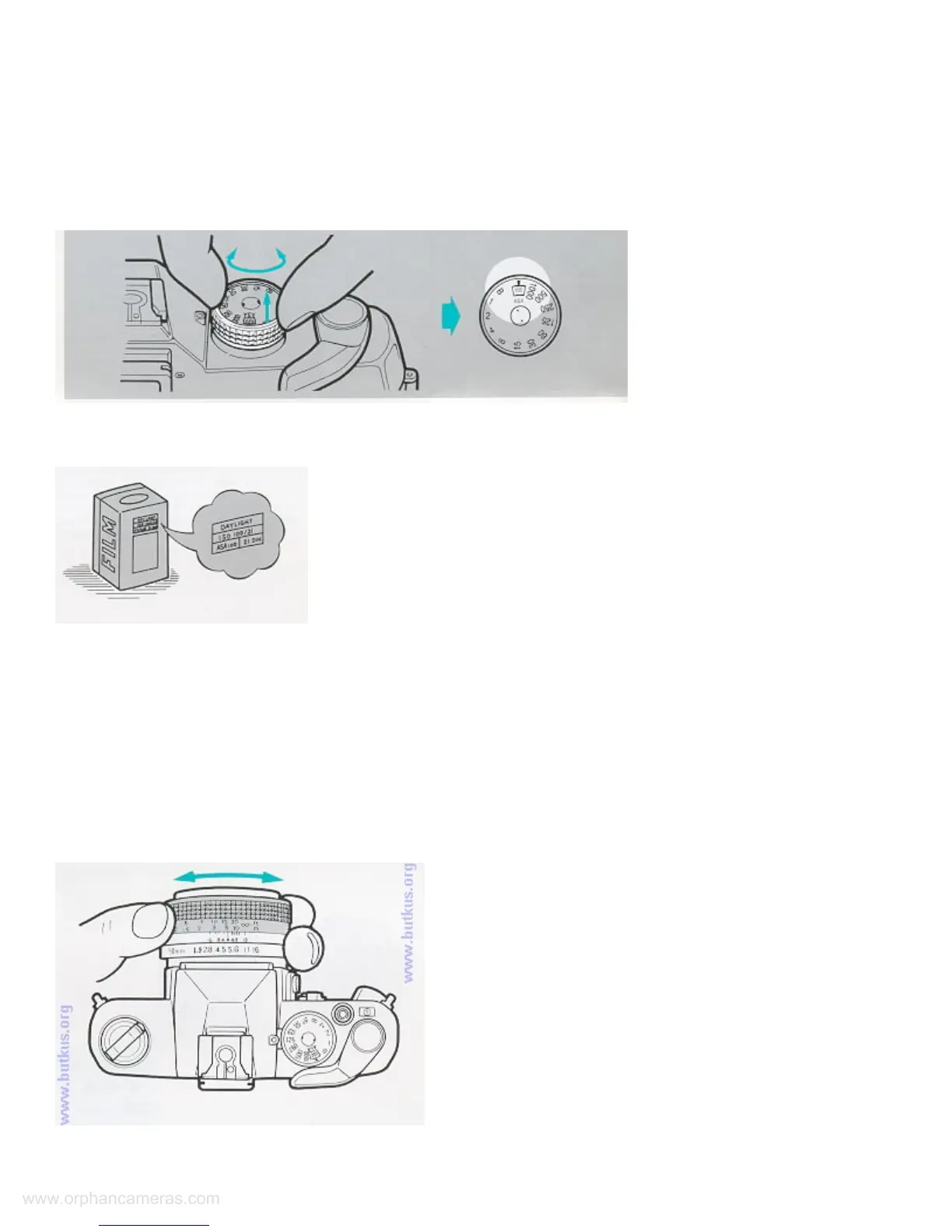
To set the film speed, lift up the Film Speed Ring and turn it until the desired ASA speed comes opposite the
index mark (^).
T
he ASA speed settings on the Film Speed Ring are as follows
ocusing is done with a split-image focusing center, microprism collar and a surrounding matte screen.
FOCUSING THE LENS
ne in split-image
center fall in line. If the two segments are not aligned, your subject is not in sharp focus.
F
<Focusing with the Split-Image>
Turn the Focusing Ring until the two segments of the image divided by the 45° diagonal li



 To Next Page
 Loading...